
AI Chibi Generator transforms photos into chibi art.
| Added on: | Aug 13, 2025 |
| Monthly Visits: | 19.99K |
| Social & Email: | -- |

What is AI Chibi Generator
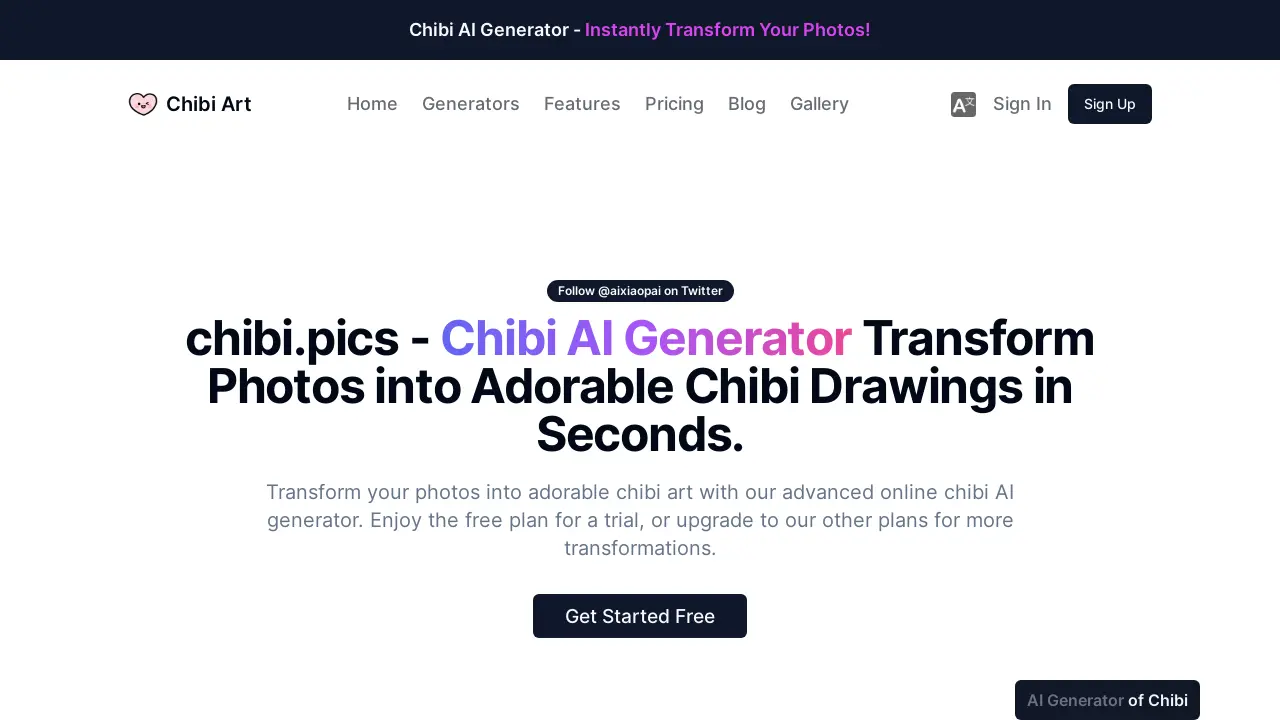
The AI Chibi Generator from chibi.pics transforms user photos into chibi art. This AI chibi maker simplifies the creation of adorable chibi characters with various styles, poses, and expressions. The platform offers a free plan, enabling users to generate chibi art from photos without requiring drawing skills. This AI chibi generator is suitable for creating avatars, stickers, or social media content, providing a quick and accessible solution for personalized chibi art.
How does AI Chibi Generator work
The AI Chibi Generator, accessible via chibi.pics, operates by leveraging advanced AI algorithms to transform user-uploaded photographs into chibi art. Users select a desired chibi style, such as 3D renders or sticker cutouts, then upload an image and provide an optional textual description for AI guidance. The platform's AI then instantly processes these inputs to generate a personalized chibi character. This ai chibi maker from photo provides free and paid plans, storing generated chibi art ai generator outputs in a personal gallery for download.
Benefits of AI Chibi Generator
The AI Chibi Generator offers an accessible platform to transform photos into diverse chibi art styles, including 3D renders and sticker-ready cutouts. This ai chibi generator from photo simplifies the creation process, requiring no technical or drawing skills, making it an ideal ai chibi maker for various users. With instant generation and high-resolution output, users can effortlessly create personalized avatars, stickers, and social media content, leveraging the ai chibi art generator for both personal and professional applications. A free plan is available to try the ai chibi generator.
Pros and Cons of AI Chibi Generator
Pros
- Transforms photos into chibi art instantly.
- Offers diverse chibi styles, including 3D.
- User-friendly interface simplifies chibi generation.
- Provides high-resolution output for downloads.
- Free plan available for trial use.
Cons
- Free plan has limited image generations.
- Higher resolution downloads require paid plans.
- Default public gallery for free tier images.
- Requires sign-in to access the AI chibi generator.
- Limited styles initially, more are "coming soon."
Core Features of AI Chibi Generator
Photo-to-Chibi Transformation
Enables users to instantly convert their personal photos into diverse and adorable chibi art, requiring no drawing skills or technical expertise.
AI Image Generation with Style Variety
Provides advanced AI generators to create various visual content like stickers, 3D models, and logos, offering diverse artistic styles including chibi, anime, and cyberpunk.
Personal Art Gallery and High-Resolution Output
Automatically saves generated chibi creations to a personal gallery for easy access and sharing, while also ensuring high-resolution downloads suitable for various uses.
Use Cases of AI Chibi Generator
- Social Media Creators: Transform photos into adorable chibi avatars and stickers using the AI Chibi Generator for enhanced engagement.
- Artists and Designers: Rapidly brainstorm character concepts and transform artwork into playful chibi styles with the AI chibi maker.
- Entrepreneurs and Merch Sellers: Create unique chibi art for merchandise like stickers and apparel using the AI chibi art generator.
- Parents and Kids: Generate personalized chibi images from photos, creating fun digital frames or unique gifts with the free AI chibi generator.
- Gamers and Cosplayers: Develop cute chibi versions of favorite characters for fan art and social media posts using the AI chibi character generator.
FAQs of AI Chibi Generator
What is chibi?
Chibi is an art style characterized by small, often exaggerated, and cute depictions of characters, animals, or objects. The term "chibi" originates from Japan and is widely used in anime, manga, and digital art to convey a sense of adorableness and playfulness.
Can I use my own photo with the AI Chibi Generator?
Yes, the AI Chibi Generator allows users to upload their own photos for transformation into chibi art. This feature enables personalization, allowing individuals to create chibi versions of themselves, friends, or family. The platform focuses on the "ai chibi generator from photo" functionality.
How does the AI chibi generator on chibi.pics work?
The AI chibi generator on chibi.pics uses advanced algorithms to analyze uploaded photos. Users select a chibi style, upload their image, and can provide a brief description to guide the AI. The system then automatically crafts a chibi drawing by analyzing facial features, expressions, and unique details.
How to draw a chibi character?
While the AI Chibi Generator automates the process, traditional chibi character drawing typically involves creating simplified, disproportionate figures with large heads, small bodies, and exaggerated features like eyes. Artists often focus on conveying cuteness and emotion through simplified lines and vibrant colors.
What is chibi art used for?
Chibi art serves various purposes, including creating avatars for social media, designing stickers, developing unique merchandise like T-shirts and keychains, illustrating educational materials, and generating characters for games or fan art. Its adorable aesthetic makes it versatile for personal and commercial use.
Is the chibi maker from photo on chibi.pics free to use?
Yes, chibi.pics offers a free plan for its chibi maker from photo. This free tier includes one image generation per month and access to a selection of style templates, with an 800x800 resolution image download and no watermarks.
Is the chibi maker from photo on chibi.pics easy to use?
Yes, the chibi maker from photo on chibi.pics is designed for simplicity. It features one-click simplicity, requiring users to merely upload a photo and select a style to generate chibi art in seconds. This user-friendly interface caters to individuals of all skill levels.
What formats of images can I use with the AI Chibi Generator?
The provided context does not explicitly list the supported image formats. However, typical AI image generators generally support common formats such as JPEG, PNG, and potentially others. Users are advised to refer to the platform's specific upload guidelines for a comprehensive list.
How much time is needed to generate a chibi image from a photo?
The AI Chibi Generator offers instant generation. Users can expect their chibi art to be crafted and ready for preview and download in real-time, often within seconds. This rapid processing ensures a smooth and efficient user experience.
What are the benefits of upgrading to a paid plan for the AI Chibi Generator?
Upgrading to a paid plan, such as Premium or Ultimate, offers increased image generations per month, priority access to the latest style templates, higher resolution image downloads (1024x1024), and the option to keep generated images private by default. These tiers enhance the user's creative freedom and output quality.
Can I share my generated chibi art to a public gallery?
Yes, users have the option to share their generated chibi art to a public gallery. By default, images generated on the free plan are posted publicly, but users can switch this off or delete images anytime. Paid plans allow users to keep images private by default and share only when desired.
How to use AI Chibi Generator
The AI Chibi Generator by chibi.pics transforms user photos into charming chibi art, offering various styles for avatars, stickers, or social media. This ai chibi generator simplifies the creation of personalized chibi drawings, requiring no drawing skills.
- Access the platform at chibi.pics and complete the sign-in process.
- Navigate to the AI image generators section and select your desired chibi style, such as sticker or 3D render.
- Upload the photograph intended for transformation into a chibi drawing.
- Provide a concise description to guide the ai chibi generator's stylistic interpretation.
- Click the "generate" button to initiate the AI processing of your image.
- Review the generated chibi art; the platform saves creations to a personal gallery.
- Download the high-resolution output for personal use, social media, or merchandise.
AI Chibi Generator Website Traffic Analysis
Latest traffic information
- Monthly Visits19.99K
- Bounce Rate34.11%
- Pages Per Visit2.91
- Visit Duration00:00:29
- Global Rank1.12M
- Country/Region Ranking625.92K
Top Keywords
| Keyword | Traffic | Volume | Cost Per Click |
|---|---|---|---|
| convert photo to chibi illustration | 130 | 320 | -- |
| ai chibi art | 120 | 130 | -- |
| chibi image generator | 110 | -- | -- |
| chibi | 100 | 85.14K | $2.6 |
| 可爱角色动态表情包生成 | 90 | 90 | -- |
Top Regions
| Region | Percentage |
|---|---|
| United States | 17.87% |
| Vietnam | 13% |
| France | 10.18% |
| Indonesia | 9.76% |
| India | 8.99% |
AI Chibi Generator Alternatives
Browser workspace for AI image generation, reference photo editing, and short video drafts, aimed at creators, marketers, and product teams.
AI design studio for architects and designers: turn sketches, model views, and room photos into rendering concepts, material studies, and staged interiors.
Browser studio for AI video, image and music generation with Grok Imagine, Kling and GPT Image models. Free daily credits, no sign-up required.
Mareel is an all-in-one AI video and image generation workspace giving creators, marketers, and ecommerce teams 40+ leading models and one shared credit balance.
An AI cartoon video generator that turns a script or prompt into an animated video with the same character in every scene, AI voiceover and soundtrack, and commercial rights included.
Upload one selfie to preview 120+ cuts, colors and bangs rendered on your own face in about 20 seconds, then take the reference sheet to your barber.
Pet to Art is a free AI pet portrait generator that turns one clear pet photo into custom digital artwork across 170+ styles, canvas ratios, and 2K downloads.

MixVio runs 21 video, image and audio models in one browser workspace, plus 11 creator tools, with exact credit cost shown before every generation.
Create and edit images with Image 2.5 by GPT. Sunburst for precision, Flare for speed, up to 4K, 6 quality modes, and transparent PNG/WebP output.
Generate and edit AI images with Nano Banana Pro. Blend up to 14 images, render crisp text, and create 4K visuals online with studio controls.
Browse curated AI image and video prompts with real results and creator attribution, copy-ready for GPT Image, Nano Banana, Midjourney, and more.
Free unlimited image to prompt generator. Upload any image and get a detailed, accurate AI prompt for Midjourney, Stable Diffusion, FLUX and more in seconds.