
WanVideo AI FAQs
WanVideo AI generates videos, images, and music, utilizing Alibaba's Wan2.1, Flux AI, and Suno AI technologies for creative content.

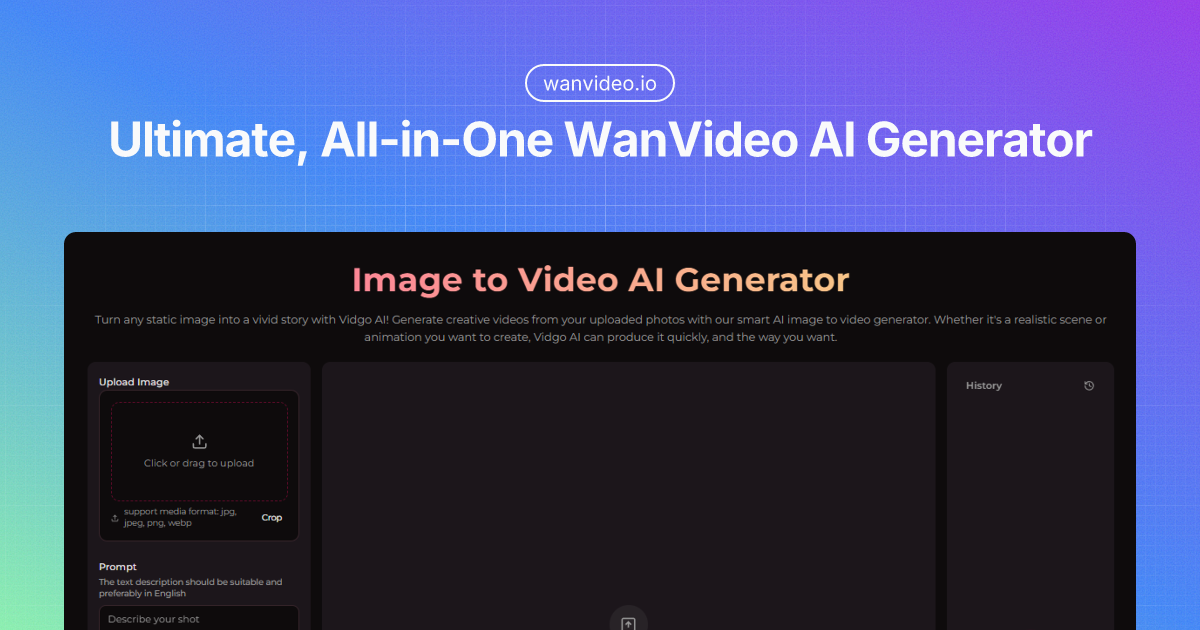
FAQs of WanVideo AI
What is WanVideo AI?
WanVideo AI is a comprehensive AI creative platform combining technologies from WanVideo, Flux AI, and Suno AI. It allows users to create professional-quality videos, images, and music using cutting-edge AI technology in one centralized location.
How do I start using WanVideo AI?
To begin using WanVideo AI, select the desired tool for video, image, or music generation. Then, upload the necessary source material or input a text prompt, choose preferred styles or settings, and let the AI generate the content. The platform's design allows for accessibility to all users.
What technologies are behind WanVideo AI's video generation?
WanVideo AI utilizes Alibaba's open-source Wan2.1 model for video generation. This model supports both text-to-video and image-to-video processes, delivering high-definition quality and multiple style options, surpassing existing open-source and commercial options.
What is Flux AI and how is it implemented in WanVideo AI?
Flux AI, developed by Black Forest Labs, is an image generation technology integrated into WanVideo AI. Utilizing advanced models like Flux.1 Pro, it offers text rendering, adherence to prompts, and support for various resolutions and aspect ratios, ideal for producing high-quality images.
How does the Suno AI Music Generator function?
The AI Music Generator within WanVideo AI leverages Suno AI technology to convert text descriptions into original, high-quality music tailored to user specifications. Users can describe the mood, style, or elements they want, and the AI will create custom music with vocals and instrumentation.
Is my content protected when using WanVideo AI?
Yes, privacy is a priority. WanVideo AI ensures that no data is collected from uploaded or created content. User creative assets remain private and secure when using the platform, ensuring data protection.
What can I expect for the processing speed on WanVideo AI?
WanVideo AI provides optimized processing speeds through efficient implementation of advanced AI models. Processing times depend on request complexity and tool usage, but the systems are designed to deliver high-quality results efficiently, minimizing user wait times.
Will my WanVideo AI creations have watermarks?
No, creations made with WanVideo AI can be downloaded without watermarks. This guarantees a professional final product that's ready for various projects and applications.
Is WanVideo AI accessible on mobile devices?
Yes, WanVideo AI is fully responsive and accessible on both desktop and mobile devices. This allows users to create videos, images, and music from anywhere, whenever inspiration strikes.
What are the pricing options for WanVideo AI?
WanVideo AI has flexible pricing options, including a free tier and premium plans with more features and higher usage limits. More detailed information can be found on the pricing page.
Does WanVideo AI offer other video AI tools?
Yes, WanVideo AI provides tools such as the AI Kissing Video Generator and the AI Hug Video Generator, in addition to the Picture to Video AI Generator and Text to Video AI Generator. Each video generation uses 20 credits.
Where can I find the source code for WanVideo AI?
The source code for WanVideo AI is not directly available on GitHub. However, the platform utilizes the open-source Wan2.1 model by Alibaba for its text-to-video and image-to-video capabilities, which might have related repositories.
How to use WanVideo AI
WanVideo AI is a platform offering AI tools for creating videos, images, and music. It utilizes technologies like Wan2.1, Flux AI, and Suno AI to generate content from text or image inputs.
- Begin by signing into your WanVideo AI account or creating a new one to access the platform's features.
- Select your desired tool, like the Text to Video AI generator or AI Image Generator, based on your creative needs.
- Input your text prompt or upload the image you wish to transform using the selected AI tool.
- Customize your output by choosing from available styles, resolutions, and other relevant settings to tailor the generation.
- Initiate the AI process and review the generated output. WanVideo AI processes the data efficiently.
- If satisfied, download your creation without watermarks, ensuring a professional finish. Adjust parameters and regenerate if needed.
- Utilize your creations for various projects, leveraging WanVideo AI's capabilities for video, image, and music production.
- Monitor your credit usage within your chosen pricing plan to manage your AI generation activities effectively.
- Explore WanVideo AI's other tools and models like WanVideo imageclip encode using the credits for added creativity.
