
VidFlux FAQs
VidFlux AI turns text, images, or reference videos into professional MP4s in under a minute, letting marketers, creators, and educators produce videos quickly with Veo 3 and Sora 2.

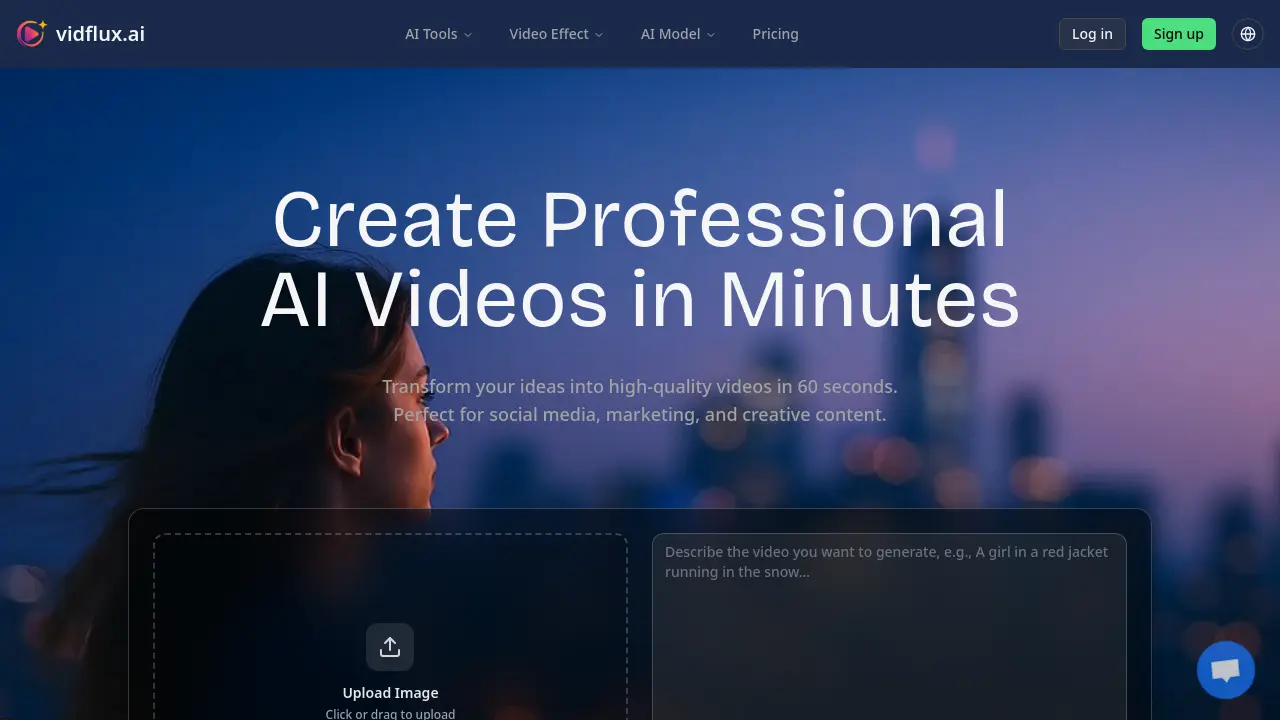
FAQs of VidFlux
How long does it take to generate a video?
VidFlux typically completes a 60‑second video in 30 to 60 seconds, depending on the chosen AI model, resolution, and length. Higher‑resolution outputs or more complex prompts may extend processing time slightly, but the platform is optimized for rapid generation to support quick content creation for social media, marketing, and educational use.
Can I use generated videos commercially?
Yes. All VidFlux plans grant commercial usage rights for the videos produced. The platform removes watermarks for paid users, and the generated content can be used in advertisements, product demos, corporate training, and other commercial projects without additional licensing fees.
What video formats and aspect ratios are supported?
VidFlux exports videos in MP4 format, the industry standard for web and mobile playback. Supported aspect ratios include 16:9 (landscape), 9:16 (portrait), and 1:1 (square), allowing creators to tailor content for TikTok, Instagram Reels, YouTube Shorts, and other platforms. Users can also specify custom resolutions for specialized needs.
What makes VidFlux different from other AI video tools?
VidFlux distinguishes itself by integrating multiple leading AI models—such as Google Veo 3.1, OpenAI Sora 2, and Kuaishou Kling AI—within a single interface. It offers batch processing, custom watermarking, HD/4K output, and commercial rights, all bundled in flexible credit‑based plans that cater to both individual creators and professional studios.
Need more help?
Support is available through VidFlux’s help center, community forums, and direct email at support@vidflux.ai. Users can also access detailed documentation, tutorials, and FAQs on the website to troubleshoot common issues or learn advanced features.
Which AI models does VidFlux use for video generation?
VidFlux leverages a suite of industry‑leading models: Google Veo 3.1 for realistic motion, OpenAI Sora 2 for photorealistic rendering, Kuaishou Kling AI for dynamic consistency, xAI Grok Imagine for artistic style, and WAN for creative visual effects. Each model can be selected per project to match the desired style and output quality.
Does VidFlux support batch processing for large projects?
Yes. The platform’s batch processing feature allows users to queue multiple videos simultaneously, streamlining production for marketing campaigns, educational series, or social media calendars. Batch jobs can be scheduled, monitored, and managed through the dashboard, ensuring efficient workflow for studios and agencies.
How does the credit system work on VidFlux?
VidFlux operates on a credit‑based model. Each video consumes a set number of credits—typically 50 credits per 60‑second video—depending on the chosen resolution and model. Users can purchase credit packages or subscribe to monthly plans (Basic, Pro, Studio) that provide discounted rates and additional benefits such as priority processing and commercial rights.
Is there a free trial available for new users?
Yes. New users can sign up for a free trial that includes a limited number of credits, allowing them to test text‑to‑video, image‑to‑video, and video‑to‑video features. The trial provides a hands‑on experience before committing to a paid plan, ensuring the platform meets the user’s creative needs.
Can I download videos from VidFlux, and are there any restrictions?
Videos generated on VidFlux can be downloaded directly in MP4 format. Paid plans remove watermarks and grant full commercial rights, while free or trial accounts may include a watermark. Downloaded files are ready for distribution across social media, websites, or offline presentations, with no additional licensing constraints beyond the plan’s terms.
How to use VidFlux
- VidFlux, also marketed as vidfly or vidfly ai, is an AI video generation platform that transforms text, images, or reference videos into high‑quality MP4s, offering text‑to‑video, image‑to‑video, and video‑to‑video capabilities.
- Users access VidFlux via the vidfly.in website, signing up or logging in through the web interface; a free trial grants initial credits for testing text‑to‑video features.
- Select the desired generator—Text to Video, Image to Video, or Video to Video—by clicking the corresponding tab on the dashboard; each links to specific AI models, including vidflex and vidlux.
- For Text to Video, enter a