
Video to Text Introduction
This AI transcription tool converts video and audio files into text with speaker labels, timestamps, and support for 99 languages, ideal for subtitles, meetings, and content creation.

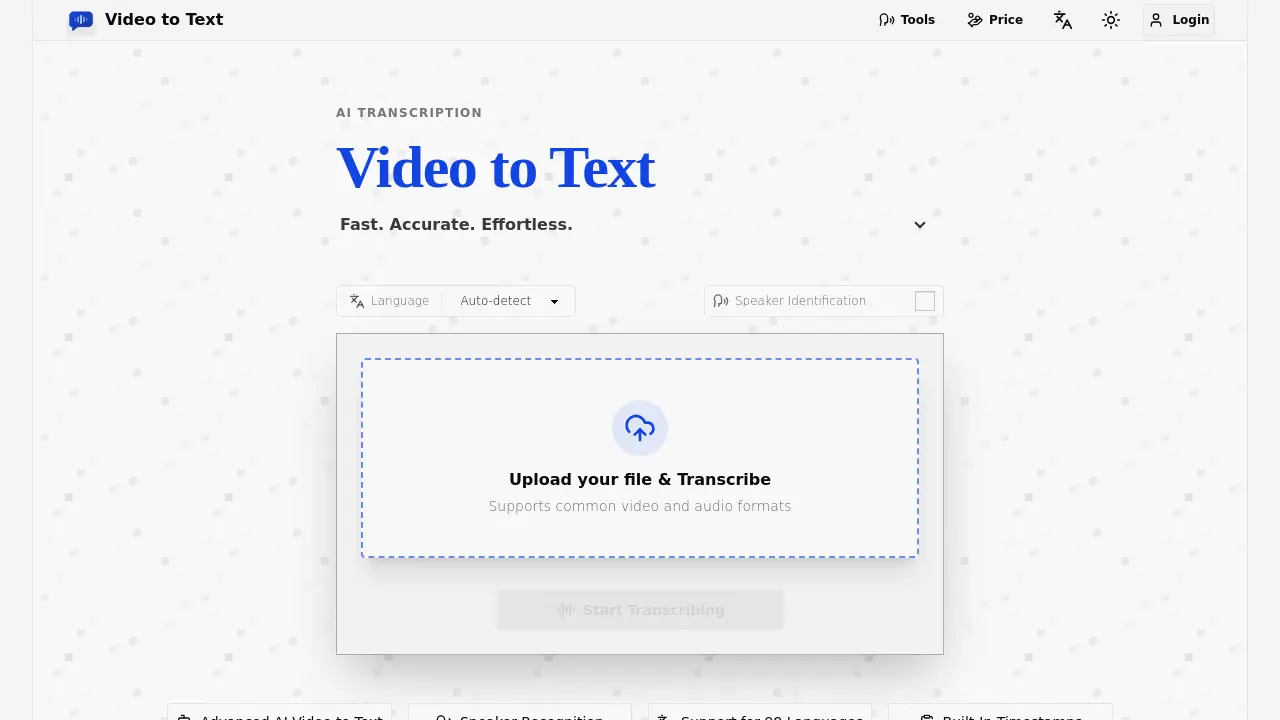
What is Video to Text
Video to Text is an AI-powered transcription tool that converts video and audio files into accurate, searchable text. It supports 99 languages, speaker identification, and built-in timestamps, making it ideal for subtitles, meeting notes, interviews, and multilingual content workflows. The tool offers fast processing, automatic language detection, and export options in TXT, SRT, VTT, and CSV formats. New users receive 30 free transcription minutes, with pay-as-you-go pricing starting at $9.90 for 200 minutes. Video to Text supports common file formats like MP4, MOV, MP3, and WAV, and handles up to 5 GB files with a 10-hour maximum length.
How does Video to Text work
Video to Text is an AI-powered transcription service that converts video and audio files into accurate, searchable text. It supports 99 languages, including English, Spanish, French, German, Chinese, and Japanese, with automatic language detection and multi-language recognition for mixed-language recordings. The platform offers speaker diarization to identify different speakers, timestamped transcripts for subtitles and editing, and exports in TXT, SRT, VTT, and CSV formats. Users can upload files up to 5 GB and 10 hours long in formats like MP4, MOV, MKV, MP3, WAV, and FLAC. The service provides a simple pay-as-you-go pricing model, starting with 30 free minutes for new users, and is designed for creators, educators, journalists, and teams needing fast, reliable transcription.
Benefits of Video to Text
Video to Text offers fast, accurate AI transcription for video and audio files, supporting 99 languages with automatic detection. Its advanced features include speaker identification, timestamps, and multi-language recognition, making it ideal for subtitles, meeting notes, interviews, and multilingual content workflows. The tool supports common formats like MP4, MOV, MP3, and WAV, with export options in TXT, SRT, VTT, and CSV. Users benefit from a simple upload-to-export workflow, 30 free transcription minutes for new users, and pay-as-you-go pricing starting at $9.9 for 200 minutes. This efficient solution enhances accessibility, content creation, and productivity for creators, teams, and learners.
Pros and Cons of Video to Text
Pros
- Supports 99 languages.
- High accuracy transcription.
- Speaker identification included.
Cons
- Limited file size (5 GB).
- No subscription options.
- Pay-per-use pricing.
