
SongMaker AI FAQs
SongMaker AI converts a text prompt into a full song with melody, instruments, and vocals, allowing style selection, variation generation, and instant track export.

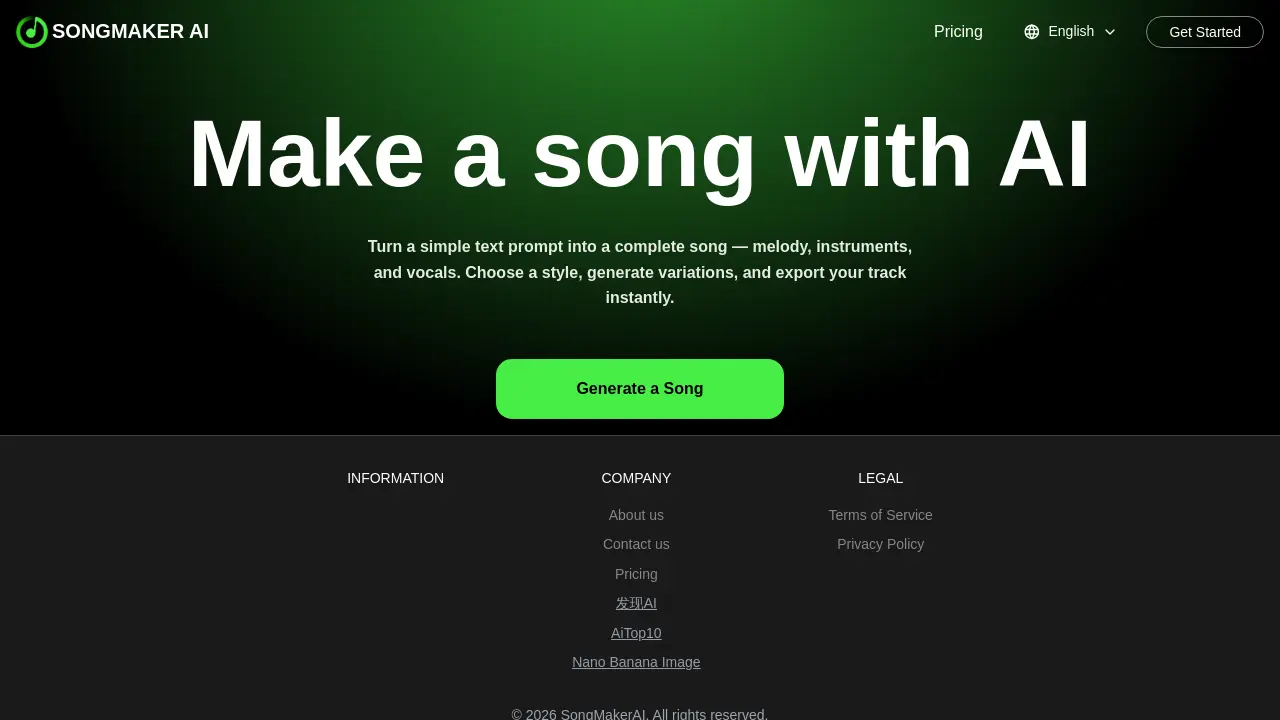
FAQs of SongMaker AI
What is SongMaker AI?
SongMaker AI is a web‑based artificial intelligence platform that transforms simple text prompts into fully produced songs, including melody, instrumentation, and vocal tracks. It is designed for musicians, content creators, and hobbyists who want to generate music quickly without extensive production knowledge.
How does SongMaker AI generate songs from text prompts?
SongMaker AI uses a text‑to‑song generation model that interprets user prompts, selects appropriate musical styles, and composes melodies, harmonies, and rhythms. The AI then layers virtual instruments and vocal samples to produce a complete track that can be previewed and edited directly in the browser.
Is SongMaker AI free, and does it require sign‑up?
SongMaker AI offers a free tier that allows users to generate songs without creating an account or signing up. The free version provides basic export options and limited style choices. For higher quality stems, advanced customization, or commercial usage, users can subscribe to a paid plan.
Can I download or export songs created with SongMaker AI?
Songs created with SongMaker AI can be exported in MP3 format directly from the web interface. Users can also download the full project file for further editing in digital audio workstations. The export feature is available on both free and paid accounts, though paid users receive higher bitrate options.
What languages and styles are supported by SongMaker AI?
SongMaker AI supports multiple musical styles, including lofi, pop, rock, and electronic. It also offers language options such as English, Hindi, and Dutch (Nederlands). Users can specify the desired style and language in the prompt, and the AI will generate lyrics and melodies accordingly.
How to use SongMaker AI
- SongMaker AI converts simple text prompts into complete songs, providing melody, instrumentation, vocals, and style customization, all available for free online without sign‑up.
- Navigate to https://songmakerai.net/, where the free song maker AI interface loads instantly; no download or app installation required for quick creation. Screenshot: prompt input field.
- A descriptive lyric or theme is entered in the prompt box; the text‑to‑song maker AI interprets it to generate musical structure.
- A genre or mood is chosen—options include lofi, Hindi, Nederlands, or custom—before generating to tailor the song maker AI output.
- The generate button is activated, rendering a preview with audio playback, allowing listening to the song maker AI creation before export.
- The export icon is selected to download the finished track in MP3 format; the free song maker AI provides instant download without additional fees.
- The exported audio and accompanying lyric sheet are analyzed to assess melody, rhythm, and lyrical coherence, guiding further refinement or project integration.
- Generated tracks are leveraged for podcasts, videos, or personal music portfolios, citing SongMaker AI as the source to comply with copyright terms.
