
Seedance 2 FAQs
Seedance 2 is an AI video generation tool for advertisers, SNS managers and creators, converting Japanese text or images into 15‑second videos with selectable resolution and optional voice tracks.

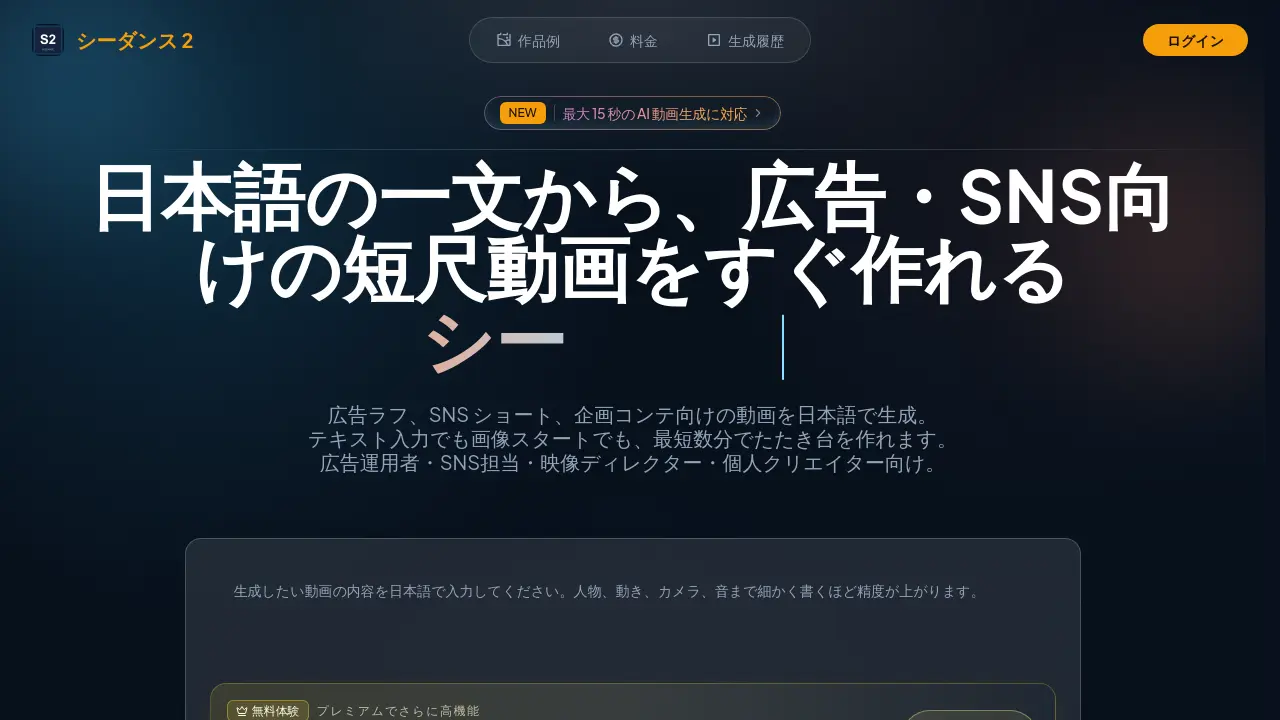
FAQs of Seedance 2
Are Seedance 2.0 and Seedance 2 the same product?
Seedance 2 and Seedance 2.0 both refer to the same AI video‑generation service. The website predominantly labels it as Seedance 2, but you may also encounter “2.0” in searches or reviews; both names denote the same product.
Up to how many seconds can you generate a video with Seedance 2?
Seedance 2’s public settings support short‑form video generation ranging from 3 seconds to 15 seconds. Within this range, you can choose the length that fits purposes such as rough ad concepts or short‑form social‑media videos.
What resolutions are supported?
By default, video is output at 480p. If required you can select higher‑quality settings such as 720p or 1080p. Users can specify the optimal resolution based on the generation requirements and final output purpose.
Is it possible to generate a video from an image?
Yes. Seedance 2 includes an Image‑to‑Video feature that lets you upload a starting image and add motion. You can also specify an ending image if needed, supporting a workflow that turns stills into short clips.
Can you create a video with audio?
The supported settings allow you to enable native audio, which generates sound and dialogue alongside the video. Audio‑enhanced videos are useful for creating more polished drafts or proposal materials.
How is credit consumption determined?
Credit usage varies with the length of the video, the chosen mode, and whether audio is generated. The maximum number of creations listed on the pricing page is a guideline calculated at the lowest‑cost settings; actual consumption depends on the specific settings you choose.
Is commercial use possible?
Whether the generated content can be used commercially and the associated rights must be verified by the user. If you plan to use the output for commercial purposes, we recommend confirming compliance with your company’s internal or legal department standards beforehand.
What features can you try with the free trial?
The free trial uses Seedance 1.5 Pro and allows you to generate a 5‑second video at 480p with audio. To use higher‑quality settings (720p or above) or generate longer videos (10 seconds or more), you need to register for a premium plan.
For what purposes is Seedance 2 designed?
Seedance 2 is intended for rough ad production, short‑form social‑media videos, concept contest mock‑ups, and preliminary video planning. Its primary audiences are ad operators, social‑media coordinators, film directors, and independent creators.
What input methods other than text are available?
In addition to Text‑to‑Video with Japanese prompts, Seedance 2 supports Image‑to‑Video, which adds motion to still images. These varied input methods enable more flexible video production.
What pricing plans are available?
Seedance 2 offers a Starter plan with 5,890 credits annually, a Creator plan with 17,795 credits, and a Studio plan with 29,700 credits. Each can be contracted monthly or annually (‑17 % discount) to meet needs ranging from personal trials to continuous bulk generation for teams.
How to use Seedance 2
Seedance 2 functions as a Japanese‑optimized AI video generator, converting text prompts or uploaded images into short‑form videos up to fifteen seconds, supporting 480p–1080p resolution and optional audio.
Access the web interface, log in, and select either “Text to Video” or “Image to Video” mode; the layout displays clear input fields and credit‑usage indicators.
Enter a concise Japanese description or upload a starting image, then configure length, resolution, and audio options before confirming the generation request.
Initiate processing; the platform renders the preview within minutes, displaying a progress bar and estimated credit consumption based on chosen settings.
Review the resulting video, checking visual continuity, motion dynamics, and audio synchronization; compare against the original prompt to assess relevance and quality.
Export the final clip via the download button or embed link, then integrate it into advertising drafts, SNS posts, or presentation decks to achieve faster content production.