
Seedance 2 AI Free Online Video Generator with Multi-Shot

What is Seedance 2 AI
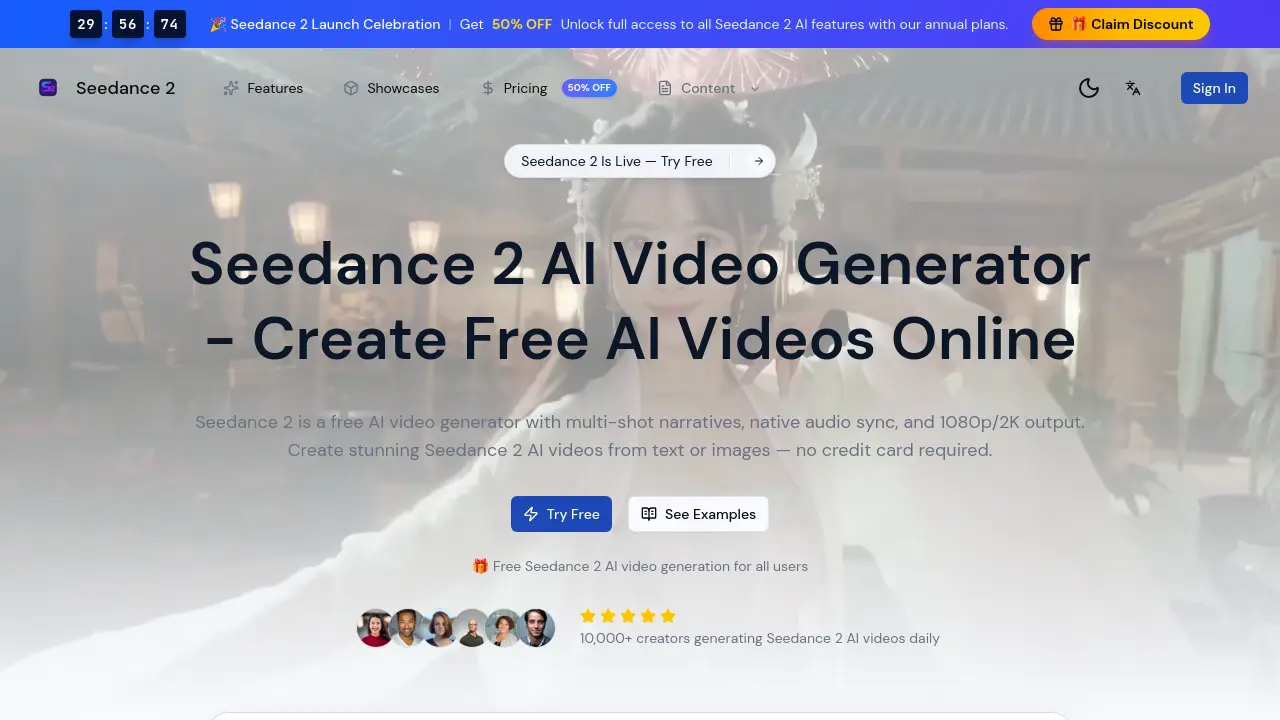
Seedance 2 AI is a free AI video generator that creates videos from text or image inputs. It supports multi-shot narratives with consistent characters and scenes, native audio synchronization for dialogue, and outputs up to 2K resolution. The platform accepts multimodal input, allowing up to nine reference images and three video clips alongside text prompts for richer context. Compared to Seedance 1.0, it offers 30% faster generation, improved motion coherence, and longer video durations. Key features include a commercial license, an API for developers, and multiple style options like realistic, cinematic, and anime. With no credit card required for initial use, Seedance 2 AI serves content creators, marketers, and educators seeking efficient, high-quality video production for social media, campaigns, prototyping, and educational materials.
How does Seedance 2 AI work
Seedance 2 AI operates as a cloud-based video generation platform that converts text prompts or static images into coherent video sequences. Its core engine employs advanced algorithms to support multi-shot narratives, ensuring character and scene continuity across different angles. The system integrates native audio synchronization, automatically aligning generated speech with lip movements without post-production editing. Multimodal input is accepted, referencing up to nine images and three video clips to enhance context and accuracy. Output is rendered in 1080p or 2K resolution, with processing times typically between 30 and 90 seconds. This functionality enables scalable content creation for marketing, education, and social media, accessible through a free tier with credit-based usage and paid plans for extended features.
Benefits of Seedance 2 AI
Seedance 2 AI is a free video generator offering multi-shot narrative support and native audio synchronization. It converts text or images into 1080p/2K videos with realistic motion, accepting up to nine images and three clips for multimodal input. Generation is 30% faster than previous versions, and outputs include a commercial license for professional use. This accessible tool supports content creators, marketers, and educators with efficient, high-quality video production without requiring post-production audio editing.
Pros and Cons of Seedance 2 AI
Pros
- Free access with no credit card required.
- Supports 1080p and 2K resolution output.
- Multi-shot narratives for cohesive stories.
- Native audio sync for talking-head videos.
- Accepts up to 9 images and 3 video clips.
Cons
- Free tier limited to 5-second videos.
- Audio disabled in free "Lite" version.
- Credit-based model usage constraints.
- Unclear commercial licensing terms (FAQs blank).
- No specified maximum video length.
Core Features of Seedance 2 AI
Multi-shot Narrative Generation
Creates cohesive multi-shot video stories with consistent characters and scene synthesis across multiple camera angles for professional narrative content.
Native Audio Synchronization
Automatically aligns dialogue and sound effects during video generation, eliminating post-production audio editing for talking-head videos and narrative content.
Text-to-Video Generation
Converts detailed text prompts into cinematic videos with accurate motion control and improved prompt understanding, producing high-quality scenes.
Image-to-Video Conversion
Animates still images into dynamic videos with realistic motion effects like moving clouds and water ripples, ensuring smoother transitions than previous versions.
High-Resolution Video Output
Generates videos in 1080p and 2K resolution, providing professional-grade visual clarity suitable for social media, marketing, and creative projects.
API Integration
Provides an API for developers to integrate Seedance 2 AI video generation into applications, supporting text-to-video, image-to-video, and batch processing.
Use Cases of Seedance 2 AI
- Social media influencers: Generate engaging multi-shot narrative videos for platforms like TikTok and Instagram using text prompts.
- Marketing teams: Produce professional product advertisement videos with native audio sync, eliminating post-production editing.
- Game developers: Create cinematic cutscene mockups rapidly with image-to-video conversion for game environment visualization.
- Educators: Develop visual science lesson videos by transforming complex concepts into animated explanations via text-to-video.
- Application developers: Integrate Seedance 2 AI's video generation API to offer users custom video creation from text or images.
FAQs of Seedance 2 AI
Is Seedance 2 AI free to use?
Yes, Seedance 2 AI is a free AI video generator that allows users to create videos without any subscription fees. There is no requirement for a credit card to start, and the platform provides free credits or a free tier for daily video generation. Users can access core features like text-to-video and image-to-video at no cost, making it accessible for experimentation and light use.
What is new in Seedance 2 compared to Seedance 1.0?
Seedance 2 AI introduces significant improvements over Seedance 1.0, including multi-shot narrative support for cohesive storytelling, native audio synchronization with automatic lip matching, and 2K output resolution. It also processes videos 30% faster, supports multimodal input with up to nine images and three video clips, and delivers better motion coherence and realism in generated content.
What quality does Seedance 2 AI video produce?
Seedance 2 AI generates videos in high-definition quality, specifically 1080p and 2K resolutions. This ensures professional-grade output with enhanced visual clarity and detail, suitable for various applications such as social media, marketing, and educational content. The quality surpasses previous versions with improved resolution and fewer artifacts.
How long does Seedance 2 video generation take?
Seedance 2 AI video generation typically takes between 30 to 90 seconds on average, thanks to optimized processing that is 30% faster than earlier versions. This quick turnaround allows users to rapidly prototype ideas and create content efficiently, supporting workflows that require timely video production without long wait times.
Can I use Seedance 2 AI videos commercially?
Yes, Seedance 2 AI provides a commercial video license, permitting users to utilize generated videos in marketing campaigns, advertisements, and other commercial projects. This license removes restrictions, enabling businesses and creators to leverage AI-generated videos for profit-driven activities without additional licensing concerns.
Does Seedance 2 have an API?
Seedance 2 AI offers an API for developers, allowing integration of its video generation capabilities into external applications and services. The API supports key functions like text-to-video, image-to-video, and batch processing, facilitating automation and scalability for software projects that require AI video generation features.
How does Seedance 2 AI's multi-shot narrative feature work?
Seedance 2 AI's multi-shot narrative feature enables the creation of cohesive video stories with multiple scenes or camera angles. It automatically maintains character consistency and synthesizes scenes across shots, using advanced scene understanding to ensure continuity. This allows users to produce professional-looking narratives without manual editing, ideal for storytelling and complex video projects.
What is native audio synchronization in Seedance 2?
Native audio synchronization in Seedance 2 AI refers to the engine's ability to align dialogue and sound effects directly during video generation. It includes automatic lip matching for talking-head videos, eliminating the need for post-production audio editing. This feature streamlines the creation of speech-focused and narrative content, enhancing efficiency for creators.
What types of inputs are supported for Seedance 2 video generation?
Seedance 2 AI supports multimodal inputs, including text prompts for text-to-video generation and image uploads for image-to-video conversion. Users can provide up to nine reference images and three video clips alongside text to enrich context and improve accuracy. This flexibility accommodates diverse creative approaches, from simple descriptions to complex reference-based generation.
What are the steps to generate a video with Seedance 2 AI?
Generating a video with Seedance 2 AI involves four steps: first, access the platform for free without initial signup; second, enter a detailed text prompt or upload images for conversion; third, configure settings such as video style, duration, and aspect ratio; and fourth, generate the video and download it in MP4 format, with options up to 2K resolution for final output.
What are common use cases for Seedance 2 AI?
Seedance 2 AI is applied in various domains, including content creation for platforms like YouTube and TikTok, marketing campaigns for product promotions, game development for prototyping and cinematic cutscenes, and education for visualizing complex concepts. Its versatility supports both professional and hobbyist creators in producing engaging video content efficiently.
How to use Seedance 2 AI
Seedance 2 AI is a free, web-based AI video generation platform. Its primary function is to create short video clips from text prompts or still images, supporting multi-shot narratives and native audio synchronization for outputs up to 2K resolution.
- Users access the Seedance 2 AI platform via a web browser without requiring initial sign-up or payment information for basic generation.
- A detailed text description is input into the prompt field to guide the AI video generation. Alternatively, users can upload one or more reference images for image-to-video conversion.
- Generation parameters are configured, including video duration, aspect ratio (e.g., 16:9), visual style selection, and enabling multi-shot narrative or audio sync options where applicable.
- The generation process initiates upon clicking the appropriate button. Processing typically takes 30-90 seconds, after which the resulting MP4 video file is available for direct download.
- The output video should be reviewed for alignment with the input prompt, motion coherence, audio-visual synchronization (if enabled), and overall visual quality at the chosen resolution.
- If the initial result does not meet requirements, the prompt can be refined or settings adjusted. Iterative generation helps achieve desired results for specific use cases like content creation or marketing.
- Generated videos can be directly used for social media content, marketing prototypes, or educational materials, subject to the platform's commercial license terms for appropriate tiers.
- Advanced users can integrate Seedance 2 AI's capabilities into external applications by utilizing the provided API for automated video generation workflows.
