
Seedance 2.5 AI Introduction
Seedance 2.5 AI is an AI video generator for creators and marketers, turning text or image prompts into cinematic clips with HD export, credit‑based usage.

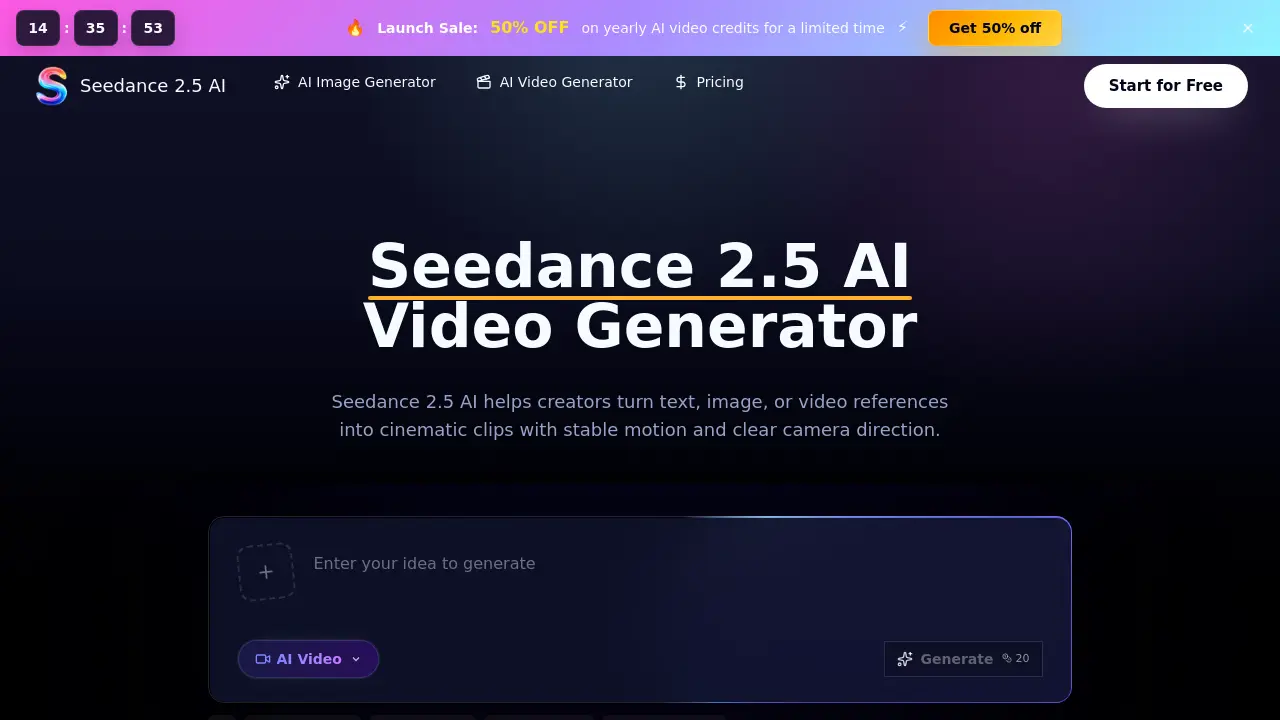
What is Seedance 2.5 AI
Seedance 2.5 AI is a browser‑based video generation platform that converts text prompts, image references, or short video clips into polished cinematic drafts. The workspace offers a straightforward three‑step workflow: enter a prompt (optionally upload a visual reference), select duration, aspect ratio and quality, then generate and download the result. By leveraging the Seedance 2.5 model, the tool maintains consistent lighting, character design, and camera motion across multiple shots, making it suitable for product teasers, social ads, e‑commerce showcases, and concept storyboards. Integrated credit management, HD export options, and a no‑watermark output support both individual creators and larger teams. Pricing plans include starter, professional, and enterprise tiers, each providing monthly credit allowances and priority rendering queues for faster iteration.
How does Seedance 2.5 AI work
Seedance 2.5 AI operates as a browser‑based video generation workspace that converts textual prompts and optional image or video references into short cinematic clips. Users input a description, select duration, aspect ratio, and quality, then the platform’s Seedance 2.5 model interprets subject, action, camera movement, lighting and physics to produce a coherent sequence with stable motion and consistent framing. Generated footage is previewed, downloaded, and managed through a credit system that deducts usage based on settings. The workflow supports text‑to‑video, image‑to‑video, and reference‑led briefs, enabling teams to create product teasers, social ads, and concept visuals without traditional filming.
Benefits of Seedance 2.5 AI
Seedance 2.5 AI is a browser‑based video generator that turns text, image, or video references into short cinematic clips with stable motion and clear camera direction. Its workflow lets users write detailed prompts, set duration and aspect ratio, then preview and download HD exports without watermarks. The platform supports text‑to‑video and image‑to‑video, maintains visual consistency across shots, and includes credit management for hobbyists, professionals, and enterprise teams. Built‑in review tools facilitate version comparison and rapid feedback, making it suitable for product teasers, social ads, ecommerce previews, and concept visualizations.
Pros and Cons of Seedance 2.5 AI
Pros
- Browser‑based workflow, no installation required.
- Supports text‑to‑video and image‑to‑video references.
- Consistent cinematic motion and camera framing across shots.
- Tiered pricing with credit‑based pay‑as‑you‑go option.
Cons
- No free tier beyond limited trial credits.
- Generation speed slower on lower‑price plans.
- Advanced features require higher‑cost Enterprise plan.
- Limited export formats; primarily HD only.
