
Seedance 2.5 AI FAQs
Seedance 2.5 AI is an AI video generator for creators and marketers, turning text or image prompts into cinematic clips with HD export, credit‑based usage.

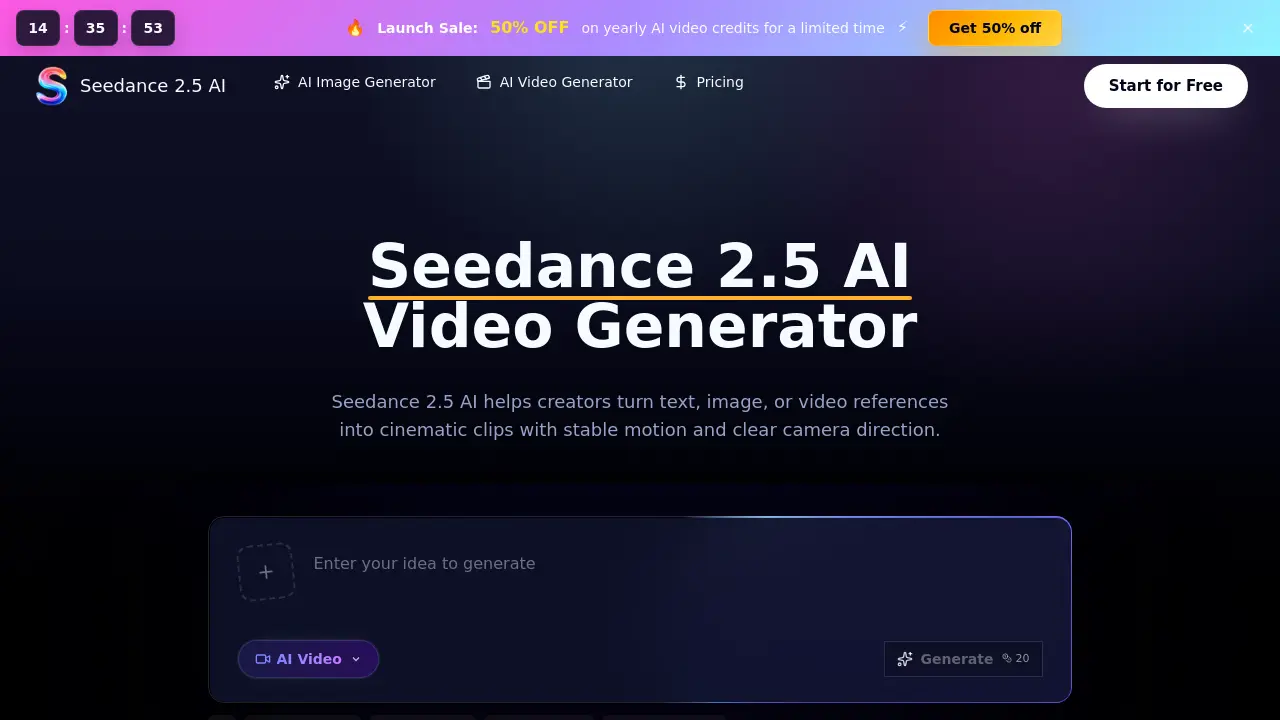
FAQs of Seedance 2.5 AI
What is Seedance 2.5 AI?
Seedance 2.5 AI is a browser‑based video generation platform that transforms text prompts, images, or video references into cinematic clips. The service manages credits, provides preview playback, and allows users to download polished drafts for social media, e‑commerce, or campaign use.
What can I create with Seedance 2.5 AI?
Users can produce product teasers, short social ads, storyboards, cinematic scenes, e‑commerce showcase clips, concept videos, and client‑ready previews. The tool supports a variety of styles, from fashion portrait loops to atmospheric environment shots.
Does Seedance 2.5 AI support image‑to‑video generation?
Yes. The image‑to‑video workflow lets an uploaded photo act as a visual reference, guiding subject identity, composition, colour palette, and motion cues while the AI animates the scene according to the written prompt.
What is the Seedance 2.5 model best at?
The Seedance 2.5 model excels at adhering to detailed prompts, delivering smooth cinematic motion, maintaining consistent lighting and character appearance across multiple shots, and handling complex camera tracking or fabric movement with realistic physics.
How do credits work in Seedance 2.5 AI?
Credits are deducted based on selected video duration, resolution, and quality settings. Each plan supplies a monthly credit allowance, and unused credits roll over within the billing period. Pay‑as‑you‑go options are also available for on‑demand usage.
When does a failed generation still consume credits?
If the model finishes generating a video but the output is later blocked by moderation, the credits are typically retained by the system and not refunded. Errors that occur before any frames are produced usually result in a credit refund.
How can I control motion and physics in my prompts?
The prompt syntax allows users to describe actors, products, lighting, and camera moves explicitly. By specifying actions such as “walk forward,” “fabric flutter,” or “camera pan left,” the system translates these cues into coherent motion and realistic physical behaviour.
What export options are available for completed videos?
Seedance 2.5 AI offers HD export formats without watermarks and includes a commercial‑use license. Users can download the final video file directly from the browser workspace, and integrations for social platforms are supported via standard video codecs.
Which pricing plan is most suitable for a small team?
The Plus plan ($29.9 /month or $178.8 /year) provides 24,000 credits annually, priority queue access, and expert customer support, making it a cost‑effective choice for professional creators and small collaborative teams.
How does the review workflow help collaborative projects?
Teams can generate multiple prompt versions, compare them side‑by‑side, adjust references, and manage credit consumption within a single dashboard. This iterative process speeds up feedback cycles and reduces the need for external editing tools.
How to use Seedance 2.5 AI
- Seedance 2.5 AI is a browser‑based video generator that transforms text, image, or video references into cinematic clips, offering credit‑based previews, exports, and motion control.
- Begin by entering a clear textual prompt describing the desired scene; optionally upload an image or video reference to guide composition, subject, and motion.
- Adjust video parameters such as duration, aspect ratio, and output quality in the settings panel, ensuring they match the intended platform or audience.
- Click the Generate button; the system allocates credits, processes the request, and displays a real‑time preview once rendering completes.
- Review the generated clip in the preview window, checking camera drift, subject consistency, lighting, and overall cinematic flow against the original brief.
- Use the built‑in comparison tools to toggle between prompt versions, noting differences in motion, pacing, or visual style for informed iteration.
- When satisfied, click Download to export the video in HD format; the file is ready for integration into social ads, product teasers, or pitch decks.
- Analyze the final output’s impact by measuring viewer engagement metrics or client feedback, then refine future prompts based on observed strengths and weaknesses.
