
SeaDance AI: Free AI Video Generator for Text and Images

What is SeaDance AI
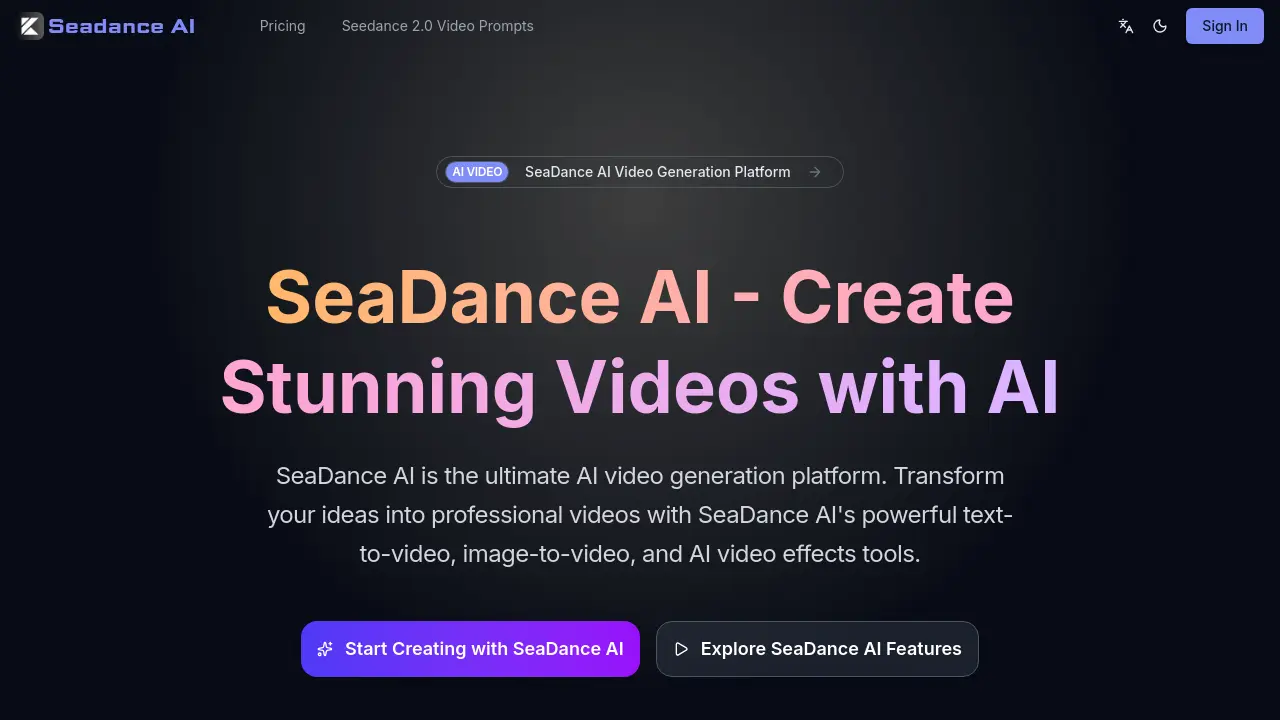
SeaDance AI is an AI video generation platform designed to convert text prompts and static images into professional-quality videos. Leveraging models such as Seedance 2.0, the service offers core functionalities including text-to-video and image-to-video generation, with support for multiple artistic styles, motion control, and high-resolution output up to 1080p. The platform targets a broad user base, from social media creators and marketing teams to e-commerce businesses and filmmakers, enabling rapid production of engaging content for ads, product showcases, and storytelling. Key benefits include accelerated workflow, reduced production costs, and consistent output quality. With tiered pricing options featuring lifetime updates and credit-based usage, SeaDance AI provides an accessible, scalable solution for AI-driven video creation across various industries.
How does SeaDance AI work
SeaDance AI operates as a cloud-based AI video generation platform, converting textual prompts or static images into dynamic video content. It integrates multiple AI models, including Seedance 2.0, Veo3, and Sora2, to process user inputs. Users can specify parameters such as resolution (up to 1080p), duration, aspect ratio, and motion control. The service functions on a credit-based system, where subscription tiers allocate monthly credits for generation. Higher plans provide enhanced processing speed, lip-sync capabilities, and commercial usage rights, targeting creators and businesses requiring scalable video production for social media, marketing, and e-commerce applications.
Benefits of SeaDance AI
SeaDance AI is an AI video generation platform that empowers creators to transform text and images into professional-quality videos. Its suite of tools includes text-to-video and image-to-video generation, supporting multiple styles and high-resolution output up to 4K. The platform streamlines video production for social media, marketing, and e-commerce, offering features like style transfer and enhancement. With fast processing and support for various AI models like Seedance 2.0, SeaDance AI provides a versatile solution for creating engaging visual content efficiently, trusted by creators worldwide for its consistent results and accessible workflow.
Pros and Cons of SeaDance AI
Pros
- Multiple AI models integrated (Seedance 2.0, Veo3, Sora2).
- Supports both text-to-video and image-to-video generation.
- Fast processing with priority options available.
- Generates high-resolution images up to 4K.
- Commercial usage rights included in Pro plan.
Cons
- Video resolution limited to 1080p across all plans.
- Credit-based system may lead to high costs for frequent use.
- Maximum video duration is only 8 seconds per generation.
- No free trial explicitly offered on the website.
- Fixed camera mode restricts dynamic movement control.
Core Features of SeaDance AI
Text-to-Video
Converts textual descriptions into video content using AI models, offering multiple artistic styles and rapid generation for efficient professional video creation.
Image-to-Video
Animates static images into smooth video sequences with high-resolution output, providing motion control to direct movement for dynamic visual presentations.
Text-to-Image
Generates detailed images from text prompts, supporting photorealistic and diverse artistic styles up to 4K resolution for versatile creative applications.
Video Effects
Applies AI-powered enhancements such as style transfer, quality upscaling, and cinematic effects to existing videos to improve aesthetic and production value.
Use Cases of SeaDance AI
- Social media managers: Generate platform-specific video clips quickly using SeaDance AI's text-to-video and style options.
- E-commerce sellers: Create product demonstration videos from static images with SeaDance AI's image-to-video tool.
- Marketing agencies: Produce high-volume ad creatives and commercials using SeaDance AI's batch processing capabilities.
- Independent filmmakers: Visualize storyboards and pre-visualize scenes with SeaDance AI's prompt-based video generation.
- Corporate communications teams: Develop internal training and announcement videos at reduced cost using SeaDance AI.
FAQs of SeaDance AI
What is SeaDance AI?
SeaDance AI is an AI-powered video and image generation platform designed to transform text or image prompts into professional-quality video content. It integrates multiple AI models, such as Seedance 2.0, Veo3, and Sora2, to offer tools for text-to-video, image-to-video, text-to-image, and video effects. The platform supports various creative use cases, including social media content, marketing, e-commerce product videos, and storytelling, with pricing plans based on monthly credit allocations.
How does SeaDance AI text-to-video work?
SeaDance AI's text-to-video function processes user-provided text descriptions through its integrated AI models to generate video sequences. Users can select from multiple artistic styles, set resolution up to 1080p, and choose aspect ratios like 16:9. The system renders the video based on the prompt, with processing speed varying by subscription tier. Additional options include generating synchronized audio and applying lip-sync features in higher-tier plans, all consuming credits based on output settings.
What video formats does SeaDance AI support?
SeaDance AI generates videos in standard digital formats compatible with most editing software and online platforms. The supported resolutions include 720p and 1080p, with a primary aspect ratio of 16:9 as indicated in the generation interface. Output files are suitable for social media, presentations, and professional use, though specific file types like MP4 are inferred from common industry standards rather than explicitly detailed in the provided information.
Can I use SeaDance AI for commercial projects?
Yes, commercial usage rights are available with the Pro Yearly subscription plan. This plan includes commercial usage permissions, allowing businesses and teams to utilize generated videos in client projects, advertisements, and monetized content. Lower-tier plans, such as Basic and Plus, are intended for personal or non-commercial use, so users should select the appropriate plan based on their intended application to comply with licensing terms.
How fast is SeaDance AI video generation?
SeaDance AI prioritizes fast processing, with generation times influenced by the selected subscription plan and video parameters. Higher-tier plans offer priority and fastest processing, reducing wait periods. User testimonials indicate that videos can be produced in minutes rather than hours, especially for standard-length clips. Exact durations depend on factors like resolution, duration, and the complexity of the AI model used, but the platform is engineered for efficiency.
Does SeaDance AI offer a free trial?
Based on the provided pricing information, SeaDance AI does not explicitly mention a free trial. All plans require a one-time annual payment with lifetime updates, and access is granted upon subscription. Users interested in testing the platform should review the available plans and features on the pricing page or contact support for any potential trial options, as none are detailed in the current context.
What makes SeaDance AI different from other AI video tools?
SeaDance AI distinguishes itself by integrating multiple advanced AI models, including Seedance 2.0, Veo3, Sora2, Nano banana, and Seedream-4, into a single platform. It offers a comprehensive creative suite covering text-to-video, image-to-video, text-to-image, and video effects, all with lifetime updates on a one-time payment model. Additional differentiators include customizable credit-based usage, support for sound effects and lip sync, and tiered processing speeds catering to various user needs.
How do I get started with SeaDance AI?
To begin using SeaDance AI, users must sign up for a subscription plan via the pricing page. After selecting a plan—Basic, Plus, or Pro—users gain access to the generator interface where they can input text or image prompts, adjust settings like resolution and aspect ratio, and generate videos. The platform provides estimated credit costs per generation, and users can manage their account and credits through the dashboard. Documentation and prompts for specific models like Seedance 2.0 are also available.
Which AI models are integrated into SeaDance AI?
SeaDance AI incorporates several AI models to power its generation tools, including Seedance 2.0, Veo3, Sora2, Nano banana, and Seedream-4. These models underlie the text-to-video, image-to-video, and other features, offering users diverse capabilities and output styles. The specific model used may depend on the generation type or user selection, with Seedance 2.0 being explicitly highlighted for video prompts. This multi-model approach enhances flexibility and result variety.
How does SeaDance AI's credit system work?
SeaDance AI operates on a credit-based system where users consume credits to generate videos or images. Each subscription plan provides a monthly credit allowance—5,000 for Basic, 12,000 for Plus, and 22,000 for Pro. The credit cost per generation varies based on factors like resolution (720p or 1080p), duration (up to 8 seconds), and options such as audio generation or lip sync. For example, a standard 720p video without audio may cost fewer credits than a 1080p video with sound, as indicated by the estimated 120-credit cost shown in the interface.
Can SeaDance AI generate videos with synchronized audio?
Yes, SeaDance AI can generate videos with synchronized audio, including sound effects and lip-sync capabilities. The "Generate Audio" option is available during video creation, though it incurs a higher credit cost as noted in the interface. Lip-sync support is specifically included in the Plus and Pro plans, allowing for basic audio-visual alignment. The audio quality and synchronization depend on the AI model and prompt complexity, enhancing the output's professional appeal for use cases like marketing or social media.
What resolutions and aspect ratios are available in SeaDance AI?
SeaDance AI supports video resolutions up to 1080p, with the default and explicitly mentioned resolution being 720p in the generator interface. Pricing plans specify 1080p for all tiers, indicating that higher resolutions are accessible depending on the subscription. The primary aspect ratio is 16:9, suitable for standard widescreen formats. Additional aspect ratios are not detailed in the context, so users should assume 16:9 as the standard unless otherwise specified in future updates or model-specific settings.
Does SeaDance AI offer motion control for image-to-video?
Yes, SeaDance AI's image-to-video feature includes motion control capabilities, allowing users to direct the movement of animated elements from static images. The platform emphasizes "Smooth Animation" and "Motion Control" as key aspects of this tool, enabling fluid and natural motion. Users can adjust motion parameters to achieve desired effects, such as subtle movements or more dynamic transitions, while maintaining high image quality throughout the animation process without explicit settings details provided.
How to use SeaDance AI
SeaDance AI is an AI video generation platform that creates videos from text or image prompts using models like Seedance 2.0.
- The process starts with the user visiting the SeaDance AI website and accessing the video generator module within the creative suite interface.
- For text-to-video, a descriptive prompt is entered; for image-to-video, an image is uploaded as the source material.
- Video parameters are configured, including resolution (720p or 1080p), aspect ratio (e.g., 16:9), duration (up to 8 seconds), and audio inclusion.
- Generation is initiated by clicking the generate button; the system deducts the required credits from the user's account based on selected options.
- Processing time varies with the AI model (e.g., Seedance 2.0) and subscription priority; a progress indicator shows the current status.
- The generated video is displayed in the preview player; users evaluate its alignment with the prompt and technical quality aspects.
- If needed, the prompt or settings are refined and the video regenerated to achieve better results.
- The final video is downloaded and used in social media content, marketing campaigns, or creative storytelling projects.
SeaDance AI Website Traffic Analysis
Latest traffic information
- Monthly Visits2.44K
- Bounce Rate35.44%
- Pages Per Visit1.8
- Visit Duration00:00:16
- Global Rank6.02M
- Country/Region Ranking2.28M
Visits Over Time
Top Keywords
| Keyword | Traffic | Volume | Cost Per Click |
|---|---|---|---|
| seadance | 1.07K | 24.04K | $0.65 |
| seeadance | 310 | 210 | -- |
| seadance try now | 140 | 140 | -- |
| sea dance ai | 130 | 420 | $0.18 |
| seedance 2.0 free use | 90 | 820 | -- |
Top Regions
| Region | Percentage |
|---|---|
| United States | 82.94% |
| India | 7.83% |
| Brazil | 3.59% |
| Indonesia | 3.37% |
| Japan | 2.26% |
