
Qwen Image Generator FAQs
This AI image generator transforms text into high-quality images with precise control, offering multiple aspect ratios and styles.

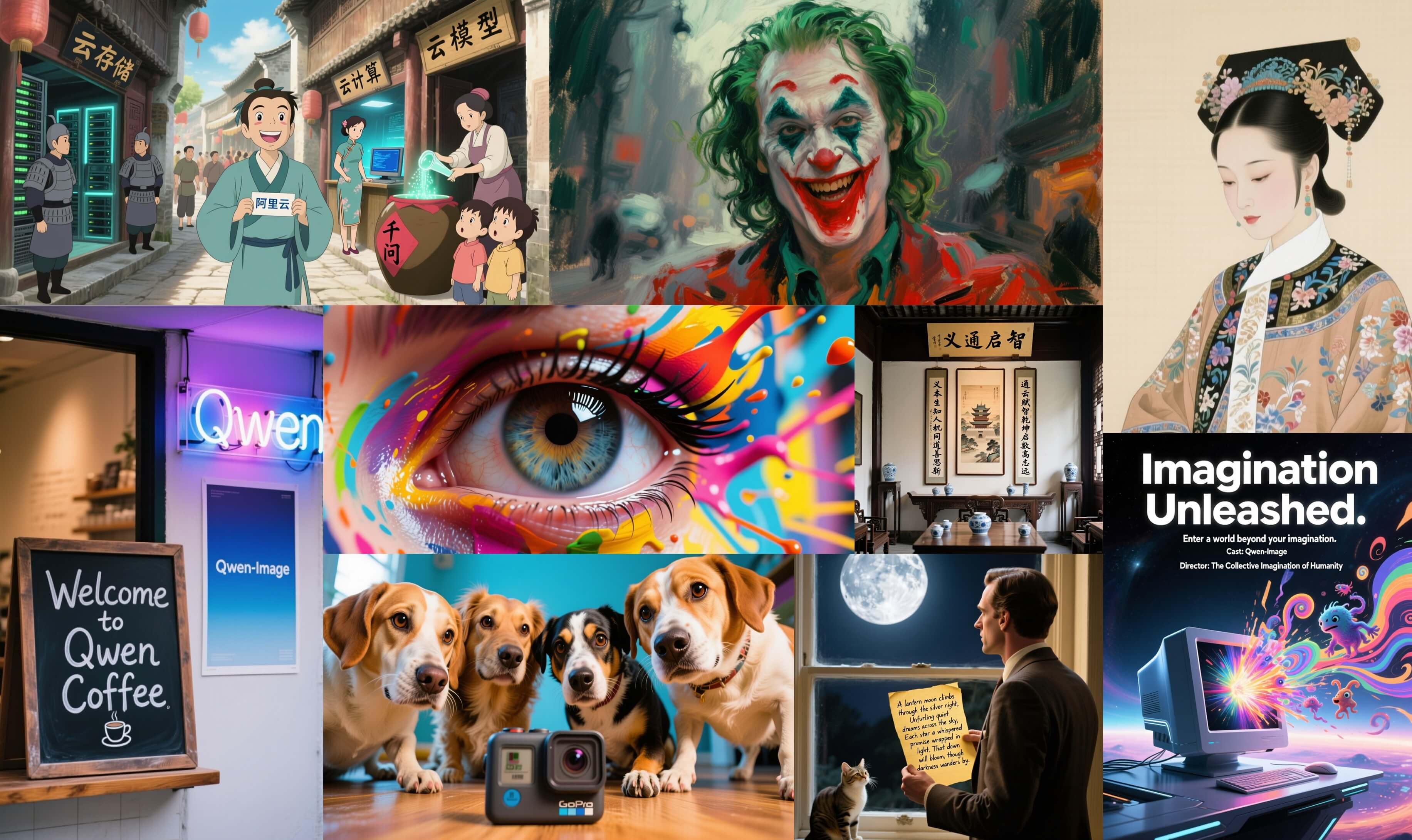
FAQs of Qwen Image Generator
What is Qwen Image Generator?
Qwen Image Generator, leveraging advanced Qwen AI models like Qwen2-VL and Flux, is an AI-powered platform that transforms textual descriptions into high-quality images. It supports various artistic styles and creative needs, providing professional AI image creation services. The platform is designed for diverse users, including digital artists, content creators, and marketers.
How do users generate images with the Qwen Image Generator?
To generate images with the Qwen Image Generator, users input a detailed text description (prompt) in English. They then select desired settings such as aspect ratio and the number of outputs. After customization, clicking the "Generate" button initiates the AI model to create high-quality images within seconds.
What image formats does the Qwen Image Generator support?
The Qwen Image Generator supports a variety of common image formats, including PNG and JPG. This flexibility allows users to choose the most appropriate format for their specific needs, whether for web display, print, or other applications, catering to diverse commercial and personal projects.
How quickly does the Qwen Image Generator process image requests?
Image generation with the Qwen Image Generator typically takes only a few seconds. The processing speed can vary based on the complexity of the requested image and the current server load. The system is continuously optimized to ensure rapid response and efficient processing for a streamlined creative workflow.
What are the available subscription plans for Qwen Image Generator?
Qwen Image Generator offers a range of subscription plans, from a free trial to professional versions, to accommodate different user needs and usage frequencies. For occasional use, credit packages are available, while frequent users may find subscription plans more suitable, providing comprehensive access to the platform's features.
Can images generated by Qwen Image Generator be used for commercial purposes?
Yes, images generated through paid plans on the Qwen Image Generator include commercial usage rights, as per the terms of service. Users are responsible for ensuring compliance with all applicable laws and regulations, and for not generating content that infringes on copyrights, trademarks, or contains inappropriate material. Images generated under the free plan are intended for personal use only.
What aspect ratios can be selected for image generation?
The Qwen Image Generator offers a variety of aspect ratio options to suit different visual requirements. Users can choose from common ratios such as 1:1, 16:9, 3:2, 2:3, 3:4, 4:3, and 9:16. This flexibility allows for precise control over the composition and framing of the generated images, enhancing creative output.
What privacy settings are available for generated images?
Users have the option to set their generated images as either "Public" or "Private." Public creations may be featured in the gallery and contribute to improving the AI model. The "Private" mode, which keeps creations confidential, is exclusively available for VIP users, offering enhanced privacy for sensitive or unreleased projects.
How to use Qwen Image Generator
The Qwen Image Generator is an AI-powered tool designed to transform text descriptions into high-quality images. It enables users to create photorealistic images, artistic illustrations, and various creative designs by inputting natural language prompts.
- Access the Qwen Image Generator platform via the provided URL.
- Input your detailed image description into the "Prompt" text box; only English prompts are supported for image generation.
- Select your desired "Aspect Ratio" for the output image from options like 1:1, 16:9, or 4:3 to suit your visual requirements.
- Choose the "Number of Outputs" you wish to generate, from one to four, to receive multiple variations.
- Adjust "Privacy Settings" to either share your creation publicly or keep it private, with private mode available for VIP users.
- Click "Generate Images" to initiate the AI image creation process, consuming one credit per generation.
- Review the generated images and download high-resolution files for personal or commercial use, depending on your plan.
