
Pregnancy AI FAQs
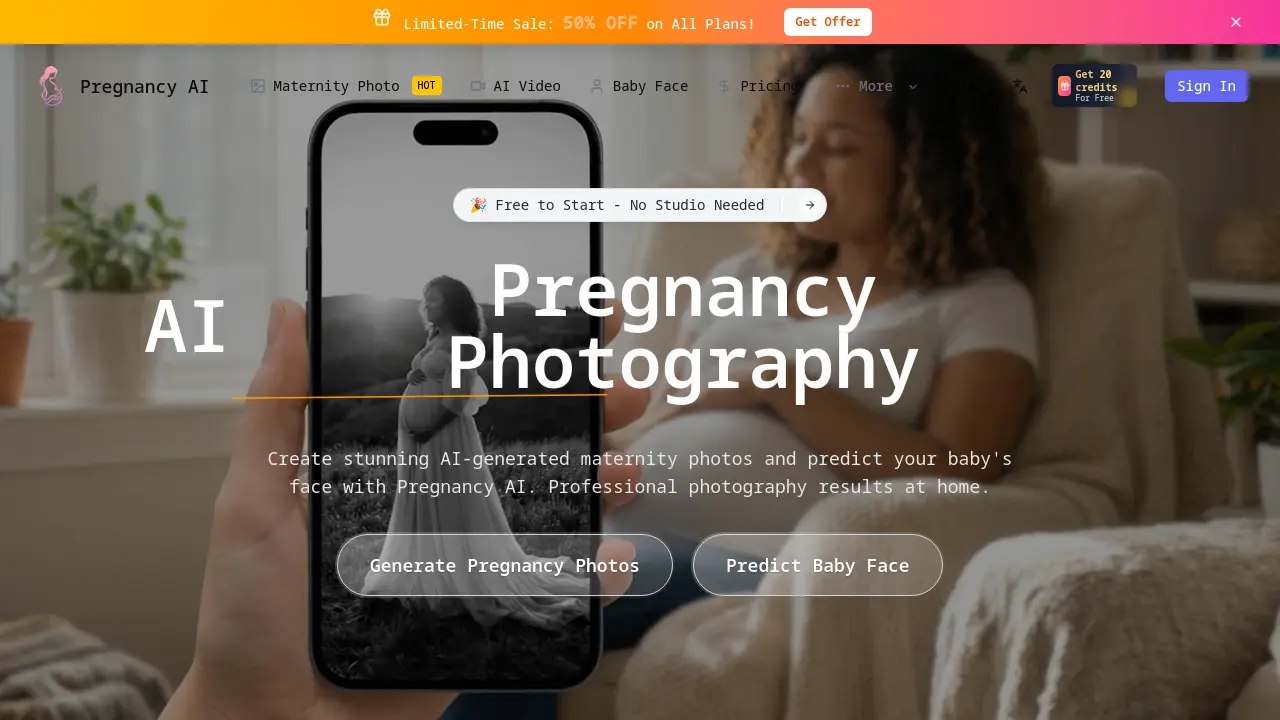
Pregnancy AI generates maternity photos and predicts baby faces for expecting mothers, delivering instant, studio‑quality images with advanced generative AI.

FAQs of Pregnancy AI
How does Pregnancy AI photo generator work?
Pregnancy AI’s photo‑generation engine uses a sophisticated Generative Adversarial Network (GAN) that takes a clear selfie as input, applies a realistic belly overlay, aligns it with selected month and style, and then outputs a studio‑quality maternity image in seconds. The tool also offers optional baby‑face prediction powered by facial‑recognition models.
Is the pregnant filter realistic?
Yes. The pregnancy filter is built on high‑resolution belly morphs derived from real‑world maternity photography. Users can adjust size from 1–9 months and choose lighting and background presets, resulting in a highly natural appearance that mimics professional studio photos.
How accurate is the baby face predictor?
Baby face prediction predicts the newborn’s appearance by analyzing parental facial features and applying deep‑learning synthesis. While visual similarity can be striking, the tool does not guarantee exact likeness; it aims to provide an entertaining approximation rather than a medical or genetic prediction.
Do I need professional photos to get good results?
No, a clear, front‑facing selfie taken with a smartphone in natural light is sufficient. The AI handles pose, lighting, and skin‑tone adjustments, so professional gear is not necessary to produce high‑quality maternity images.
How long does it take to generate maternity photos?
Once your image is uploaded, the AI completes processing in less than 30 seconds on average. Generation time depends on server load and image complexity but is consistently under one minute, enabling instant preview and download.
Is my data safe and private?
All image data is encrypted in transit and at rest. Uploaded photos are used only to generate the requested output and are automatically deleted from our servers after a short retention window, ensuring user privacy and compliance with GDPR and CCPA guidelines.
How do credits work?
Pregnancy AI operates on a credit model. One free credit is awarded upon sign‑up, and additional credits can be purchased via the pricing page. Each maternity photo or baby‑face prediction consumes one credit; the number of credits required depends on image complexity and feature usage.
Can I get a refund?
Refunds are available within 30 days of purchase if the service is not satisfied. Credit purchases are non‑transferable and will not be refunded beyond the refund window unless requested and approved by customer support.
Can I cancel my subscription anytime?
Yes. Subscriptions can be canceled directly from the account settings or via the payment provider’s dashboard. Upon cancellation, you retain access to any unused credits until the current billing cycle ends.
What credit plans are available for Pregnancy AI?
Pregnancy AI offers tiered credit bundles: Starter (30 credits), Pro (70 credits), and Premium (150 credits). Each plan provides discounted rates per credit, unlimited style options, and priority rendering, catering to individuals, couples, and family groups.
Can I use my own images or only selfies?
You may upload any clear portrait that faces the camera. While selfies are recommended for best facial mapping, the system accepts other head‑on photographs, including those of a partner, for baby‑face predictions or shared output.
Does Pregnancy AI support multiple users (family sharing)?
Yes. The platform allows account sharing with a family plan that allocates credits across household members. Each user can generate their own maternity photos while sharing a single credit pool, making it convenient for couples and siblings.
How can I edit or customize the AI‑generated images?
After generation, the gallery includes basic editing tools—crop, color‑adjust, add text, or select different poses. Advanced options enable changing background, swapping accessories, or refining belly size, allowing users to tailor the final image to personal preference.
Is there a limit to the number of images per month?
No hard cap exists; however, each image consumes a credit. With the available credit bundles or paid subscription, users can produce as many maternity photos or baby‑face predictions as needed within the credit limits for that period.
How to use Pregnancy AI
Introduces Pregnancy AI as an AI‑powered platform enabling mothers to create realistic maternity portraits and generate fetal facial predictions, offering pregnancy aid and stress relief through self‑service photography and health insight.
Login with an account or sign‑up, then claim free credits; credits are required to process image generation and baby‑face predictions within Pregnancy AI.
Upload a high‑resolution selfie or partner photo using the ‘Upload’ button; the tool prefers clear, frontal shots to maximize AI accuracy for the pregnancy filter and face model.
Select the desired maternity style (e.g., Studio Glamour, Golden Hour Beach) and check the box for baby‑face prediction if a future portrait is desired.
Click ‘Generate’ and let the AI process the image; results will appear within seconds, offering a realistic belly overlay and optional babygirl or babyboy preview.
The output includes a stylized maternity photo, a predicted baby face, and a confidence indicator; compare this face with family images to assess likeness and track pregnancy confidence.
Save the high‑resolution image or video to your device, then share with partner or family; use the platform’s privacy settings to control audience visibility during pregnancy documentation.
