
PoseCut Introduction
PoseCut provides AI-driven precision tools for professional visual content creation, including text-to-image, video generation, and extensive style transfers.

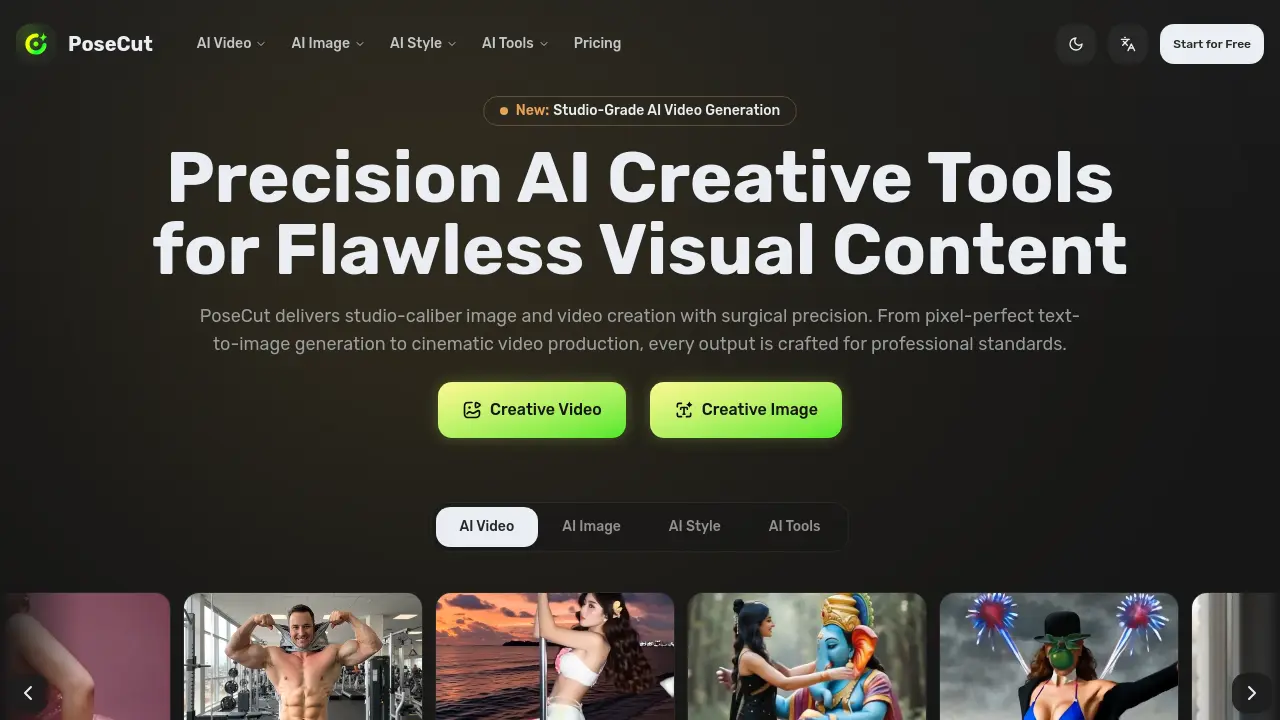
What is PoseCut
PoseCut is a precision AI creative studio engineered for generating studio-caliber visual content. The platform specializes in AI video generation from text or images, producing cinematic, high-fidelity clips with clean motion. Its comprehensive image creation suite delivers pixel-perfect results for tasks like text-to-image generation, professional headshots, and artistic style transfers. A full toolkit of over 14 AI-powered editors—including background removal, object cleanup, and clothes changing—ensures artifact-free, professional-grade edits. With 437+ curated artistic styles, PoseCut serves studios, agencies, and creators seeking consistent, polished output for workflows in content creation, graphic design, and e-commerce. The service emphasizes surgical accuracy and reliable, detailed results without requiring post-processing.
How does PoseCut work
PoseCut operates as a unified AI creative suite, generating and manipulating visual content through specialized neural networks. Its core functionality includes converting text or image prompts into video via a precision video engine, and creating images from text descriptions. A vast library of over 437 artistic style transfers applies curated transformations while preserving detail. complementary AI tools perform targeted edits like background removal, object erasure, and clothing swaps. The platform’s architecture emphasizes studio-caliber, artifact-free outputs for professional workflows in content creation, graphic design, and marketing, all accessible through a single interface.
Benefits of PoseCut
PoseCut is a precision AI creative studio delivering studio-caliber image and video generation. Its unified platform offers tools for text-to-image, image-to-video, and cinematic video effects, all engineered for clean, artifact-free results. With 437+ curated artistic styles and a full suite of professional editing tools—including background removal, object cleanup, and style transfer—it enables consistent, high-fidelity visual content. Trusted by creators and agencies, PoseCut streamlines workflows for producing polished, professional-grade media efficiently.
Pros and Cons of PoseCut
Pros
- Produces high-fidelity, studio-quality image and video outputs.
- Offers an extensive suite of over 437 artistic style transfers.
- Includes a comprehensive set of 14+ precision editing tools.
- Provides a free tier for initial evaluation and access.
- Tailored for professional workflows in creative and business contexts.
Cons
- Feature set may be overwhelming for casual or beginner users.
- Specific export formats, resolutions, and integrations are not detailed.
- Pricing structure and credit system require review on the separate pricing page.
- Certain tools, like clothes changers, involve significant ethical and safety considerations.
- Reliance on AI may introduce inconsistencies with highly complex or niche prompts.
