
PoseCut FAQs
PoseCut provides AI-driven precision tools for professional visual content creation, including text-to-image, video generation, and extensive style transfers.

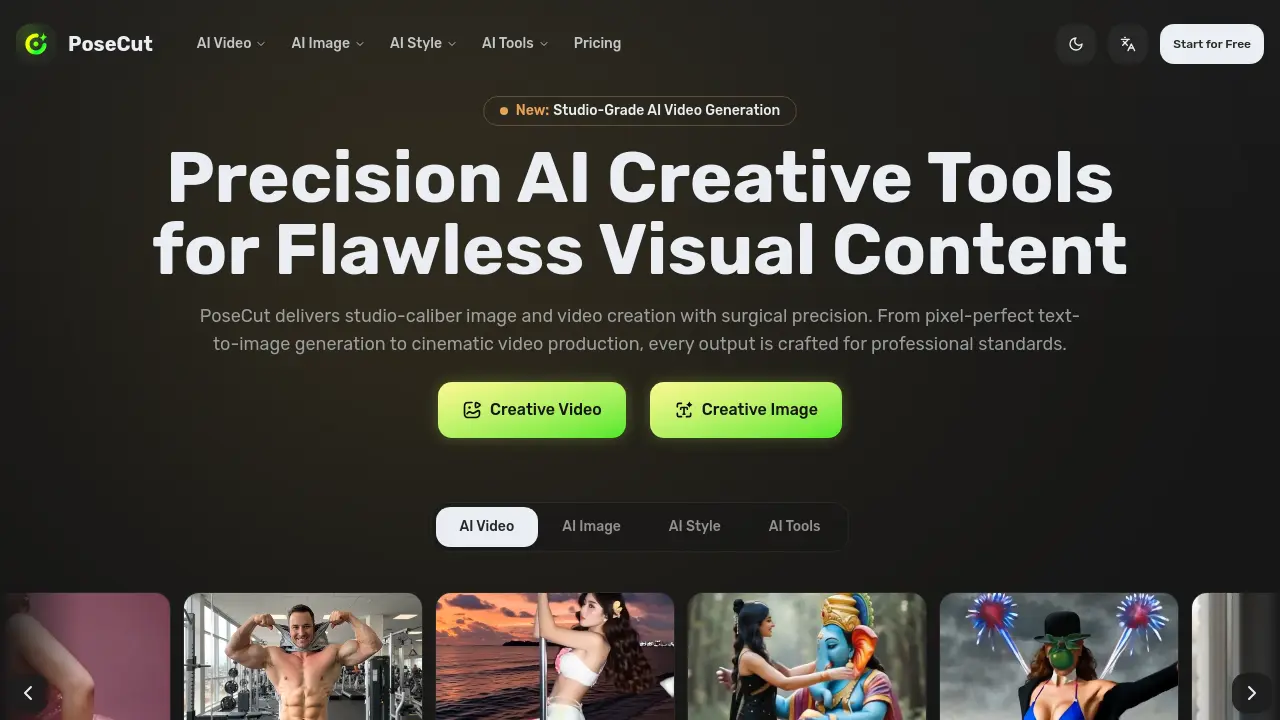
FAQs of PoseCut
What is PoseCut?
PoseCut is a precision AI creative studio designed for producing studio-quality images and cinematic videos. It combines advanced video generation, high-fidelity image enhancement, and a comprehensive suite of creative filters into a single professional platform.
How do I get started with PoseCut?
Getting started is straightforward: create a free account, select from our range of precision creative tools, and begin producing content immediately. PoseCut's clean interface is built for both newcomers and seasoned professionals -- no technical background needed.
What types of content can I create with PoseCut?
PoseCut covers the full creative spectrum: generate videos from text or images, upscale photos to 4K resolution, apply artistic filters, perform face swaps, produce dance animations, and more. Every tool in the Video, Image, and Tools collections is built for precise, clean output.
Do you offer a free trial?
Absolutely. PoseCut provides a free tier so you can explore the platform and evaluate the output quality firsthand. The free plan gives you access to core features, and you can upgrade to a premium tier whenever you need higher resolution outputs and advanced capabilities.
What are the PoseCut pricing plans?
PoseCut offers tiered pricing structured for different production needs -- from individual creators to professional studios. Head to our pricing page for a detailed breakdown of each plan's capabilities, credit allocations, and feature sets.
Can I cancel my PoseCut subscription anytime?
Yes. You retain full control over your subscription and can cancel at any point through your account settings. After cancellation, your premium access continues through the remainder of your current billing cycle.
What specific AI image generation tools does PoseCut offer?
PoseCut provides a comprehensive suite of AI image generation tools including text-to-image creation, specialized generators for girls, headshots, and babies, as well as tools for changing clothes, hairstyles, and applying filters like pregnant or bald effects. Each tool is designed for precision and professional output.
How many artistic styles are available in PoseCut?
PoseCut offers over 437 artistic styles ranging from Pixar 3D and Manga Line Art to Van Gogh Style and Pixel Art. This extensive library allows users to apply gallery-ready transformations while preserving fine details in the original image.
Can PoseCut generate videos from still images?
Yes, PoseCut's image-to-video feature converts reference images into fluid, high-fidelity video across multiple artistic styles. The precision engine ensures clean motion and professional clarity in every frame, suitable for cinematic output.
What are the key video effects available in PoseCut?
PoseCut includes key video effects such as 3D Figurine Factor, Muscle Surge, Pole Dance, Hug, Bikini Up, Baby Face, and Black Myth: Wukong. These effects enhance video content with studio-grade animations and transformations.
How does PoseCut ensure professional-quality outputs without post-processing?
PoseCut's AI algorithms are engineered for surgical precision, producing outputs that meet professional standards directly. Tools like background remover and object eraser deliver clean, artifact-free results, reducing the need for extensive post-processing in creative workflows.
How to use PoseCut
- PoseCut functions as a precision AI creative studio for generating studio-quality images and videos, with core tools including text-to-image, image-to-video, and artistic style transfer.
- Users start by visiting posecut.com and creating a free account to access the centralized dashboard, which categorizes tools into AI Video, AI Image, AI Style, and AI Tools.
- Select a specific tool based on the creative goal; for instance, use AI Video for motion content or AI Tools like background remover for image editing tasks.
- For text-to-image generation, enter a descriptive prompt in the Image Creator, optionally choose from 437+ artistic styles, and set desired resolution parameters.
- When using image-dependent features, upload a clear source photo in JPEG or PNG format; image clarity directly influences the AI's output accuracy and detail.
- Initiate the generation process; PoseCut's algorithms render outputs with pixel-precise detail, maintaining subject integrity and minimizing visual artifacts.
- Review the generated preview for prompt adherence, visual fidelity, and overall quality; adjust inputs or regenerate if results do not meet precision standards.
- Download the high-resolution output or apply further refinements using integrated tools like object removal or color adjustment for final polish.
- Apply AI style transfer by selecting a filter from the curated collection—such as Pixar 3D or manga line art—to transform images with consistent artistic effects.
- For video projects, combine text-to-video and image-to-video workflows, then enhance with video effects to add motion or thematic elements like 3D figurine factor.
- Utilize the final assets directly in professional workflows, leveraging PoseCut's studio-grade quality for marketing materials, social media content, or design mockups.
