
PixelSkin: AI Minecraft Skin Generator from Text or Photo

What is PixelSkin
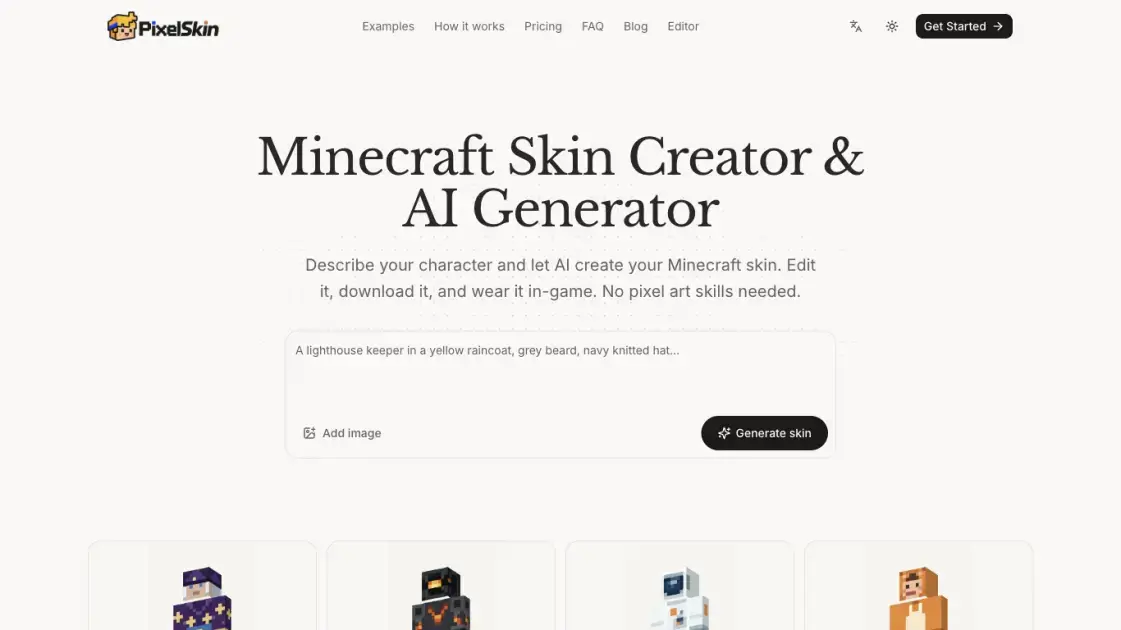
PixelSkin builds Minecraft character skins from a written description or an uploaded picture. The generator paints directly onto a rotating 3D player figure, then hands back a standard 64×64 PNG for Java and supported Bedrock devices. Players who have never drawn pixel art can describe clothing, colors and details in plain language instead of editing a texture sheet by hand. A browser-based editor also lets them correct individual pixels before exporting.
How does PixelSkin work
Generation starts when a prompt or reference picture is submitted. The AI paints the head, body, arms and legs on a 3D player model rather than a flat template, then reviews its output from the front, back and both sides to fix obvious errors. Automatic reviews consume 5–15 credits per generation, and further AI edits draw from the same balance. The finished texture is written out as a 64×64 PNG that the Minecraft Launcher or Dressing Room can load.
Benefits of PixelSkin
Working on a 3D figure removes the need to imagine how a flat texture wraps around arms and legs. Hand painting, importing a skin and exporting PNGs stay free and require no sign-in, so a project can be finished without buying anything. Purchased credits never expire, and the browser keeps the work in progress until the file is exported. Small flaws in faces or logos can be fixed either by describing the change or by touching up pixels directly.
Pros and Cons of PixelSkin
Pros
- Text and photo inputs
- Four-angle 3D review
- Word-based local edits
- Free manual editing and PNG export
- Credits with no expiry date
Cons
- Classic arms only (4 px)
- No Slim texture conversion
- No custom geometry or Marketplace packs
- Console Bedrock cannot import custom files
- AI features require an account and credits
Core Features of PixelSkin
Text-to-skin generation
A short character description covering outfit, colors and a couple of details produces a wearable skin file.
Photo conversion
An uploaded photo or character image supplies the palette and clothing that the AI transfers onto the player model.
Conversational refinement
Focused requests such as changing boot color or adding a chest stripe are applied without repainting the whole figure.
3D inspection
The preview spins the character, hides the outer layer and plays a walking animation when W is pressed.
Manual pixel editing and export
Freehand tools adjust single pixels, and the result exports as a Classic 64×64 PNG.
Use Cases of PixelSkin
- Minecraft players: Creating a personal skin from a sentence instead of drawing a texture grid.
- Skin collectors: Adapting an existing Classic 64×64 PNG with manual tools or a spoken-style edit request.
- Content creators: Producing matching character looks for videos or screenshots from a photo reference.
- Java and Bedrock users: Preparing a Classic skin file for the Launcher or the Dressing Room import flow.
- Beginners without pixel-art skills: Describing colors and clothing while the 3D preview shows the result.
FAQs of PixelSkin
Can a description really produce a game-ready skin?
Yes — a prompt or reference picture yields a 64×64 texture that the game can load, though faces and logos may still need a small correction.
Which skin dimensions does the editor output?
Exports use the Classic 64×64 PNG layout; the older 64×32 format has no separate limb artwork or outer layer.
How is the file installed in Java or Bedrock?
Java uses Minecraft Launcher → Skins → New Skin → Wide (Classic) → Browse → Save & Use, while Bedrock uses Dressing Room → Classic Skins → Owned → Import → Choose New Skin.
Why choose Classic instead of Slim when uploading?
Classic arms are four pixels wide and Slim arms three, so picking the wrong model misplaces a stripe of pixels on each arm.
Is it possible to rework an older skin?
An existing Classic 64×64 PNG can be imported and adjusted, but Slim artwork needs manual adaptation because automatic model conversion is unavailable.
Does using the editor require registration?
Painting, importing and exporting work without signing in; only AI generation and AI edits need an account.
How to use PixelSkin
- Write what the character wears, or attach a reference image, in the prompt box.
- Run the generator and wait for the skin to appear on the 3D figure.
- Rotate the model, toggle the outer layer off, or press W to see the skin walking.
- Request a narrow change in plain English, such as recoloring boots, and compare the before and after views.
- Export the 64×64 PNG, then choose Wide (Classic) under Launcher → Skins, or use the Dressing Room import on Bedrock.
PixelSkin Alternatives
AI Scientific Figure gives researchers publication-ready 2K PNG figures from a description, abstract or hand sketch, with exact labels and no watermark.
Browser-based AI image generation with text-to-image, image-to-image, watermark removal and HD upscaling across Nano Banana, GPT Image and Seedream models.
AI co-director that turns an idea or script into shot-by-shot storyboard panels for indie filmmakers, with real film shot references and PDF board export.
Free online spinner wheel that picks a random winner from your list in seconds. Choose from pastel styles, spin on any device with no sign-up or download.
Kinovi is a REST API that runs published video, image, and audio AI models from one endpoint. Send a model ID to createTask, poll recordInfo, and pay per use from one shared credit balance.
Coralflavor offers uncensored AI chats without safety filters, plus burn-mode retention, web search, image generation, and an OpenAI-compatible API for U.S. adults.
SpriteGen is an AI sprite creator that turns character descriptions into transparent pixel-art sprite sheets, ready to drop into your game engine.
Meta Image: browser AI studio powered by Muse Image. Edit photos with prompts, remove backgrounds, restore old photos, generate new images.
AIdorable is a virtual baby AI companion app. Adopt, name, and care for a tiny AI baby in daily moments, as it grows, learns to speak, and remembers you.

Create and edit images with Image 2.5 by GPT. Sunburst for precision, Flare for speed, up to 4K, 6 quality modes, and transparent PNG/WebP output.
Generate and edit AI images with Nano Banana Pro. Blend up to 14 images, render crisp text, and create 4K visuals online with studio controls.
Aurey AI is a browser-based game maker that turns text descriptions into playable games, with version history and community sharing.