
Phonk Maker FAQs
This AI music generator specializes in creating royalty-free Phonk music with dark beats and Memphis rap samples, offering instrumental and lyric generation with full copyright ownership.

FAQs of Phonk Maker
What is Phonk Maker?
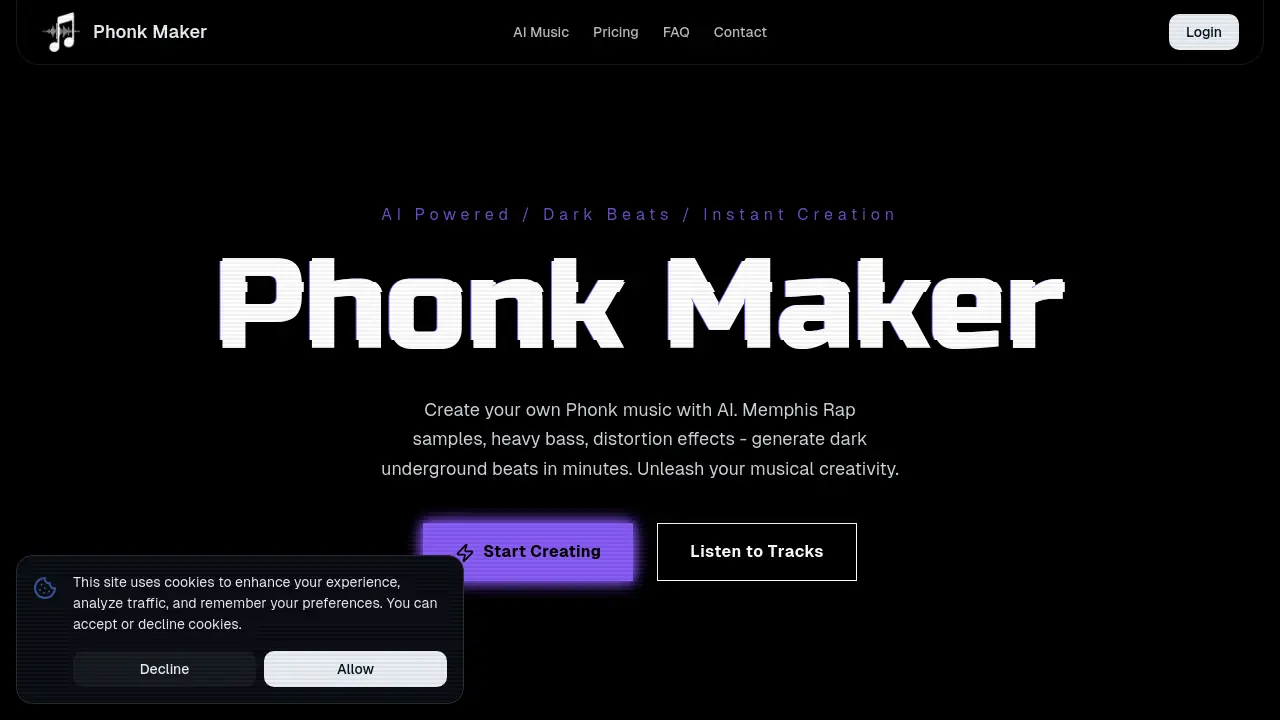
Phonk Maker is an AI-powered platform designed for the instant creation of Phonk music. It specializes in generating dark, underground beats incorporating elements like Memphis Rap samples, heavy bass, and distortion effects, allowing users to produce Phonk tracks rapidly and efficiently. This phonk maker utilizes artificial intelligence to streamline the music production process.
Why is Phonk Maker the ultimate tool for phonk production?
Phonk Maker is considered the ultimate AI-powered phonk maker because of its exclusive specialization in the Phonk genre. Unlike general music tools, its engine specifically comprehends and integrates the defining characteristics of authentic Phonk music, such as dark, atmospheric vibes, Memphis rap samples, heavy 808s, and signature cowbell sounds.
How does Phonk Maker help me create authentic tracks?
The phonk maker simplifies track creation by allowing users to describe their desired vibe (e.g., 'aggressive drift phonk' or 'chill lo-fi phonk') and set the BPM. The AI then generates a complete track, automatically managing complex production techniques like sidechain compression and sample chopping, making the process accessible for all skill levels.
Is Phonk Maker suitable for beginners without production skills?
Yes, Phonk Maker is designed for beginners and does not require prior production skills. The intuitive interface handles technical aspects such as mixing 808s or chopping samples, enabling users to focus on creative direction and produce radio-ready Phonk tracks quickly with this phonk maker online.
What subgenres does this phonk maker support?
As a comprehensive phonk maker, it supports a wide range of major Phonk styles including Drift Phonk (high-energy car culture beats), Cowbell Phonk (classic Memphis style), Dark Phonk (atmospheric horror vibes), and Chill Phonk. The platform's algorithms are tailored to deliver authentic results across these diverse subgenres.
Can I customize elements within the phonk maker?
Users can customize various elements within Phonk Maker, including adjusting 808 patterns, cowbell intensity, vocal chop placement, and distortion levels. The phonk maker also allows users to guide the AI with specific prompts referencing Memphis rap styles or particular artists, enhancing creative control.
Are tracks created with Phonk Maker royalty-free?
Yes, all beats generated with Phonk Maker are 100% royalty-free. Users retain full ownership and usage rights for their creations, allowing them to be used for commercial purposes like YouTube videos, TikTok content, Spotify releases, or other commercial projects without concern for copyright strikes.
How fast is the Phonk Maker generation process?
Phonk Maker boasts a rapid generation process, capable of producing complete, high-quality tracks in under 30 seconds. This efficiency makes it an ideal phonk maker online tool for content creators who require fresh, original Phonk music for various media on tight deadlines, such as car edits or gaming montages.
What's the best way to get results from a phonk maker?
To achieve optimal results from Phonk Maker, users should utilize specific terms in their prompts. Including keywords such as 'Memphis samples,' '808 slides,' 'cowbell patterns,' or 'dark atmosphere' helps the AI understand genre-specific nuances and deliver the most authentic sound possible from the phonk maker AI.
Does Phonk Maker allow stem downloads?
Yes, Phonk Maker offers stem downloads, providing flexibility for professional users. Users can export full tracks or individual stems, such as isolated 808s, drums, samples, and cowbells, in high-quality WAV format. This feature positions Phonk Maker as a powerful companion for further mixing and mastering in digital audio workstations (DAWs).
Is there a free version of Phonk Maker?
Yes, Phonk Maker offers a free version that includes limited generations per month. This allows users to experience the capabilities of the AI music generation. Upgrading to premium phonk maker app plans provides unlimited creation, exclusive Memphis samples, and advanced customization features.
Can Phonk Maker generate lyrics for my tracks?
Yes, Phonk Maker includes an AI Lyrics Generator. Phonk lyrics are typically repetitive, hypnotic, and focus on dark, street-life themes with chopped and screwed vocals. The AI phonk generator can quickly create lyrics, offering flexibility to edit and polish verses and choruses, mimicking the genre's ad-libs and slang for your phonk maker songs.
What are the commercial benefits of using Phonk Maker for content creators?
Phonk Maker provides royalty-free Phonk beats, eliminating concerns about copyright strikes for content creators. This enables safe monetization for platforms like YouTube, Instagram, Twitch, and TikTok. Professionals can download separated stems and agencies can secure commercial licenses, ensuring unique, compliant soundtracks for various projects including JDM drift clips, gaming montages, and viral trends.
How to use Phonk Maker
Phonk Maker is an AI-powered music generation tool designed specifically for creating Phonk tracks. It enables users to produce dark, underground beats incorporating Memphis Rap samples, heavy bass, and distortion effects rapidly. The platform supports various Phonk subgenres and provides royalty-free music for diverse content creation.
- Navigate to the Phonk Maker website to access the AI music generator interface.
- Select your preferred generation mode: "Instrumental" for pure beats or "Write Lyrics" if you desire AI-generated vocals.
- Enter a descriptive prompt in the "Style Description" field, outlining your desired Phonk vibe (e.g., "aggressive drift phonk").
- Choose from the available "Style Presets" like "Drift Phonk," "Classic Memphis Phonk," or "Brazilian Phonk" to refine your track's genre.
- Click "Generate Track" to initiate the AI music creation process, consuming credits from your account.
- Review the generated Phonk track; you can listen to it directly within the platform.
- Download the created music in MP3 format, or WAV format with premium subscriptions, for use in your projects.
- Utilize the royalty-free tracks for content creation such as JDM edits, gaming montages, TikTok trends, or gym motivation videos.
- For advanced editing, consider downloading separated stems (available with premium plans) for further mixing in external digital audio workstations.
