
OmniHuman AI FAQs
This AI avatar and talking photo generator creates realistic digital humans with precise lip sync, transforming photos and audio into high-quality videos.

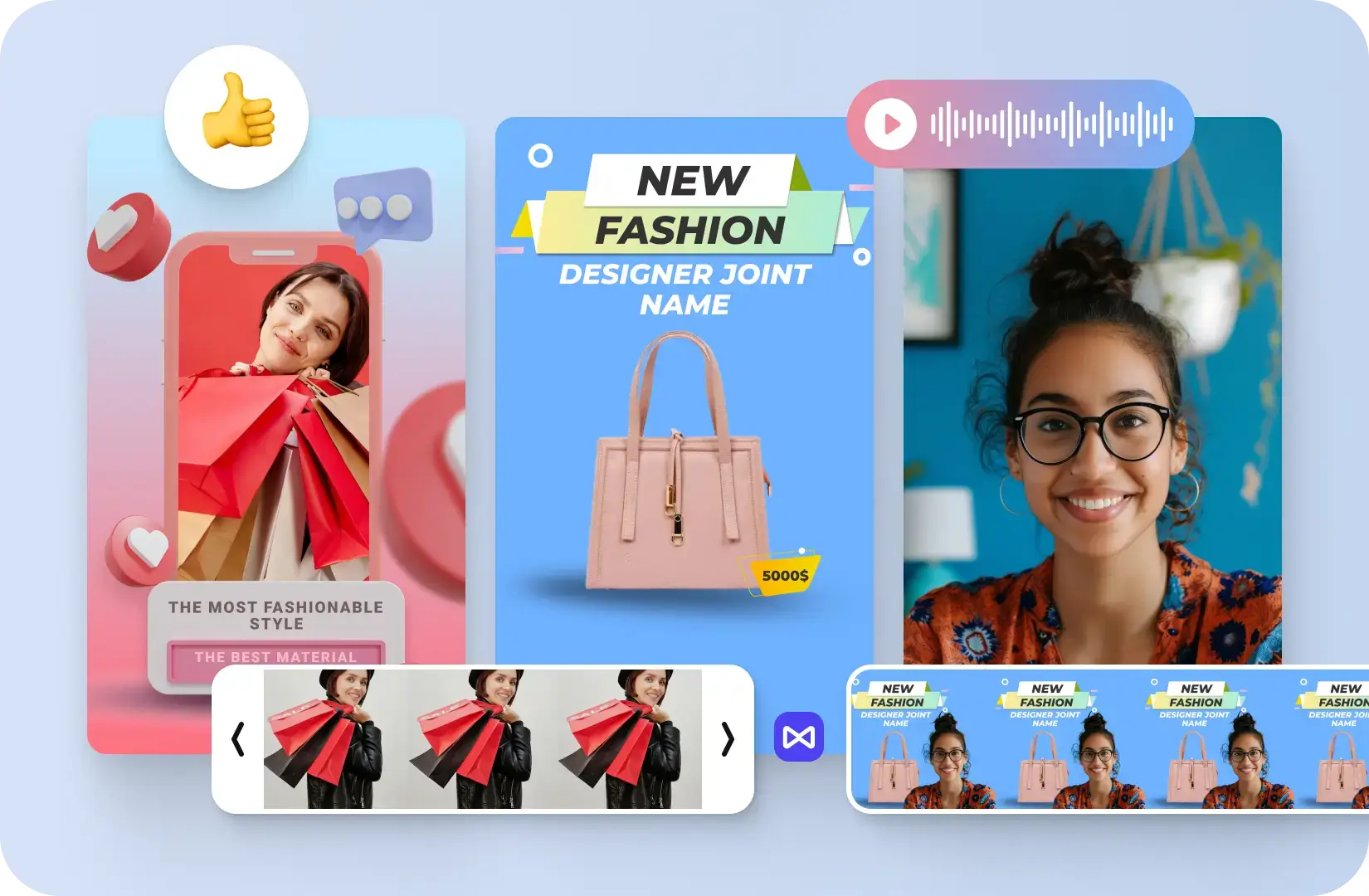
FAQs of OmniHuman AI
What is OmniHuman AI?
OmniHuman AI is an advanced AI platform that enables users to create realistic digital humans from a single photo and audio file. It leverages sophisticated technology to generate lifelike digital humans with natural expressions, movements, and perfect lip synchronization, supporting various applications like business presentations, educational content, and marketing campaigns. The omnihuman ai free version offers basic functionalities, while paid plans unlock more advanced features.
How does OmniHuman AI lip sync technology work?
OmniHuman AI's lip sync technology achieves precise audio synchronization by analyzing the input audio and mapping it to the digital human's facial movements. It supports any language or dialect, ensuring flawless and ultra-realistic lip movements that transition smoothly and naturally, creating believable performances for your omnihuman ai video generator projects.
Can I use OmniHuman AI for commercial projects?
Yes, OmniHuman AI offers commercial use licenses with its Standard and Pro subscription plans. These plans are designed for creators, professionals, teams, and businesses, allowing them to utilize the generated digital human videos for various commercial purposes, including marketing campaigns, educational content, and virtual events.
What makes OmniHuman AI different from other digital human generators?
OmniHuman AI distinguishes itself through several key features, including infinite-length generation without quality degradation, robust identity preservation of the original person, multi-person support in a single scene, and advanced scene animation. Its perfect audio synchronization and natural expression generation capabilities set it apart, making it a powerful omnihuman ai tool for realistic digital human creation.
How to access OmniHuman AI?
Users can access OmniHuman AI directly through its website. The platform allows for immediate creation of digital humans by uploading a photo and audio file. There is no specific omnihuman ai app download apk required, as the service is web-based, making it easily accessible for anyone interested in generating talking photos online.
How to get OmniHuman AI?
To get started with OmniHuman AI, users simply visit the official website. The platform offers a straightforward process: upload a portrait image, provide an audio file (or generate one via text-to-speech), and then generate the digital human video. A free tier is available, and users can upgrade to paid plans for additional features and credits.
Where can I use OmniHuman AI?
OmniHuman AI can be utilized across a wide array of applications. This includes creating infinite-length business presentations, developing educational content with virtual instructors, enhancing marketing campaigns with brand ambassadors, producing entertainment content with animated characters, facilitating multi-person conversations, and generating accessibility content with sign language interpreters. Its versatility makes the omni human ai app suitable for diverse professional and creative needs.
How can I use OmniHuman AI?
Users can employ OmniHuman AI by following a simple three-step process: upload a portrait photo, upload or create an audio file (using text-to-speech or a pre-recorded audio), and then generate the talking photo. The platform handles the animation, lip sync, and natural movements, allowing for easy creation of high-quality digital human videos.
How to use OmniHuman AI?
Using OmniHuman AI involves navigating to the website, signing in (or creating an account), and then accessing the digital human generator interface. Users upload their chosen image and audio file, specify any preferences, and initiate the generation process. The resulting digital human video can then be previewed and downloaded. The platform is designed for intuitive use, requiring no prior experience in animation or video editing.
How to use OmniHuman AI
- Navigate to the OmniHuman AI platform, where the digital human generator interface is displayed.
- Upload a portrait photograph (JPG, PNG, WEBP, up to 10MB) to serve as the visual for your digital human.
- Provide an audio file (MP3, WAV, M4A, max 15 seconds) or use the Text-to-Speech feature to generate a voiceover.
- Click "Generate Digital Human Video Now" to initiate the creation process. This consumes 180 credits for a 5-second video.
- Preview the generated digital human video, featuring perfect lip sync and natural expressions, in the designated area.
- Download the final digital human video once satisfied, which maintains identity preservation and high-quality visuals.