
NanoMusic AI FAQs
NanoMusic AI is a web‑based AI music generator that enables creators to produce full‑song tracks with genre‑specific instrumentation, natural vocals, and studio‑grade mastering from simple text prompts, supporting multiple languages and stem export for commercial use.

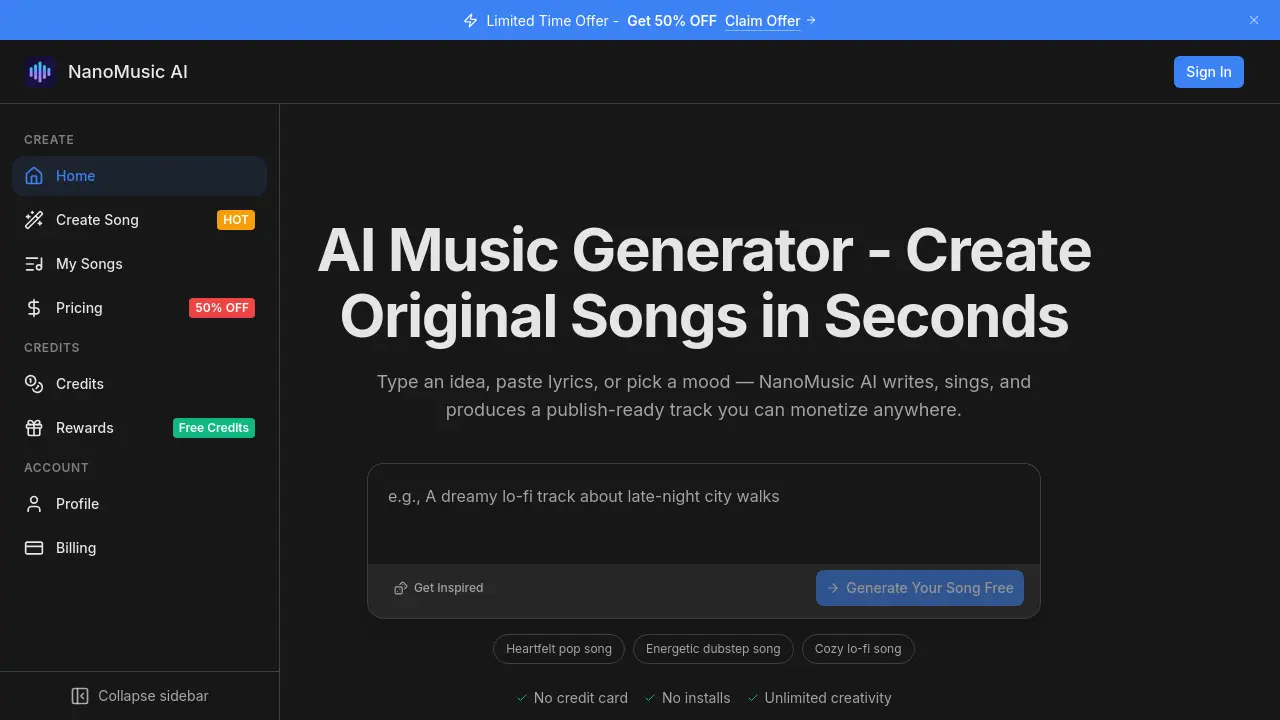
FAQs of NanoMusic AI
Will my AI‑generated music get copyright claimed on YouTube or TikTok?
No. Tracks created with NanoMusic AI are original compositions generated by the platform’s AI models, not sampled from existing recordings. Paid‑plan songs include full commercial rights and are cleared for Content ID, so thousands of creators upload them to YouTube, TikTok and other services without receiving copyright strikes.
How does the audio quality compare to a professional studio recording?
NanoMusic AI outputs streaming‑standard, professionally mixed and mastered audio that matches the loudness and tonal balance of commercial releases. The generated tracks are ready for direct upload to Spotify, Apple Music, Amazon Music or any other distribution channel, eliminating the need for additional mastering or post‑production work.
Can I sell and monetize the songs I create with NanoMusic AI?
Yes. Paid‑plan members receive full commercial ownership of every generated track, allowing unrestricted monetisation on YouTube, Spotify, TikTok, advertising campaigns, film, game syncs and more. NanoMusic AI never takes a royalty cut or claims any rights to the music you publish.
I have no musical training—can I still produce high‑quality songs?
Absolutely. The AI music generator accepts plain‑language prompts such as “a mellow lo‑fi beat with soft female vocals about rainy mornings,” or uploaded lyrics. It automatically composes melody, harmony, arrangement, vocal performance, mixing and mastering, so users with zero theory or instrumental skill can create publish‑ready songs.
How many songs can I generate and what does a paid plan unlock?
The free tier allows a limited number of daily generations with no credit‑card required, sufficient for testing the AI music generator’s capabilities. Paid plans raise generation caps, unlock premium vocal models, provide commercial licensing, prioritize processing speed, and grant early access to new model updates. Detailed quotas are listed on the Pricing page.
What makes NanoMusic AI different from other AI music tools?
NanoMusic AI combines highly realistic vocal synthesis, over 40 genre‑specific models, automatic professional mastering, and native multilingual support (10+ languages). Unlike many competitors, the platform bundles full commercial rights, exports isolated stems for remixing, and runs entirely in a web browser, removing the need for DAW installations or GPU hardware.
Can I control the vocals, instruments, song structure and mood?
Yes. Users can specify genre, mood, tempo, vocal timbre, instrumentation and structural cues directly in the prompt. The AI song generator interprets these parameters and produces a complete track with verses, choruses, bridges and harmonies. Iterating the prompt generates new variations within seconds, giving precise creative control.
Is there a free plan that lets me try NanoMusic AI before paying?
There is a generous free tier that requires no credit‑card information. After signing up, you can generate songs immediately, download the audio, and explore core features such as genre selection, vocal styles and basic prompt editing. This allows you to evaluate output quality before deciding on a paid subscription.
How are the generated stems provided and why are they useful?
Each track is exported with isolated vocal, instrumental, bass and drum stems. These stem files can be imported into any Digital Audio Workstation (DAW) or video‑editing software for remixing, re‑arranging, or further post‑production. This flexibility enables creators, agencies and game developers to adapt the AI‑generated music to specific project needs without starting from scratch.
How to use NanoMusic AI
NanoMusic AI serves as an AI music generator that turns textual ideas, lyrics, or mood descriptors into complete, publish‑ready songs with vocals, arrangement, mixing, and mastering.
After signing in, navigate to Create Song, then enter a brief prompt describing the desired vibe, genre, or paste full lyrics into the input field.
Select the appropriate genre from the 40+ options, adjust optional parameters such as tempo or vocal style, and click Generate to start the AI‑driven composition process.
Within seconds, the platform displays a preview player; listen to the full track, noting vocal quality, instrumental balance, and overall emotional fit.
If the result needs refinement, modify the prompt—alter mood descriptors or swap genre—and regenerate; each iteration produces a new, fully mixed version.
Once satisfied, download the final audio file along with separated stems (vocals, instruments, bass, drums) for any downstream remix or editing work.
Use the downloaded track to upload directly to streaming services or monetize on YouTube, TikTok, and other platforms, leveraging the full commercial rights granted by NanoMusic AI.
