
Nano Banana Pro FAQs
Nano Banana Pro offers AI-powered text-to-image, image-to-image, and video generation with character consistency for creators seeking fast, reliable outputs.

FAQs of Nano Banana Pro
What is Nano Banana Pro?
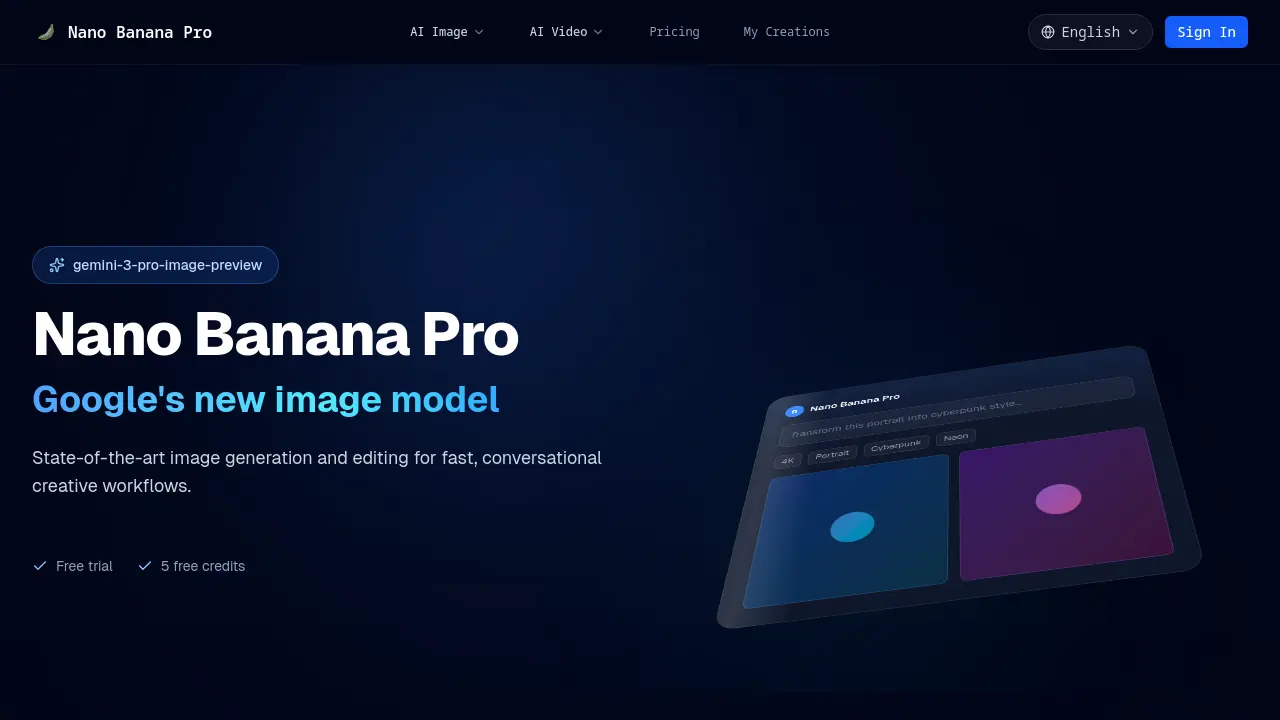
Nano Banana Pro is Google’s latest image generation model, offering text‑to‑image, image‑to‑image, and AI video creation. It is engineered for rapid, conversational creative workflows, delivering high‑resolution outputs with consistent character and style across multiple edits.
How does it work?
Users upload a JPEG, PNG, or WebP file, then describe the desired transformation in natural language. The model processes the prompt, applies its internal knowledge of scenes and objects, and returns a polished image or video within seconds, ready for export.
How is it better than Flux Kontext?
Nano Banana Pro emphasizes character consistency, conversational editing, and multi‑image fusion. It supports reusable visual templates, native world knowledge for context‑aware visuals, and includes invisible SynthID watermarking, features that are either limited or absent in Flux Kontext.
Can I use it for commercial projects?
Yes, Nano Banana Pro can be used for commercial purposes. Users should review the Terms of Service and licensing agreements to ensure compliance, especially regarding watermarking and distribution rights.
What type of edits can it handle?
The platform supports style transfer (e.g., portrait to cyberpunk), day‑to‑night conversions, image blending, reference‑based edits, and video generation from text or image prompts. It also offers “First/Last to Video” and “Reference to Video” modes for dynamic storytelling.
Where can I try Nano Banana Pro?
A free trial is available, granting five free credits. Users can access the tool directly at https://nanobananagen.org and experiment with text‑to‑image or image‑to‑image features before purchasing a plan.
Are generated images watermarked?
All images contain an invisible SynthID watermark, ensuring responsible AI usage and traceability. The watermark is not visible in the visual output but can be detected by authorized tools.
Is Nano Banana Pro free to use?
The service offers a free trial with five credits. After exhausting the trial, users must select a paid plan from the pricing page to continue generating images or videos.
What file formats are supported for uploads?
Nano Banana Pro accepts JPEG, PNG, and WebP files for image‑to‑image and video generation. These formats preserve quality while ensuring compatibility with the model’s processing pipeline.
How does conversational editing improve workflow?
By allowing users to describe changes in plain language, the model eliminates the need for complex prompt engineering. Iterations can be performed quickly, reducing turnaround time for creative projects.
What is SynthID watermarking and why is it important?
SynthID watermarking embeds an invisible identifier into each generated image. This helps verify authenticity, supports responsible AI practices, and protects creators from misuse of synthetic content.
Does Nano Banana Pro offer an API for integration?
While the public interface focuses on web usage, the platform’s architecture supports API access for developers. Interested parties should contact support or consult the developer documentation for integration details.
What are the pricing options and limits?
Pricing tiers are listed on the dedicated pricing page. Each tier provides a set number of credits per month, with higher plans offering increased usage limits and additional features such as batch processing and priority support.
How to use Nano Banana Pro
- Nano Banana Pro is an AI creative platform that offers text‑to‑image, image‑to‑image, and AI video generation, supporting conversational editing and consistent character styling.
- The user accesses the web interface at https://nanobananagen.org and selects the desired tool, such as Text to Image or Image to Image.
- The user uploads a JPEG, PNG, or WebP file via the Upload button; a preview appears in the workspace, as shown in the screenshot of the Upload button.
- The user then enters a natural‑language prompt describing the desired transformation, such as “transform portrait into cyberpunk style” in the prompt field.
- After confirming the prompt, the user clicks Generate; the model processes the request and returns a polished image within seconds.
- The output includes an invisible SynthID watermark; the user can download the PNG or export it directly to a workflow.
- For AI video, the user selects Text to Video, inputs a script, and chooses resolution; the system renders a 4K video in minutes.
- Interpreting results involves reviewing color grading, lighting, and style consistency; the user can iterate by refining prompts or adjusting parameters.
- To achieve creative goals, the user leverages character consistency across scenes, blends multiple references, and applies visual templates for repeatable production.
- The platform offers a free trial with five credits; users can monitor credit usage in the account dashboard and purchase additional credits if needed.
