
NanoBanana Pro FAQs
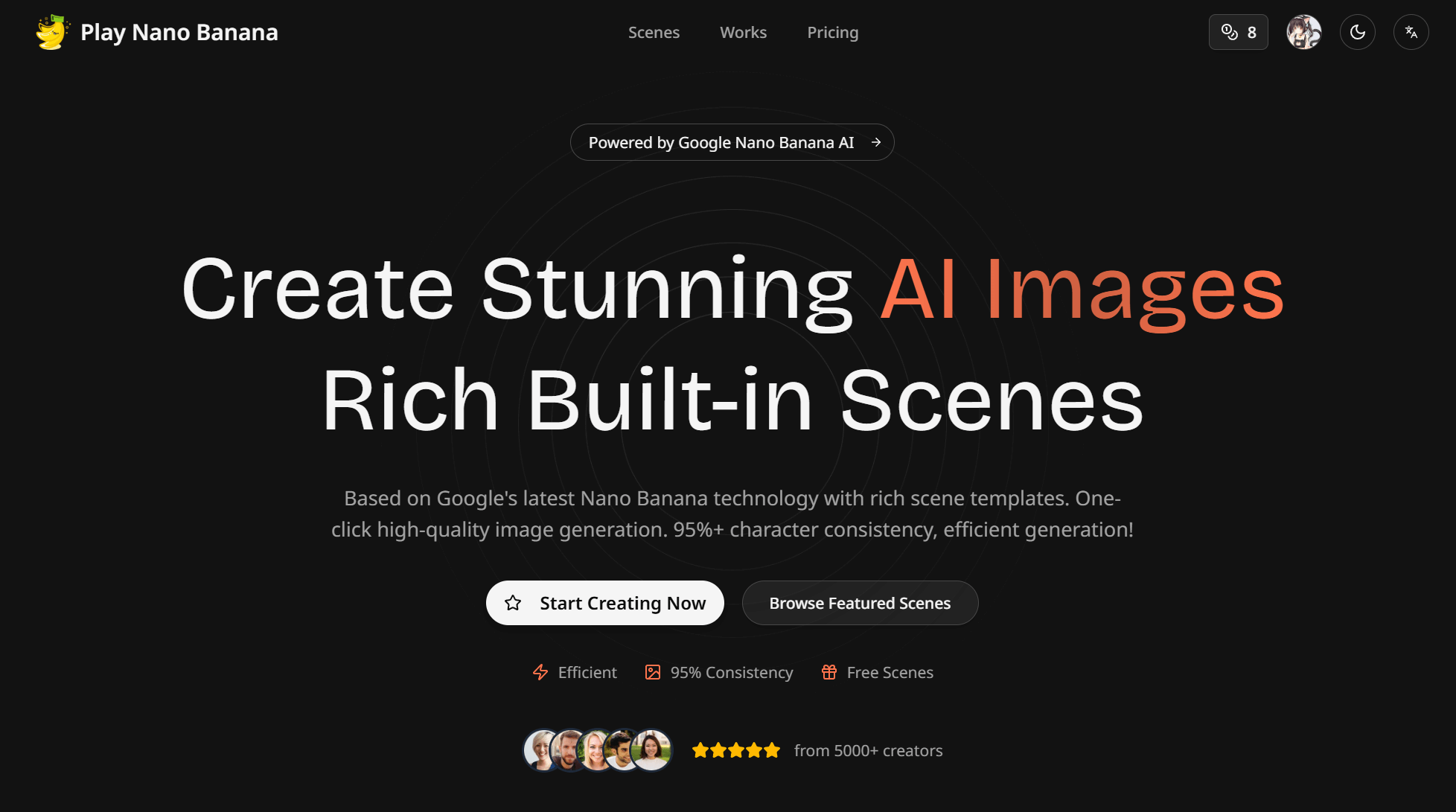
NanoBanana Pro integrates Google's latest image generation model, offering over 30 scene templates and 95% character consistency for professional image creation.

FAQs of NanoBanana Pro
What is NanoBanana Pro?
NanoBanana Pro is an advanced AI image generator leveraging Google's next-generation AI technology to transform ideas into stunning visuals. It specializes in creating viral social media content, marketing materials, and various creative projects, offering high consistency and instant generation.
How does NanoBanana Pro differ from other AI image generation tools?
NanoBanana Pro distinguishes itself by utilizing Google's cutting-edge AI technology, offering over 30 curated scenes and achieving 95% consistency in image generation. It focuses on efficiency and provides features like custom prompts and multiple output sizes, making it a robust nanobanana prompt generator.
What is the generation speed of NanoBanana Pro?
NanoBanana Pro is designed for instant generation, allowing users to quickly convert their ideas into high-quality images. The platform emphasizes efficiency, enabling rapid creation of diverse visual content through its nanobanana prompts.
Does NanoBanana Pro offer free credits?
Yes, NanoBanana Pro provides free credits, allowing users to start creating AI images without an initial investment. This enables prospective users to experience the platform's capabilities before committing to a paid plan, offering a glimpse into the nanobanana prompt guide.
What creative scenes are supported by NanoBanana Pro?
NanoBanana Pro supports a wide array of creative scenes, including viral social media content, marketing and brand creativity, and personal entertainment. It offers over 30 built-in templates covering styles like portraits, anime, and various art forms, providing a comprehensive nanobanana prompt library.
What pricing plans are available for NanoBanana Pro?
NanoBanana Pro offers several pricing plans: Basic, Pro, and Max, with options for monthly or annual billing. Annual plans include significant discounts. These plans cater to different credit needs, quality requirements, and access to advanced features like batch processing and API access, making it flexible for various nanobanana prompts.
Can users upload their own images to NanoBanana Pro for processing?
Yes, NanoBanana Pro allows users to upload images by clicking, dragging, or pasting them. This feature enhances the custom prompt capability, enabling users to integrate their existing visuals into the AI generation process and produce unique nanobanana prompt xyz creations.
What output sizes are supported by NanoBanana Pro?
NanoBanana Pro supports multiple output sizes, including 1:1, 16:9, 9:16, 4:3, and 3:4. This flexibility ensures that generated images can be tailored to various platforms and purposes, from social media posts to marketing creatives, making it a versatile nano banana pro model.
How to use NanoBanana Pro
NanoBanana Pro leverages Google's advanced AI to generate high-quality images from textual prompts, transforming creative ideas into visual content efficiently. The tool features over 30 scene templates, ensuring high consistency across outputs for various uses like social media and marketing.
- Access the NanoBanana Pro platform by navigating to the provided URL and logging in or signing up for an account.
- Select a preferred "Scene" from the extensive library of over 30 pre-defined templates, which dictate the style and context of the AI-generated image.
- Input a detailed "Custom Prompt" describing the desired image content. This textual description guides the AI in generating specific visuals based on your creative vision.
- Choose the desired image dimensions from options like 1:1, 16:9, 9:16, 4:3, or 3:4, to ensure the output fits the intended display or platform.
- Select the generation quality, either "NanoBanana Pro" for higher quality using more credits, or "NanoBanana Flash" for faster, more affordable options.
- Enable "Batch Processing" if multiple images are required, a feature available with Pro plan upgrades, optimizing workflow for creating numerous outputs.
- Click "Generate" to initiate the AI image creation process. The system will then process your prompt and scene selection to produce the visual artwork.
- Review the generated image, which will be saved in your personal artwork gallery. Evaluate its alignment with your prompt and chosen scene.
- Download the high-resolution image for social sharing, commercial use, or personal collection, effectively utilizing the AI-generated artwork.
- Explore additional curated AI scenes and experiment with different prompts to maximize creative output and achieve varied visual styles.
