
MuzicGenerator FAQs
This advanced AI music generator creates original songs, instrumentals, and vocals without downloads, supporting various genres for professional production.

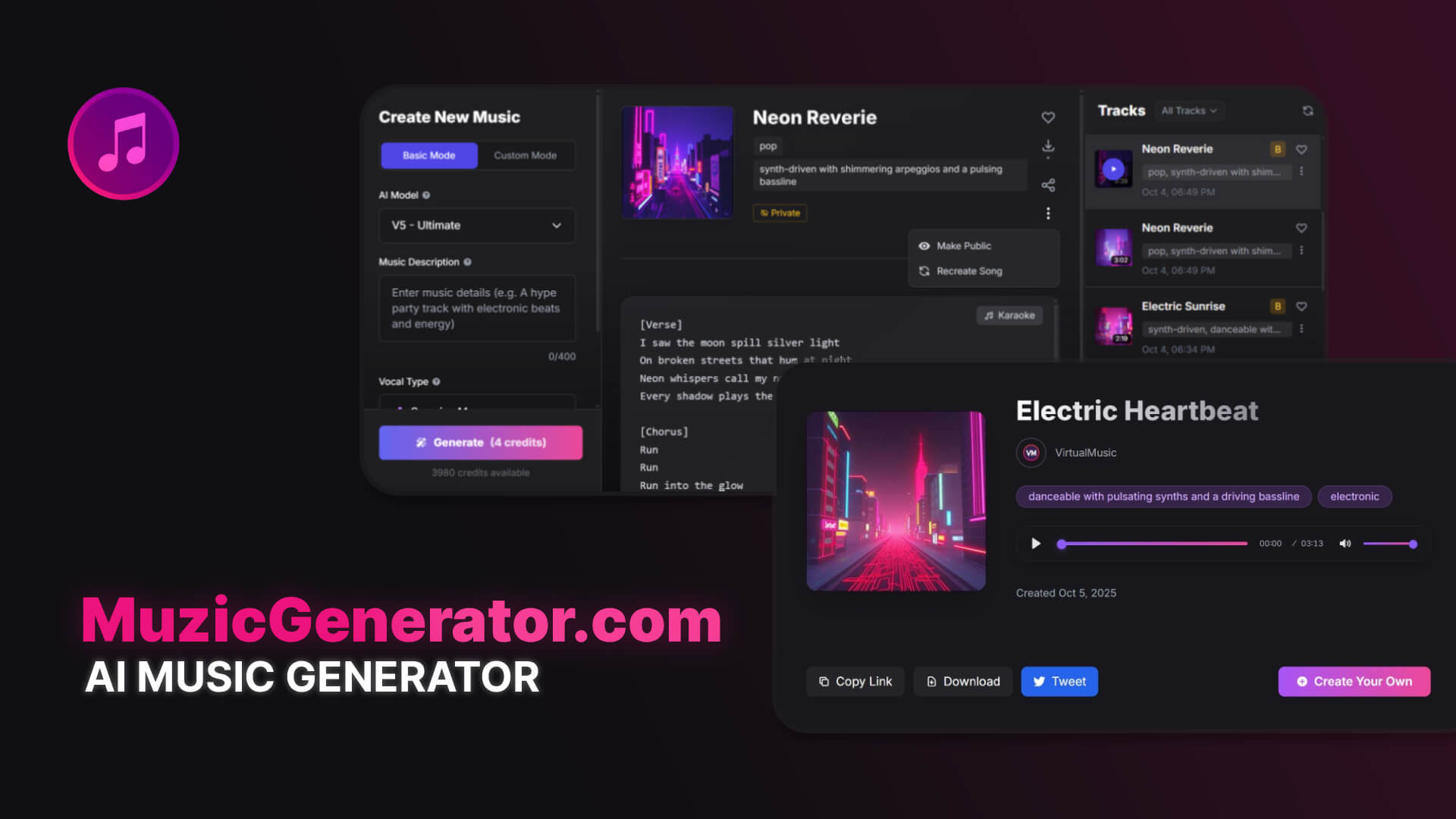
FAQs of MuzicGenerator
How does the MuzicGenerator AI music generator function?
MuzicGenerator employs advanced machine learning algorithms, trained on extensive datasets of music, to generate original songs. Users describe their musical idea, including genre, mood, and vocal style, and the AI processes these inputs to create professional-quality tracks by analyzing musical patterns, harmonies, and structures. This allows for an intuitive music generator AI experience.
What are the free usage limitations for MuzicGenerator?
Non-registered users of MuzicGenerator can access 1 generation per day, which produces 2 songs. Registered users with a free plan receive 2 generations daily, yielding 4 songs. Paid plans offer increased generation limits, though no plan provides unlimited generations. This allows users to try the music generator free no sign up initially.
What customization options are available for AI-generated music?
MuzicGenerator offers various customization features. Users can specify the music genre, select vocal styles (male, female, or a surprise option), provide custom lyrics, and describe the desired mood or overall style. This allows the AI music generator to adapt to user specifications and create personalized songs or background music.
In what format are the AI-generated songs provided?
All AI-generated music from MuzicGenerator is delivered in high-quality MP3 format. These files are professionally mastered and optimized for immediate download and use, supporting various applications, including commercial usage with appropriate plans. The platform also allows for MP4 downloads, specifically for lyrics videos.
Does MuzicGenerator offer commercial usage rights for AI-generated music?
Commercial usage rights for AI-generated music are exclusively available with paid subscription plans. Free plans, for both registered and non-registered users, are restricted to personal use only. Users interested in utilizing AI music for commercial projects such as videos, podcasts, or advertisements must upgrade to a paid plan.
What is the distinction between AI models V4 and V5 in MuzicGenerator?
MuzicGenerator offers two primary AI models: V4 and V5 - Ultimate. The V4 model provides enhanced audio quality and improved song structure, with a duration of up to 4 minutes. The V5 - Ultimate model, available with Standard+ plans, offers superior musical expression, faster generation, enhanced creativity, and naturalness, making it suitable for professional music production.
Can MuzicGenerator generate music specifically for lyrics?
Yes, MuzicGenerator includes a "Lyrics to song" mode. Users can input their song lyrics, including verses and choruses, and the AI will generate music that complements the provided text. This feature allows for a tailored music generator for lyrics, facilitating the creation of complete songs.
What types of professional applications can benefit from MuzicGenerator's AI music?
MuzicGenerator's AI-generated music is suitable for diverse professional applications. These include background music for YouTube and social media content, custom intro/outro themes for podcasts, brand jingles and commercial music for marketing and ads, cinematic scores for video production, and looping background music for gaming and apps.
How to use MuzicGenerator
MuzicGenerator is an advanced AI music generator designed to help users create original songs, instrumental tracks, and background music. This music generator AI provides tools for both text-to-song and lyrics-to-song creation, offering customizable options for genre, vocal type, and AI model selection, allowing for high-quality music generation.
- Access the MuzicGenerator website and select "Create Music" to begin generating music. Free music generation is available, requiring no sign-up for basic use.
- Choose between "Text to Song" or "Lyrics to Song" mode, depending on whether you want to provide a general description or specific lyrics for your music generator AI.
- In "Text to Song" mode, describe the desired mood, genre, or theme for your AI-generated music. For "Lyrics to Song," input your song lyrics directly.
- Select your preferred AI model version (V4 or V5 - Ultimate), noting that V5 offers superior musical expression and faster generation for professional music production.
- Specify the vocal type (Male, Female, or Surprise Me) or enable "No Vocals" to generate instrumental music.
- Enter a music style description and a song name to further refine your AI music.
- Click "Generate" to initiate the music generation process. The AI will compose and produce your track.
- Review the generated song. If satisfied, download the music as an MP3 or WAV file for personal or commercial use, depending on your plan.
- Utilize the "Extend" feature to prolong an existing track by specifying a continuation point and an extension prompt, overriding the original style if desired.
- For advanced features, increased daily generations, and commercial use rights, consider upgrading to a paid subscription plan, offering Basic, Standard, and Pro tiers.
