
Mureka V9 FAQs
Mureka V9 AI Music Generator transforms text prompts into full studio-quality songs with realistic vocals, lyrics, and instrumentals, supporting 50+ genres and custom singers.

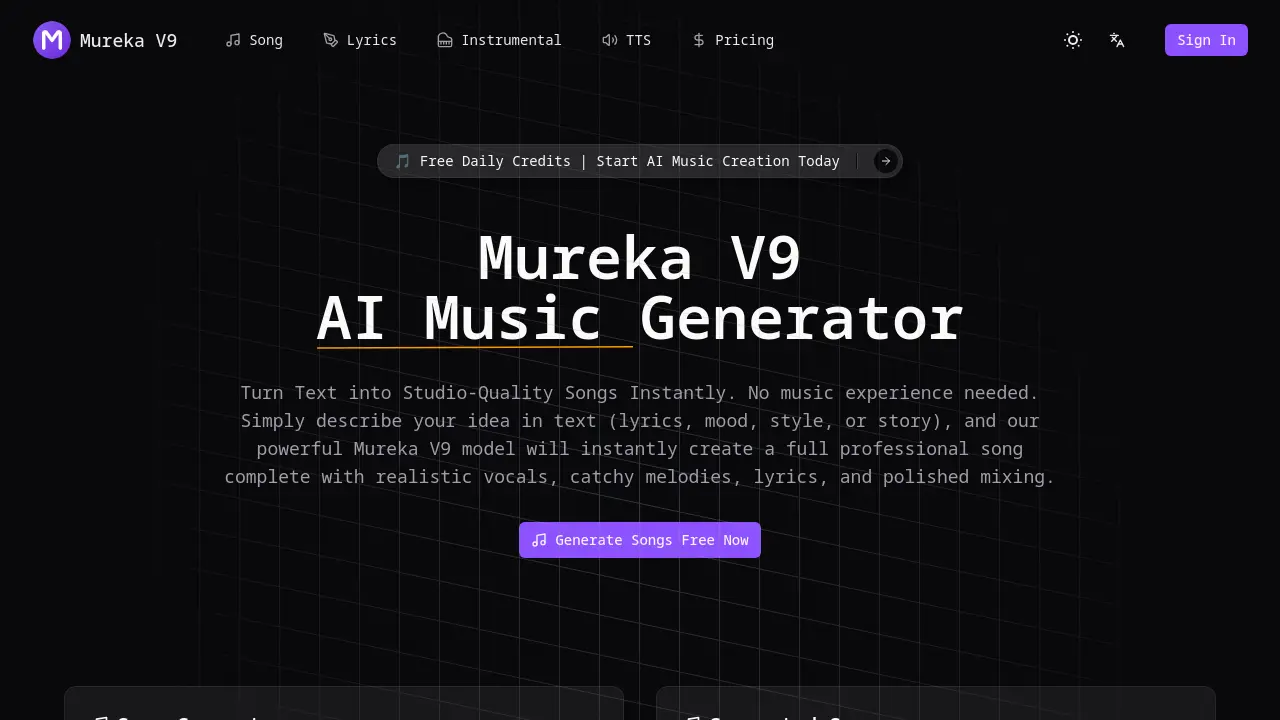
FAQs of Mureka V9
What is Mureka V9?
Mureka V9 is an advanced AI music generator that transforms text descriptions into complete, studio-quality songs. Using the powerful Mureka V9 model, it creates professional tracks with realistic vocals, catchy melodies, lyrics, and polished mixing—no musical experience required.
How do I use Mureka V9 AI Music Generator?
Using Mureka V9 is simple: describe your song idea (mood, genre, theme), select style and singer preferences, then click generate. The platform instantly creates a professional-quality song with realistic vocals and instrumentals. You can preview, iterate, and download the final track for your projects.
What music styles does Mureka V9 support?
Mureka V9 supports over 50 music styles including pop, electronic, hip-hop, jazz, rock, and more. The platform handles multiple languages with natural singing across all genres, providing creators with extensive creative flexibility.
Can I use generated music for commercial projects?
Yes, Mureka V9 includes a full commercial license with all paid plans, allowing you to use generated music for streaming platforms, videos, games, and other commercial projects without copyright concerns.
How is Mureka V9 different from other AI music tools?
Mureka V9 stands out with its V9 model precision, offering superior text adherence, emotional vocals, and creative control. It delivers studio-grade quality with natural breathing and emotion, plus features like custom singers, voice cloning, and an integrated AI DAW for editing tracks and exporting stems.
Does Mureka V9 support multi-language singing?
Yes, Mureka V9 supports multiple languages with natural singing capabilities across all 50+ music styles. The platform's advanced AI ensures realistic vocal performances regardless of the language or genre you choose.
How to use Mureka V9
- Visit the Mureka V9 website and navigate to the Song Generator section.
- Describe your desired song by entering details about mood, genre, theme, and style.
- Select your preferred model and choose the number of songs to generate.
- Click the generate button to create your AI-powered song instantly.
- Preview the generated song, make any necessary adjustments, and download the final product for use.
