
Miso One AI FAQs
Miso One AI is an AI voice generator that lets creators and development teams produce expressive dialogue audio, test cloning, review prompts, and download speech samples with credit tracking.

FAQs of Miso One AI
What is Miso One AI?
Miso One AI is a browser‑based voice generation workspace that enables users to create expressive dialogue audio, test voice cloning, review prompt quality, and download speech samples for demos, product decisions, or research purposes.
What types of audio can Miso One AI generate?
The platform can turn written scripts into natural‑sounding speech for narration, customer‑support flows, educational scenes, game dialogue, and prototype voice agents, while allowing control over emotion, rhythm, and pacing.
How does Miso One AI support voice cloning review?
Miso One AI offers a consent‑based cloning workflow where a short reference sample can be uploaded, labeled, and compared against generated output. The system records similarity checks, consent notes, and reuse limits to help teams verify cloning quality responsibly.
Why is latency important when using Miso One AI?
Low latency ensures that generated speech aligns with real‑time interaction requirements, making voice agents sound more natural, reducing awkward pauses, and improving the overall user experience in interactive applications.
How should teams evaluate the output from Miso One AI?
Teams are encouraged to compare the generated audio with the original script, transcript, and timing notes, then score clarity, emotional expression, and stability. Documenting these reviews creates repeatable feedback for future iterations.
How do credits work in Miso One AI?
Credits are consumed based on the length and complexity of each generation. Short test scripts consume fewer credits, while longer dialogues require more. The credit dashboard lets users monitor usage and plan top‑ups before extensive review sessions.
Can Miso One AI be used for production‑level audio?
Miso One AI is primarily designed for prototyping, planning, and internal reviews. For final production, users should verify licensing terms, safety policies, storage compliance, and any additional provider requirements before releasing the audio publicly.
Who can benefit from using Miso One AI?
Creators, developers, educators, agencies, researchers, and support teams who need rapid, repeatable voice samples for decision‑making, training, or demo purposes will find the platform especially useful.
What adjustable parameters are available during generation?
Users can select voice identity, language, stability (which controls randomness), and output options such as format and length. These settings help tailor the speech to specific use cases and quality expectations.
Is it possible to download generated audio for offline review?
Yes, after a generation completes, the audio file can be downloaded directly from the workspace. Downloadable files can be shared with stakeholders, archived for future reference, or incorporated into product demos.
How to use Miso One AI
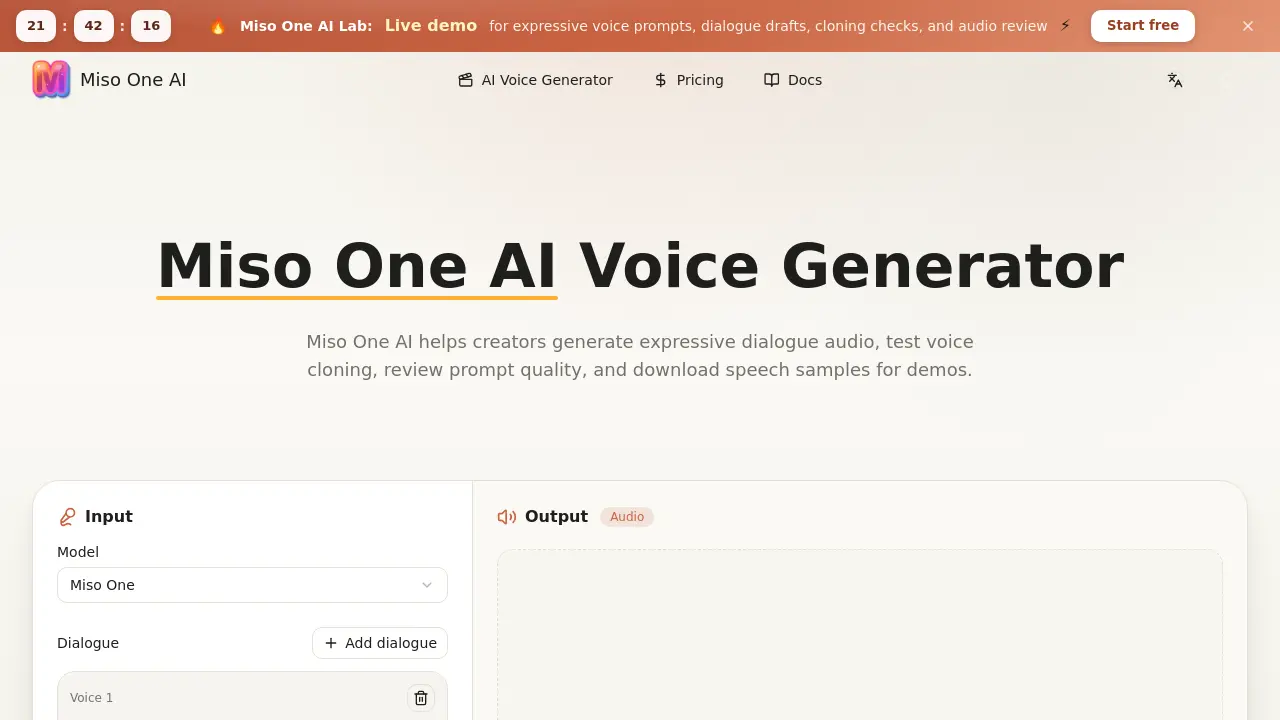
Miso One AI provides a browser‑based workspace to generate expressive dialogue audio, conduct voice‑cloning checks, review prompts, and download speech samples for demos and planning.
Enter the desired script or dialogue in the text field; optionally attach a short reference clip when the workflow permits cloning verification.
Select voice, language, and stability parameters, adjusting emotion, rhythm, and pacing to match the intended expressive style.
Click Generate, then monitor the progress bar; the platform renders the audio based on the chosen settings within moments.
Review the generated sound alongside the transcript, noting timing, turn‑taking, and emotional delivery for quality assessment.
Download the resulting audio file, attach review notes, and share the link with team members for collaborative decision‑making.
