
MelodyCraft FAQs
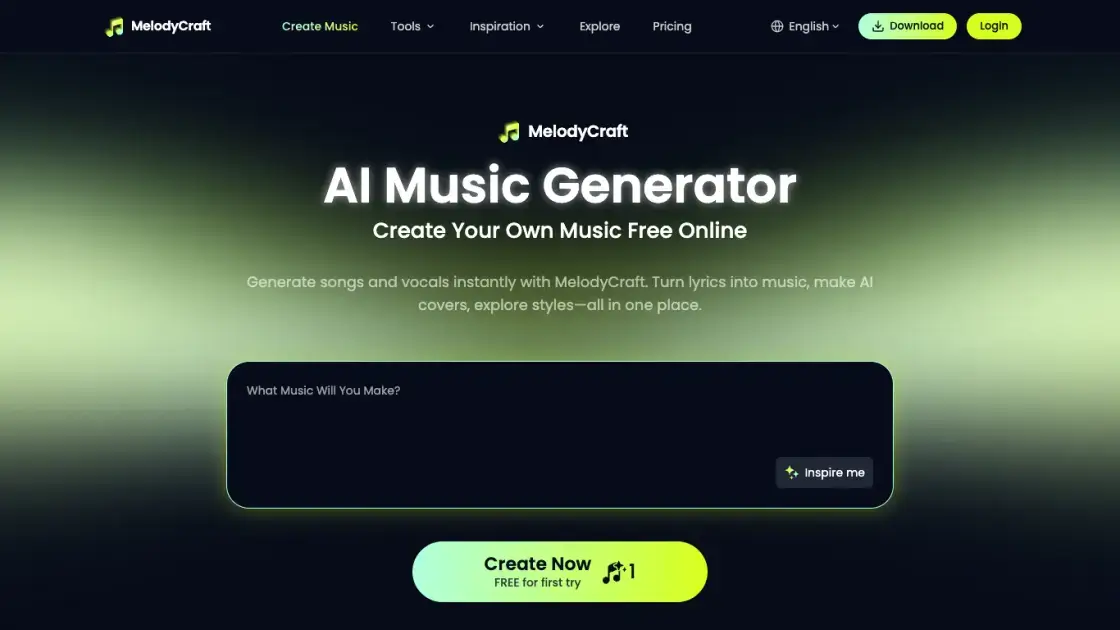
MelodyCraft is an AI music generator that turns lyrics into songs, creates AI covers, and offers various music styles for content creators.

FAQs of MelodyCraft
What is MelodyCraft AI Music Generator?
MelodyCraft is an AI music generator that helps you create original songs from text prompts, lyrics, styles, and creative ideas. You can use it to make songs with vocals, instrumentals, background music, demos, and more.
Can I turn lyrics into a song with MelodyCraft?
Yes. You can paste or write lyrics, choose a music style, and let MelodyCraft turn your words into a complete AI-generated song with vocals and arrangement.
Is MelodyCraft free to use?
Yes. You can start creating music with free credits after signing up. Extra credits and advanced options may be available depending on your account and plan.
Can I use AI-generated music commercially?
MelodyCraft can be used to create royalty-free music for personal and commercial projects. You can use your tracks for videos, podcasts, social content, ads, games, and more, as long as you follow MelodyCraft’s terms of use.
What music styles and genres can I create?
MelodyCraft supports a wide range of music styles, including pop, rap, EDM, jazz, lo-fi, K-pop, gospel, rock, cinematic, acoustic, and more. You can describe the mood, genre, tempo, and sound you want.
Do I need music experience to create a song?
No. You do not need music theory, songwriting, or production experience. Just describe your idea, paste lyrics, or choose a style, and MelodyCraft will help turn it into music.
How long does it take to generate a song?
Most songs can be generated in a short time, depending on the selected style, length, and current system demand. Once the song is ready, you can listen, download, and continue creating.
How to use MelodyCraft
- Sign up for an account: Visit the MelodyCraft website or download the mobile app to create an account and receive free credits.
- Describe your musical idea: Input lyrics, text prompts, or creative concepts to guide the AI in generating your song.
- Choose a music style: Select from a variety of music styles such as jazz, K-pop, lo-fi, EDM, and more.
- Generate the song: Let the AI create a complete track with vocals, instrumentals, and arrangement.
- Download and share: Download your royalty-free music for use in YouTube videos, TikTok clips, podcasts, ads, and other projects.
