
Make3D - Make Your Image 3D
| Added on: | Apr 17, 2024 |
| Monthly Visits: | -- |
| Social & Email: | -- |

What is Make3D
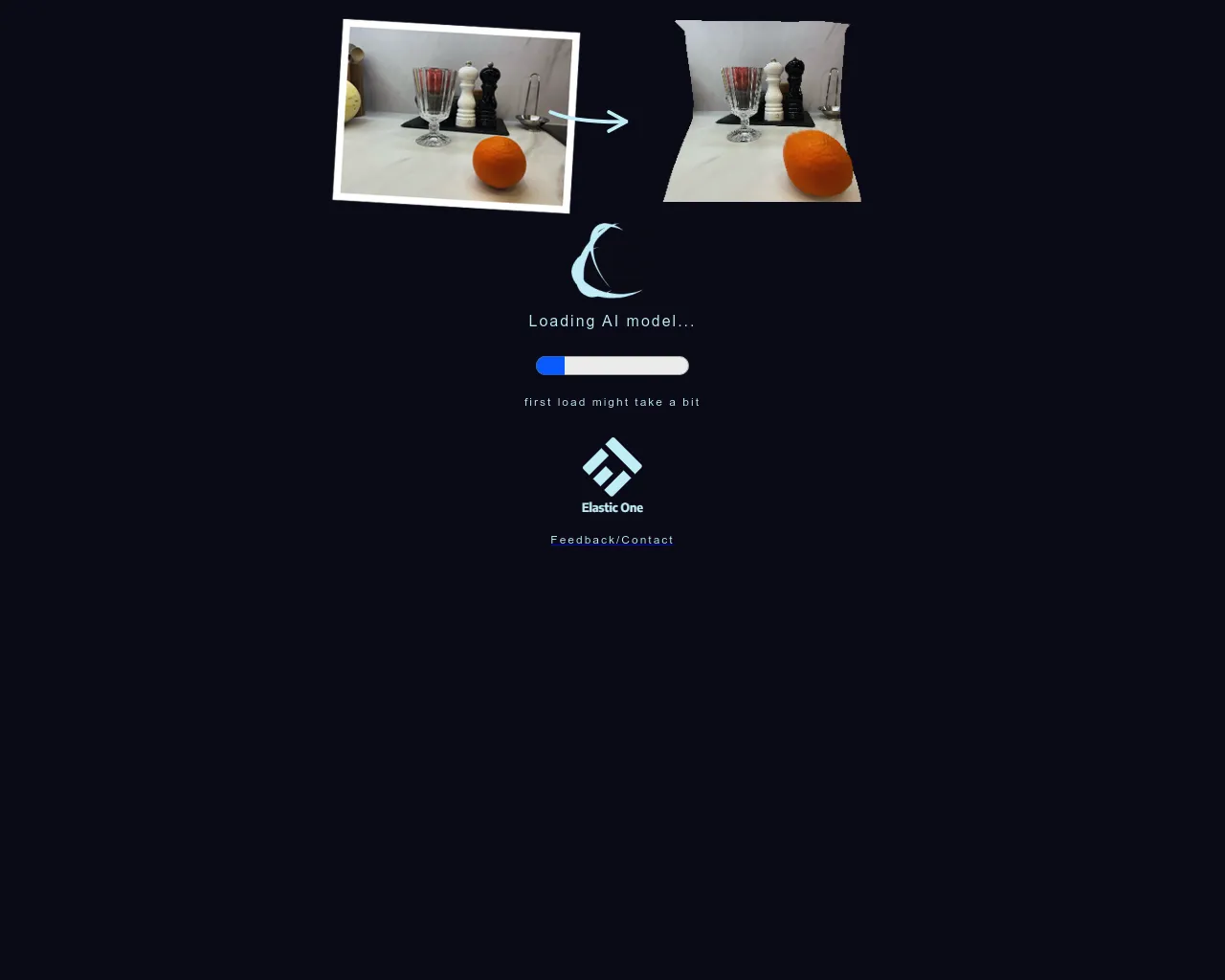
Make3D is an AI-powered tool that can convert your 2D images into 3D models. It's really cool because you can use it to create unique 3D models from your own photos or artwork. Imagine, you could take a picture of your pet and then have a 3D model of it to put on your desk, how neat is that! 🤔 Make3D is easy to use, you just upload your image, and it does all the hard work for you. The tool uses advanced AI techniques to recognize the features in your image and create a realistic 3D model. This is a pretty useful tool for anyone who wants to experiment with 3D design, or create unique 3D models from their own images.
Core Features of Make3D
Turn your image to 3D with Make3D
Make3D is an online tool that allows you to create a 3D model from a 2D image. It uses an advanced AI-powered algorithm to analyze the image and create a realistic 3D representation.
Make3D Core Features
Image to 3D
Make3D is a web-based tool that allows you to convert your image to 3D models. It supports various file formats such as JPG, PNG, and GIF.
Easy to Use
Make3D is designed to be easy to use. You can upload your image and the tool will automatically create a 3D model. You can also adjust the settings to control the quality of the output.
Fast and Efficient
Make3D is a fast and efficient tool. It can create 3D models in just a few seconds. You can download the 3D model in different formats such as OBJ, FBX, and GLTF.
FAQs of Make3D
What is Make3D?
Make3D is a web-based tool that lets you create 3D models from your 2D images. You can use it to turn your photos, drawings, or even screenshots into interactive 3D objects.
How do I use Make3D?
It's simple! Just upload your image, and Make3D will do the rest. You can adjust settings like the depth, style, and resolution of your 3D model.
What can I do with my 3D model?
You can download your model in various formats, such as OBJ, STL, and GLTF, and use it in 3D design software, 3D printing, or even as part of a virtual reality experience.
What kind of images can I use?
You can use almost any kind of image, but it's best to use images with good contrast and clear edges. The more detail your image has, the better your 3D model will look.
Is Make3D free?
Make3D offers a free trial, which lets you create a limited number of 3D models. You can also purchase a subscription to access unlimited 3D creation features.
How is Make3D different from other 3D modeling software?
Make3D is different because it's specifically designed for creating 3D models from images. It's easy to use and doesn't require any special skills or knowledge of 3D modeling software.
