

FAQs of Make3D
What is Make3D?
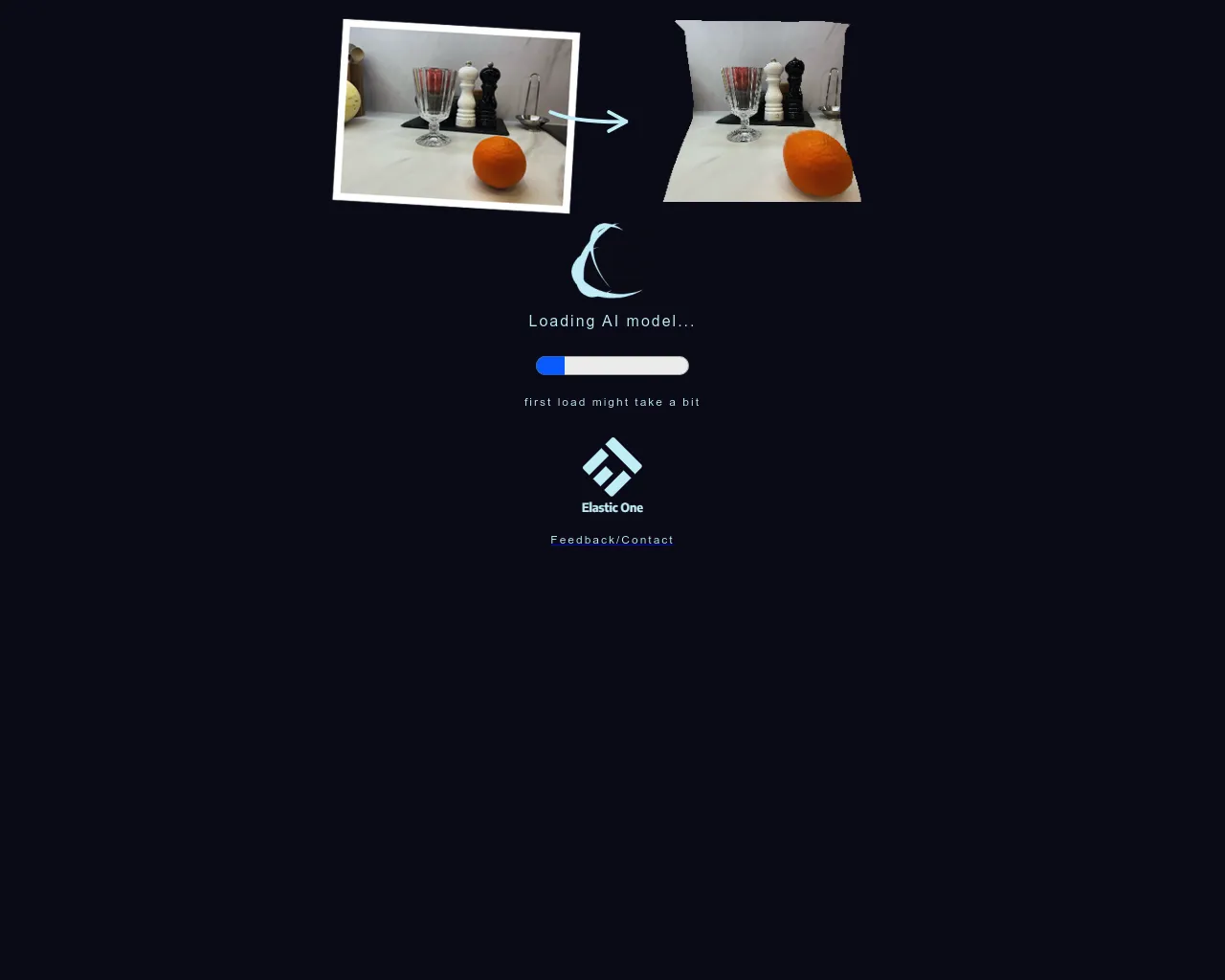
Make3D is a web-based tool that lets you create 3D models from your 2D images. You can use it to turn your photos, drawings, or even screenshots into interactive 3D objects.
How do I use Make3D?
It's simple! Just upload your image, and Make3D will do the rest. You can adjust settings like the depth, style, and resolution of your 3D model.
What can I do with my 3D model?
You can download your model in various formats, such as OBJ, STL, and GLTF, and use it in 3D design software, 3D printing, or even as part of a virtual reality experience.
What kind of images can I use?
You can use almost any kind of image, but it's best to use images with good contrast and clear edges. The more detail your image has, the better your 3D model will look.
Is Make3D free?
Make3D offers a free trial, which lets you create a limited number of 3D models. You can also purchase a subscription to access unlimited 3D creation features.
How is Make3D different from other 3D modeling software?
Make3D is different because it's specifically designed for creating 3D models from images. It's easy to use and doesn't require any special skills or knowledge of 3D modeling software.
