
LTX FAQs
LTX is a DiT-based AI video generator for creators. It produces professional videos from text or images in seconds, with open-source flexibility.

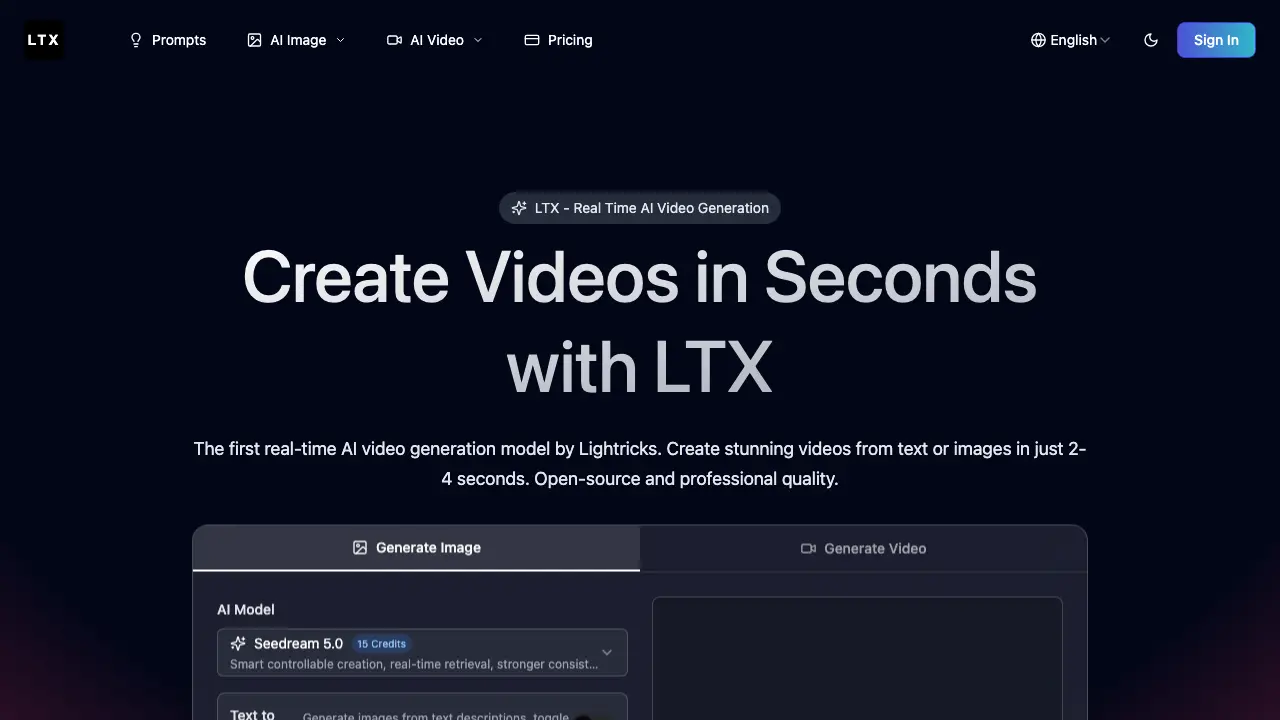
FAQs of LTX
What is LTX and what makes it unique?
LTX is the first DiT (Diffusion Transformer) based real-time AI video generation model developed by Lightricks. It features a 2B parameter architecture that can generate 5-second, 768x512 resolution videos at 24 FPS in just 2-4 seconds - faster than playback speed. It's open-source and supports both text-to-video and image-to-video generation.
How fast is LTX generation?
LTX generates videos faster than real-time playback. On an NVIDIA H100 GPU, it can produce a 5-second video in approximately 4 seconds. This breakthrough speed makes it practical for real-time creative workflows and rapid prototyping.
What video formats and resolutions does LTX support?
LTX generates videos at 768x512 resolution with 24 FPS frame rate. The model supports frame counts divisible by 8 plus 1 (e.g., 9, 17, 25 frames). Output is in MP4 format, suitable for social media, marketing, and professional content creation.
Is LTX open-source?
Yes! LTX is fully open-source, hosted on GitHub by Lightricks. It integrates with ComfyUI for visual workflow design and supports both GPU and TPU systems. Developers can freely use, modify, and distribute it under the Apache-2.0 license.
What are text-to-video and image-to-video generation?
Text-to-video allows you to create videos from text descriptions - simply describe the scene you want. Image-to-video lets you animate static images - upload a photo and describe how it should move. LTX excels at both modes with consistent, high-quality results.
What are the use cases for LTX?
LTX is perfect for film pre-visualization, advertising creative, social media content, educational materials, and rapid prototyping. Content creators, marketers, educators, and businesses use it to produce professional video content efficiently.
What system requirements are needed to run LTX?
LTX requires a GPU with sufficient VRAM, with optimal performance on NVIDIA H100 hardware. It supports consumer-grade GPUs and TPU systems. The 2B parameter model typically needs at least 16GB VRAM for local execution, and generation speed varies with hardware capabilities.
How can I get started with LTX?
New users can access LTX through the official ltx.dev website using free credits without a credit card. For local deployment, the open-source model is available on GitHub with integration guides for ComfyUI. Lightricks provides documentation and example workflows to assist with initial setup and exploration.
What are the licensing terms for commercial use?
LTX is released under the Apache-2.0 license, permitting commercial use, modification, and distribution with proper attribution. There are no licensing fees, but users must comply with the license terms. Lightricks also offers proprietary models like FLUX.1 Kontext under separate commercial licensing.
Can LTX be integrated with other creative tools?
Yes, LTX integrates with ComfyUI for node-based workflow design, allowing combination with other AI models and effects. Output videos in MP4 format can be imported into standard video editing software. Developers can also use available APIs for custom integrations into proprietary applications.
What are the current limitations of LTX?
LTX currently generates videos at a fixed 768x512 resolution with frame counts limited to specific values like 9, 17, or 25 frames. Consistency may vary with highly complex or abstract prompts. Real-time speed depends on hardware; consumer GPUs will result in longer generation times compared to the advertised 2-4 seconds on high-end GPUs.
How to use LTX
- LTX is a real-time AI video generation model that creates short videos from text or image inputs using a 2B parameter DiT architecture for fast, professional-quality results.
- Navigate to the LTX web interface at https://ltx.dev/ and sign in or create an account to access the generation tools and credit system.
- Select the appropriate generation mode: use "Text to Video" for descriptive prompts or "Image to Video" to animate an uploaded static image with a motion prompt.
- Enter a detailed text prompt describing the desired scene, subject, and motion, ensuring clarity within the character limit for optimal output consistency.
- For image-to-video, upload a source image and pair it with a prompt specifying how the image should animate or transform over the video duration.
- Choose an aspect ratio (e.g., 16:9, 9:16) that matches your target platform's requirements before initiating the generation process.
- Click the "Generate Video" button; the system will consume the specified credits (e.g., 10-15) and process the request using the Seedream 5.0 model.
- Wait approximately 2-4 seconds for the 5-second, 768x512 resolution MP4 video to render, as LTX operates faster than real-time playback speed.
- Preview the generated video directly in the interface, assessing visual quality, motion smoothness, and alignment with the input prompt or source image.
- Download the final MP4 file for use in editing software, social media, presentations, or other creative and professional video production workflows.
- Iterate by adjusting prompts, changing aspect ratios, or modifying source images to refine results, leveraging the tool's speed for rapid prototyping.
- Apply the generated clips to specific use cases such as social media content, advertising storyboards, educational clips, or film pre-visualization.
