
Create Professional Videos with Kling O1 AI Generator
| Added on: | Mar 17, 2026 |
| Monthly Visits: | -- |
| Social & Email: | -- |

What is Kling O1
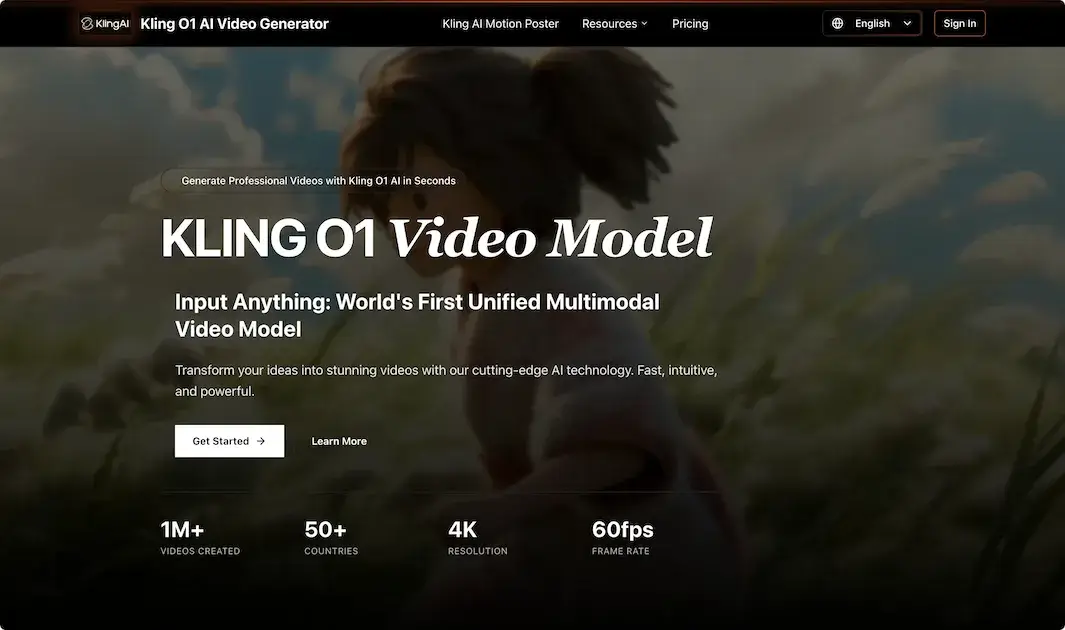
Kling O1 is an AI video generator that transforms text prompts into professional videos in seconds. It operates as a unified multimodal model, supporting outputs in 4K resolution at 60fps with selectable aspect ratios like 16:9, 1:1, and 9:16. The process requires users to describe a vision, choose a cinematic style, and generate a downloadable video.
Designed for creative professionals, teams, and businesses, it aims to streamline video production. Key features include lightning-fast generation, usage analytics, custom style guidance, and priority support for paid tiers. The platform offers an ecosystem extending from individual creation to API access, targeting users who need efficient, high-quality video content without traditional editing expertise. Pricing is credit-based with annual plans for varying usage levels, all including a commercial license.
How does Kling O1 work
Kling O1 functions as a multimodal AI video generator that processes text prompts to produce video output. Users initiate the workflow by detailing their vision, optionally selecting cinematic styles, after which the system renders videos with technical specifications including 4K resolution and 60fps. Generation consumes credits, with tiered pricing influencing quality tiers and processing priority. The platform supports multiple aspect ratios and integrates features like usage analytics, custom style guidance, and API access for team scalability. Designed for creative professionals, it automates video production from concept to downloadable files, facilitating efficient content creation within a comprehensive ecosystem.
Benefits of Kling O1
Kling O1 is an AI video generator that transforms text prompts into professional videos in seconds. It supports high-quality outputs up to 4K resolution and 60fps, with multiple aspect ratios. The platform scales from individual creators to teams with API access, usage analytics, and priority support on professional tiers. Its intuitive, three-step workflow—describe, choose style, generate—streamlines creative workflows, while transparent annual pricing plans accommodate varying project demands. This unified multimodal model enables efficient video production without traditional editing complexities.
Pros and Cons of Kling O1
Pros
- Multimodal input supports diverse creative prompts.
- High-resolution 4K video at 60fps output.
- Simple interface requiring minimal training.
- Scalable solutions with developer API access.
- Transparent tiered pricing includes commercial licenses.
Cons
- Credit-based pricing may limit high-volume usage.
- Cloud dependency requires stable internet.
- Generated content may have copyright ambiguities.
- Less granular control than traditional editing.
- No offline functionality for video generation.
Core Features of Kling O1
AI-Powered Video Synthesis from Text
Kling O1 generates complete videos from textual prompts using its unified multimodal AI model, enabling rapid transformation of ideas into visual content for creators.
Cinematic Style and Aesthetic Tailoring
Provides multiple cinematic styles and AI-driven custom guidance, allowing users to match video aesthetics to specific themes or brand identities effectively.
High-Definition Output Configuration
Supports 4K resolution at 60fps with flexible aspect ratios (16:9, 1:1, 9:16), ensuring professional-grade video quality and format versatility for various platforms.
Professional Ecosystem and API Access
Offers API integrations, usage analytics, and team collaboration features, facilitating scalable video production and workflow integration for businesses and creative professionals.
Use Cases of Kling O1
- Content Creators: Generate professional videos from text prompts using Kling O1 AI with fast processing and 4K resolution support.
- Marketing Teams: Produce promotional content efficiently with customizable aspect ratios and commercial licenses for campaign deployment.
- Filmmakers: Visualize concepts and create storyboards via Kling O1's high-resolution output and cinematic style options at 60fps.
- Educators: Develop instructional materials by describing scenes to the AI video generator for rapid educational video production.
- Web Developers: Integrate scalable AI video generation into applications using Kling O1's API for dynamic user experiences.
FAQs of Kling O1
What is the refund policy?
We offer a 30-day money back guarantee. If you are not satisfied with Kling O1 AI video generator, you can request a refund within 30 days of your purchase. Contact our support team with your order number and reason for the refund request. Refunds will be processed within 3-5 business days after approval, subject to our terms of service.
How do I cancel my subscription?
You can cancel your subscription at any time by logging into your account dashboard and clicking on the subscription management button. Your access will continue until the end of the current billing period, after which the subscription will not renew.
Can I upgrade my plan?
Yes, you can upgrade your plan at any time by logging into your account and selecting the plan you want to upgrade to from your dashboard. You will be charged the prorated difference between your current plan and the new plan. Your upgraded plan will take effect immediately with all new benefits available right away.
Do you offer customer support?
Yes! We offer email and live chat support for all Kling O1 users. Pro and Premium subscribers receive priority support with faster response times. Support is available 24/7 to assist with any questions or issues you may encounter while using the AI video generator platform.
How does the credit system work for video generation?
Kling O1 operates on a credit-based system where generating a single video consumes 10 credits. Your annual subscription plan provides a set number of credits: 1,200 for Starter, 2,400 for Pro, and 6,000 for Premium. Credits are deducted per video generation and typically renew annually with your plan. This model allows for predictable budgeting based on your video production volume.
What video resolutions and frame rates does Kling O1 support?
The Kling O1 AI video generator produces videos in up to 4K resolution with a maximum frame rate of 60fps. Users can select from multiple aspect ratios including 16:9, 1:1, and 9:16 to suit various platforms and creative needs. The specific output quality may depend on the selected plan tier.
What are the key differences between the Starter, Pro, and Premium plans?
The Starter plan is for casual creators with standard video quality and community support. The Pro plan adds high-quality generation, all aspect ratios, priority generation, email support, and a commercial use license. The Premium plan includes the highest quality, fastest generation, priority email support, a commercial license, and full API access for integrations.
Can I use videos generated by Kling O1 for commercial purposes?
Yes, commercial use is permitted with the Pro and Premium subscription plans, which include a commercial use license. The Starter plan's license may restrict commercial applications. Always review the specific terms of service for your plan to ensure compliance with permitted usage rights for your AI-generated videos.
What is included with the API access in the Premium plan?
The Premium plan provides API access, allowing developers to integrate Kling O1's AI video generation capabilities directly into their own applications, workflows, or services. This enables automated video creation at scale, custom interface development, and seamless embedding of the video generation engine into external platforms or creative pipelines.
How to use Kling O1
Kling O1 is an AI video generation platform that transforms text prompts into professional video content. It supports customizable parameters like duration, aspect ratio, and cinematic style, producing videos up to 4K resolution at 60fps. The service operates on a credit-based system integrated with subscription plans.
- Users navigate to the Kling O1 web platform and access the main video generation dashboard.
- A detailed text description of the desired video scene is entered into the prompt input field.
- Optional parameters including video duration and aspect ratio are selected from the available controls.
- The chosen cinematic style is specified, either from presets or via an AI recommendation.
- The generation is initiated, consuming the specified number of platform credits per video created.
- Processing time varies; the resulting video is displayed in the dedicated preview section upon completion.
- The user reviews the output for alignment with the initial creative vision and technical requirements.
- The final video can be downloaded in the selected resolution and format for offline use or distribution.
- For iterative refinement, users adjust the prompt text or parameters and regenerate the video sequence.
- Professional subscribers utilize usage analytics from their account dashboard to manage credit allocation and project scaling.