
KapKap Core Features
KapKap: Your AI-driven video studio app with dynamic subtitle animations, designed to boost viewer interaction. Create, edit, and share engaging talking videos easily, all from your phone. Unleash the power of interactive video content now!

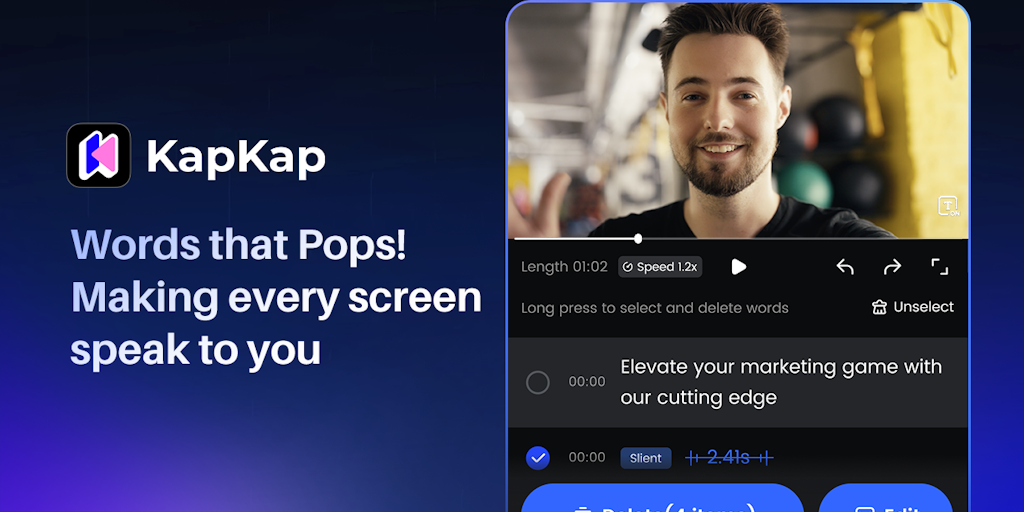
Core Features of KapKap
Photo Editing Features
KapKap offers a range of photo editing features specifically designed for mobile users. These features are designed to make editing photos on the go quick and easy. 😄 KapKap is a free photo editing app available for download on mobile devices. Users can edit photos without needing to pay for a subscription or any in-app purchases.
AI-Powered Features
KapKap uses AI to enhance its features. AI is used to automatically improve photo quality, remove unwanted objects, and create unique effects. This makes it possible for users to achieve professional-looking results with just a few taps on their screens.
User Interface
KapKap has a simple and intuitive user interface, making it easy for users of all skill levels to navigate and edit photos. The app provides a clean layout that makes it easy to find the features you need. This eliminates the need to spend time figuring out how to use the app before you can start editing. 👍
Use Cases of KapKap
- Content Creators: Use KapKap's AI video enhancer to improve video quality for better audience engagement.
- Social Media Managers: Remove distracting watermarks using KapKap AI to repurpose video content effectively.
- E-commerce Businesses: Employ KapKap AI to remove or change video backgrounds for product marketing videos.
- Educators: Leverage KapKap's video and audio to text to generate subtitles and transcripts for online courses.
- Religious Organizations: Utilize KapKap's Talking Photos feature, driven by KapKap AI, to create engaging content for religious promotion.
