
KapKap FAQs
KapKap: Your AI-driven video studio app with dynamic subtitle animations, designed to boost viewer interaction. Create, edit, and share engaging talking videos easily, all from your phone. Unleash the power of interactive video content now!

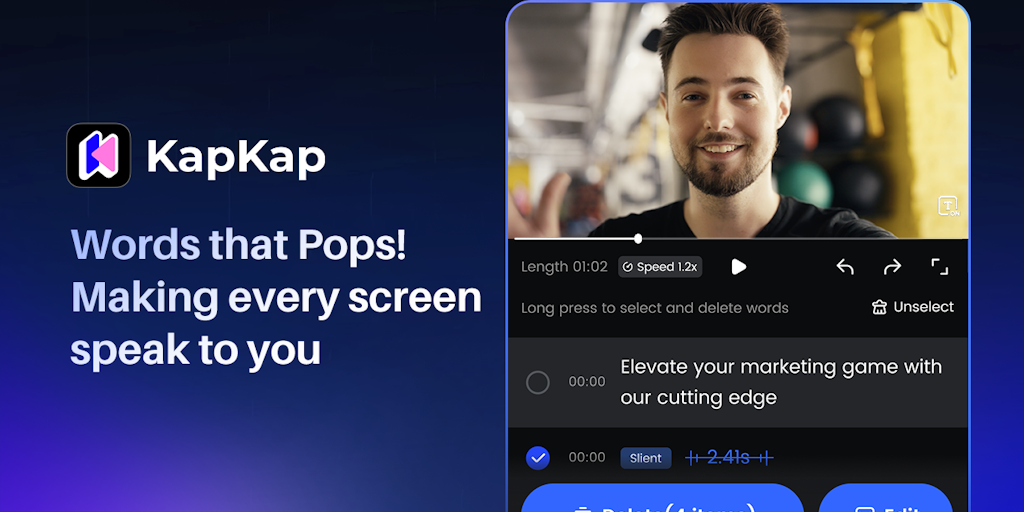
FAQs of KapKap
What is KapKap?
KapKap is an AI-powered photo editor that's free to use on your mobile device. It helps you easily improve your photos with a variety of tools and features.
How do I use KapKap?
You can download KapKap from the App Store or Google Play. Once it's installed, you can open the app and select a photo from your library. You can then use the different editing tools to adjust things like brightness, contrast, and saturation.
What are some things KapKap can do?
KapKap can help you fix your photos by removing blemishes, adjusting the lighting, or even changing the background. You can use the app to enhance your photos by adding effects or adjusting the colors. You can even use KapKap to create collages and memes.
What makes KapKap different from other photo editors?
KapKap is powered by AI, which means it can learn from your edits and suggest ways to improve your photos. You can also use the app to create and share memes and collages with friends, which makes it a fun and easy way to share your photos online.
Is KapKap free to use?
Yes! KapKap is free to use. You can download and use the app for free. There are some optional in-app purchases, but you don't need to pay anything to use the basic features.
Is there a KapKap community I can join?
Yes! You can join the KapKap Discord community to connect with other users. Here you can share your photos, get help, and ask questions. 😊
How to use KapKap
KapKap, also known as Vmake, provides AI-powered tools to enhance videos. Its functionalities include video quality enhancement, watermark removal, background removal, and subtitle generation, catering to content creators.
- Begin by selecting the desired AI tool, such as the Video Quality Enhancer or Video Watermark Remover, based on your video editing needs.
- Upload the video you want to edit to the KapKap platform. Ensure the video format is supported for optimal performance of the selected tool.
- Utilize the AI-powered features like noise reduction or background removal to refine your video, previewing changes in real-time when available.
- Download the enhanced video after processing. Consider exploring the mobile app for editing capabilities directly from your mobile device.
- For e-commerce users, explore AI fashion model and background generator tools to create compelling visuals for products.
