
JpgToMp4 is an AI JPG to MP4 video generator.

What is JpgToMp4
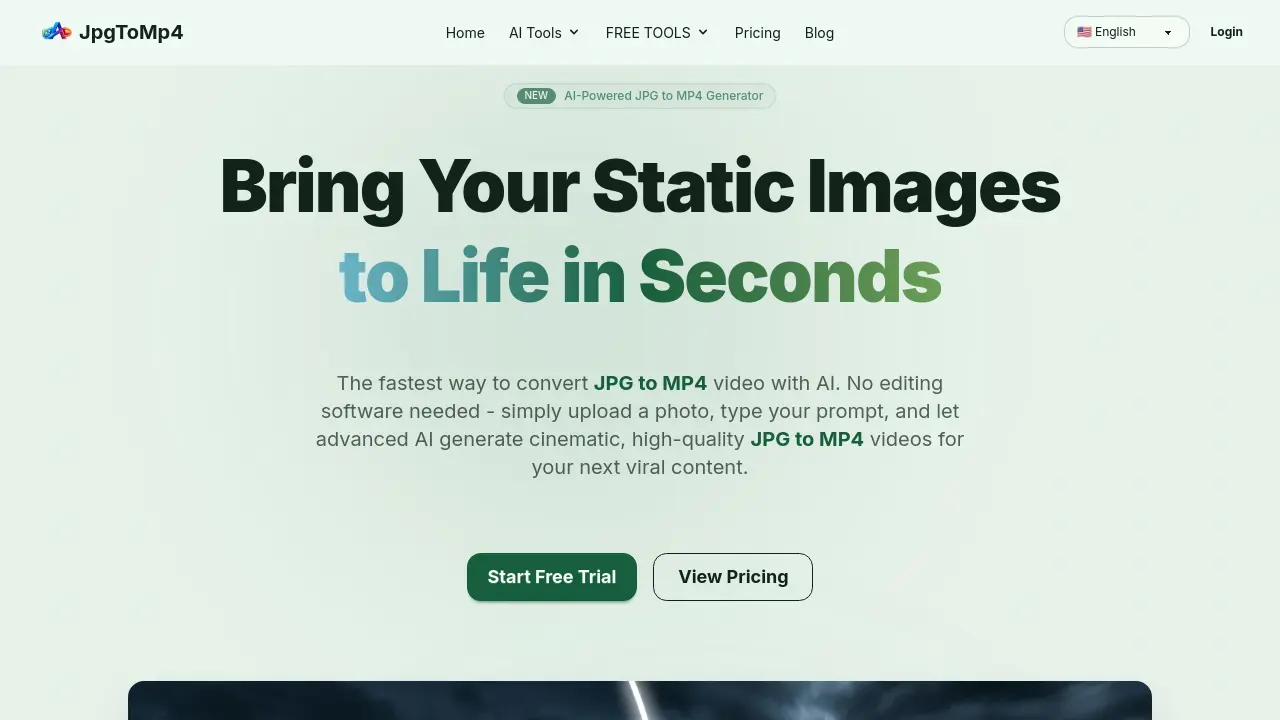
JpgToMp4 is an AI-powered platform designed to convert static images into dynamic videos. It offers a streamlined process where users can upload JPG, PNG, or WebP images and generate cinematic MP4 videos using advanced AI models like Google Veo 3.1 and Black Forest Labs' Flux series. The tool provides fine-grained control over video creation, allowing users to describe their vision in plain English, including camera movements, character actions, and environmental effects. JpgToMp4 also includes features such as high-resolution upscaling, aspect ratio adjustments, and commercial licensing for all generated content. It caters to content creators, marketers, and businesses seeking efficient and high-quality video production without the need for complex editing software.
How does JpgToMp4 work
JpgToMp4 is an AI-powered online platform that converts static JPG images into dynamic MP4 videos. Users simply upload a JPG, PNG, or WebP image and describe their vision using plain English prompts. The AI then generates cinematic, high-quality MP4 videos with camera movements, character actions, and environmental effects. The tool integrates advanced AI models like Google Veo 3.1 for video generation and Flux 2 Pro for image tasks, offering precise control over video style and consistency. JpgToMp4 supports commercial use, includes a free trial with daily credits, and eliminates the need for complex editing software or expensive motion designers.
Benefits of JpgToMp4
JpgToMp4 offers a revolutionary solution for converting static JPG images into dynamic MP4 videos using advanced AI technology. This user-friendly platform eliminates the need for complex video editing software, allowing creators to transform their images into cinematic content in just three simple steps. With support for multiple AI models including Google Veo 3.1 and Flux 2 Pro, users can generate high-quality videos with precise control over camera movements, character actions, and environmental effects. The tool provides commercial licensing, high-resolution upscaling, and aspect ratio flexibility, making it ideal for social media content, marketing campaigns, and creative projects. Whether you're a solo creator or a professional, JpgToMp4 streamlines the video creation process, saving time and resources while unlocking new possibilities for visual storytelling.
Pros and Cons of JpgToMp4
Pros
- AI-powered JPG to MP4 conversion.
- Multiple AI models available.
- Commercial license included.
Cons
- Limited to 5-8 second videos.
- One image at a time processing.
- Requires credit system for usage.
Core Features of JpgToMp4
AI-Powered JPG to MP4 Conversion
Converts static JPG images into dynamic MP4 videos using advanced AI models, eliminating the need for traditional video editing software.
Text-to-Video Prompt Control
Enables users to describe desired video effects through text prompts, controlling camera movements, character actions, and environmental elements for personalized video generation.
Multi-Model AI Integration
Offers access to multiple state-of-the-art AI models including Google Veo 3.1 and Black Forest Labs' Flux series for optimal video and image generation quality.
Commercial License Included
Provides full commercial rights for all generated videos, allowing users to utilize content for marketing, client projects, and social media without additional licensing fees.
High-Resolution Upscaling
Includes AI-powered image upscaling to 4x resolution before video conversion, ensuring crystal-clear MP4 outputs from low-resolution source images.
Use Cases of JpgToMp4
- Social Media Managers: Create engaging video content for social media platforms by converting JPG images to MP4 videos using AI-powered tools.
- Marketing Professionals: Produce high-quality promotional videos from static images with JpgToMp4's AI video generation capabilities.
- Content Creators: Transform JPG photos into cinematic MP4 videos for YouTube, TikTok, and Instagram without complex editing software.
FAQs of JpgToMp4
What is JpgToMp4?
JpgToMp4 is an AI-powered platform that converts static JPG images into dynamic MP4 videos. The service uses advanced AI models to animate photos based on text prompts, allowing users to create cinematic videos without traditional video editing software.
How do I convert a JPG to MP4 video?
To convert a JPG to MP4, simply upload your image to the JpgToMp4 platform, enter a text prompt describing how you want the video to look, and click Generate. The AI will transform your static image into an animated MP4 video in seconds.
What image formats are supported for JPG to MP4 conversion?
JpgToMp4 supports JPG, JPEG, PNG, and WebP formats. You can upload any of these common image formats, and the platform will handle the conversion to MP4 video automatically.
How long are the generated MP4 videos?
Video length varies by workflow, but Veo 3.1 typically generates 5 to 8 second clips. All JPG to MP4 outputs are delivered in HD 1080p quality for professional-looking results.
Do I own the rights to the generated JPG to MP4 videos?
Yes, paid users receive full commercial rights to all JPG to MP4 videos generated on the platform. You can use them for marketing campaigns, client projects, social media content, or any commercial purpose.
Can I try JpgToMp4 for free?
Absolutely. You can sign up for a free account and receive daily credits to convert JPG to MP4 and test all the AI models. No credit card is required to start using the free tier.
Which AI models does JpgToMp4 support?
JpgToMp4 supports Google Veo 3.1 for video generation, plus Flux 2 Pro, Nano Banana Pro, GPT Image 1.5, and more for image tasks. The platform continuously integrates the latest AI models to ensure you always have access to the best available technology.
How do the credits work?
Each JPG to MP4 generation uses a certain number of credits depending on the model and video length. Free users receive daily credits to test the tool, while paid plans offer higher credit allocations. You can check the Pricing page for detailed information.
Can I convert multiple JPGs to MP4 at once?
Currently, JpgToMp4 processes one image at a time for AI video generation. However, the platform offers a free Slideshow Maker tool that lets you combine multiple JPGs into a single MP4 slideshow video without using AI credits.
Is there a free JPG to MP4 converter without AI?
Yes, JpgToMp4 offers free browser-based tools for basic JPG to MP4 conversion, audio plus image to video, and slideshow creation with no sign-up or AI credits required. These tools run entirely in your browser for quick, simple conversions.
How to use JpgToMp4
- Visit JpgToMp4's website and select the JPG to MP4 Converter tool.
- Upload your JPG image by dragging and dropping it into the designated area.
- Enter a text prompt describing how you want the video to look, including camera movements and effects.
- Click the "Generate" button to initiate the AI-powered conversion process.
- Once the video is generated, download your MP4 file and use it for your desired purpose.
JpgToMp4 Website Traffic Analysis
Latest traffic information
- Monthly Visits234
- Bounce Rate41.64%
- Pages Per Visit1.02
- Visit Duration00:00:00
- Global Rank--
- Country/Region Ranking--
Visits Over Time
Top Keywords
| Keyword | Traffic | Volume | Cost Per Click |
|---|---|---|---|
| jpg to mp4 | -- | 4.84K | $1.7 |
| mp4 audio picture | -- | 50 | -- |
Top Regions
| Region | Percentage |
|---|---|
| Panama | 100% |
