
Imgezy Introduction
Imgezy is an AI photo editor that allows users to effortlessly edit images, remove objects, change backgrounds, and enhance photos online with a single click, catering to diverse image editing needs.

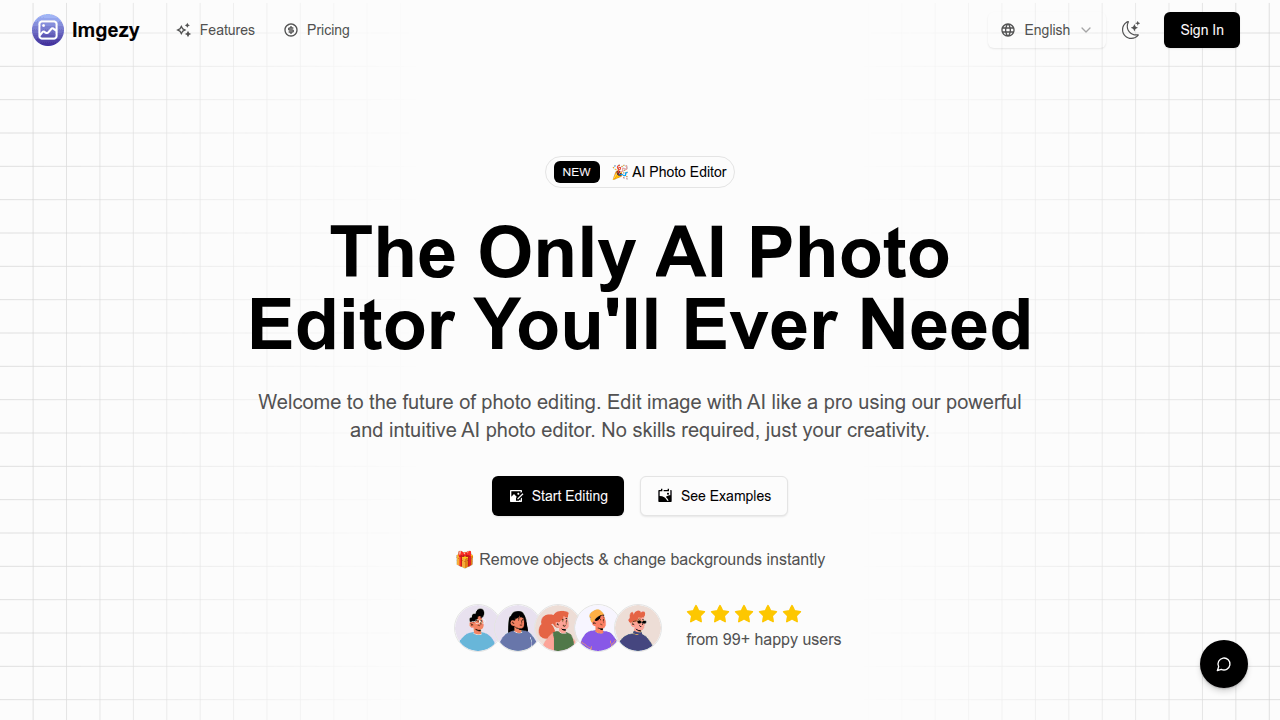
What is Imgezy
Imgezy is an AI photo editor designed for streamlined image synthesis and manipulation. This tool allows users to efficiently remove objects, change backgrounds, and enhance photos using artificial intelligence. It supports popular image formats like JPG, PNG, and WebP, and delivers high-quality output. Key features include precise object removal, instant background replacement, and smart repair functionalities, enabling users to achieve professional results without extensive photo editing experience. The platform aims to simplify complex image tasks, offering instant results and supporting various creative and commercial applications.
How does Imgezy work
Imgezy functions as an AI photo editor, enabling users to modify images using artificial intelligence. The platform employs advanced algorithms for tasks like object removal, background replacement, and image enhancement. Users upload an image, describe desired edits via text input (e.g., "Remove the person," "Change background to beach"), and the system processes these instructions, generating professional-quality edits. This process simplifies complex image synthesis and editing, providing instant results without requiring specialized design skills, thereby streamlining digital image manipulation.
Benefits of Imgezy
Imgezy offers an AI photo editor designed for effortless image editing. This tool enables users to remove unwanted objects, change backgrounds instantly, and enhance images with professional-grade results. Its AI-powered capabilities simplify complex edits, requiring no prior design skills. Users can achieve quick, high-quality output for various image synthesis needs, from fixing old photos to preparing e-commerce product shots, streamlining tasks efficiently.
Pros and Cons of Imgezy
Pros
- AI-powered object removal and background change.
- User-friendly, requires no design skills.
- Provides instant, professional-quality image edits.
- Supports common image formats up to 4K.
- Offers batch processing for multiple image edits.
Cons
- Free plan limits to one image edit.
- Batch editing feature is currently pending.
- Pricing may be a barrier for casual users.
- Advanced edits can take slightly longer.
