
ImageToBlackAndWhite Introduction
ImageToBlackAndWhite is a free online tool to convert photos to black and white. It allows users to transform color images into monochrome with no signup required.

What is ImageToBlackAndWhite
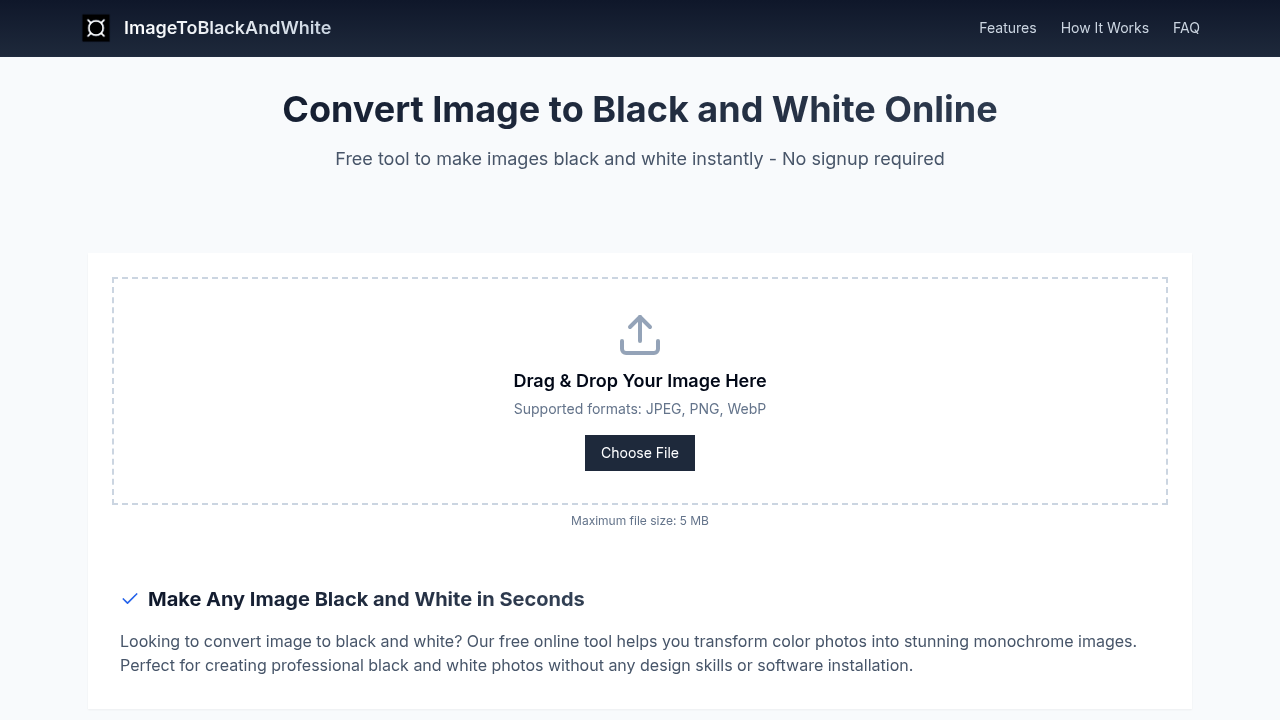
ImageToBlackAndWhite is a free online tool designed to convert image to black and white. It transforms color photos into monochrome images, focusing on composition, texture, and lighting. No signup is required.
The tool supports JPEG, PNG, and WebP formats, with a maximum file size of 5 MB. Users can create classic black and white aesthetics, enhance focus, and emphasize contrast. Features include adjustable contrast, brightness control, and vintage effects. It's an easy way to make image black and white, offering instant results without installation.
It provides high-quality conversion while preserving details. The converter helps quickly create black and white vector, outline, sketch, or drawing from images. It does not store images.
How does ImageToBlackAndWhite work
ImageToBlackAndWhite is a free online tool designed to convert image to black and white. Users upload an image, and the tool instantly transforms it into a monochrome version. Supported formats include JPEG, PNG, and WebP, with a file size limit of 5 MB. The service focuses on ease of use, providing adjustable contrast and brightness controls, and vintage effects. It aims to provide a high-quality image to black and white converter experience without requiring software installation or design skills. The output is a black and white drawing, outline or vector as desired.
Benefits of ImageToBlackAndWhite
ImageToBlackAndWhite is a free online tool designed to convert image to black and white instantly. Without requiring sign-up, users can transform color photos into monochrome images. It enhances focus on composition, texture, and lighting. The tool supports JPG, PNG, and WebP formats, with a maximum file size of 5 MB. It's an easy way to make images black and white, emphasizing contrast and tonal range. Adjustable contrast and brightness settings allow fine-tuning, ensuring high-quality black and white conversion for artistic or professional use. It also avoids storing images on servers.
Pros and Cons of ImageToBlackAndWhite
Pros
- Easy to use; no technical skills are needed.
- Free tool with no hidden costs.
- Instant results are generated.
- Supports JPG, PNG, and WebP formats.
- Privacy focused; images are not stored.
Cons
- Supports a maximum file size of 5MB.
- Converts one image at a time only.
- Lacks batch conversion capabilities.
- Vintage effects are limited.
