
ImageToBlackAndWhite FAQs
ImageToBlackAndWhite is a free online tool to convert photos to black and white. It allows users to transform color images into monochrome with no signup required.

FAQs of ImageToBlackAndWhite
How do I convert an image to black and white online?
To convert an image to black and white online, simply upload your image to the ImageToBlackAndWhite converter. Then, click the convert button, and download your black and white version. This tool makes it easy to transform any color image to black and white in just a few clicks.
What's the best way to make an image black and white?
The best way to make an image black and white is to use a tool that preserves image quality while converting colors to proper grayscale values. ImageToBlackAndWhite converter uses advanced algorithms to ensure optimal contrast and detail retention when converting your images to black and white.
Can I convert multiple images to black and white at once?
Currently, the ImageToBlackAndWhite tool converts one image at a time to ensure the highest quality black and white conversion. For batch conversion needs, you can quickly convert multiple images one after another using the tool.
What image formats can I convert to black and white?
You can convert JPG, PNG, and WebP image formats to black and white using ImageToBlackAndWhite. After conversion, you can download your black and white image in your preferred format for use in various projects.
Is there a limit to the image size I can convert to black and white?
The ImageToBlackAndWhite tool supports images up to 5MB in size. For optimal results when converting to black and white, it is recommended to use high-quality original images to maintain detail and clarity.
Can I adjust the contrast and brightness of my black and white image?
Yes, ImageToBlackAndWhite offers adjustable contrast and brightness controls. This allows users to fine-tune the luminance and balance between light and dark areas in their monochrome images for striking and customized results.
How to use ImageToBlackAndWhite
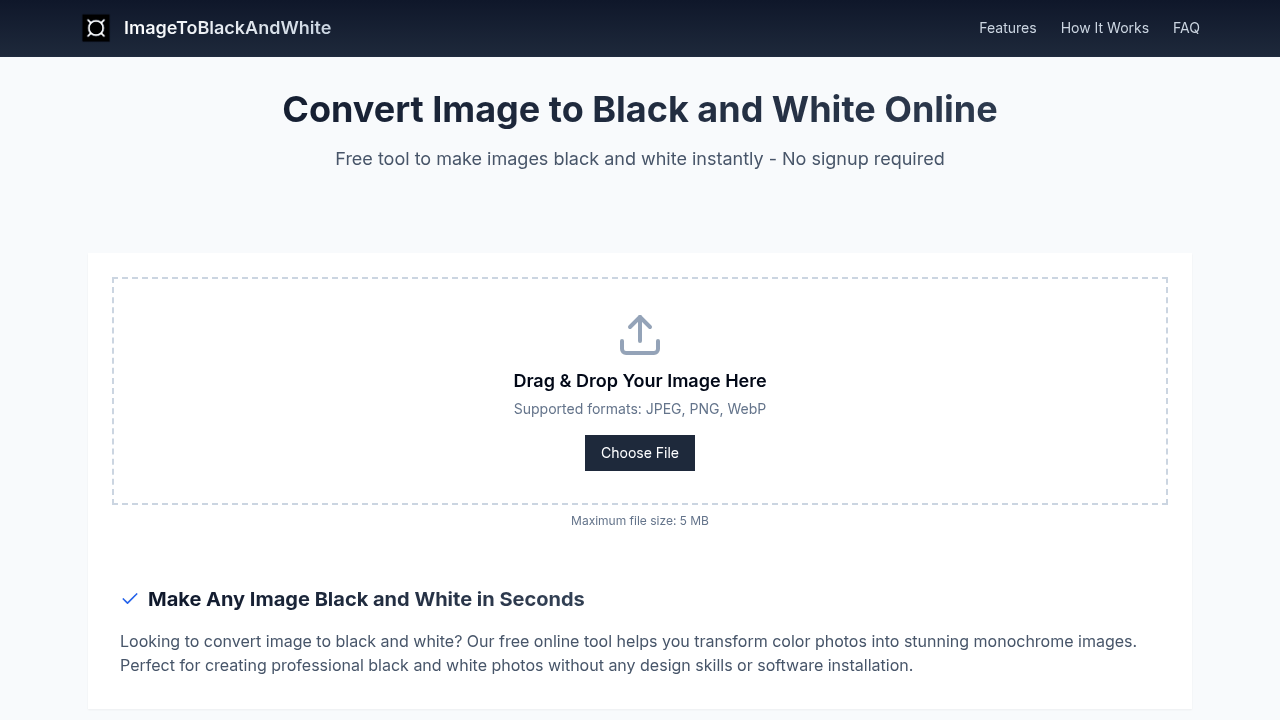
Begin by uploading your image; drag and drop or use the "Choose File" option. Accepted formats are JPEG, PNG, and WebP. The maximum file size is 5 MB.
Customize the conversion, adjusting contrast and brightness. Experiment with settings to achieve the desired black and white aesthetic.
Download your converted image. The ImageToBlackAndWhite converter ensures high-quality conversion while preserving detail. It instantly creates a black and white image.
Utilize the tool for various needs like artistic expression, professional photography, or business and marketing materials. It simplifies creating monochrome images without complex software.
Understand that the free online converter transforms color images to black and white, enhancing focus and composition. It removes distracting colors and adds dramatic mood.
