
HD Photo Converter
HD Photo Converter: Free Online Image Resolution Enhancer

What is HD Photo Converter
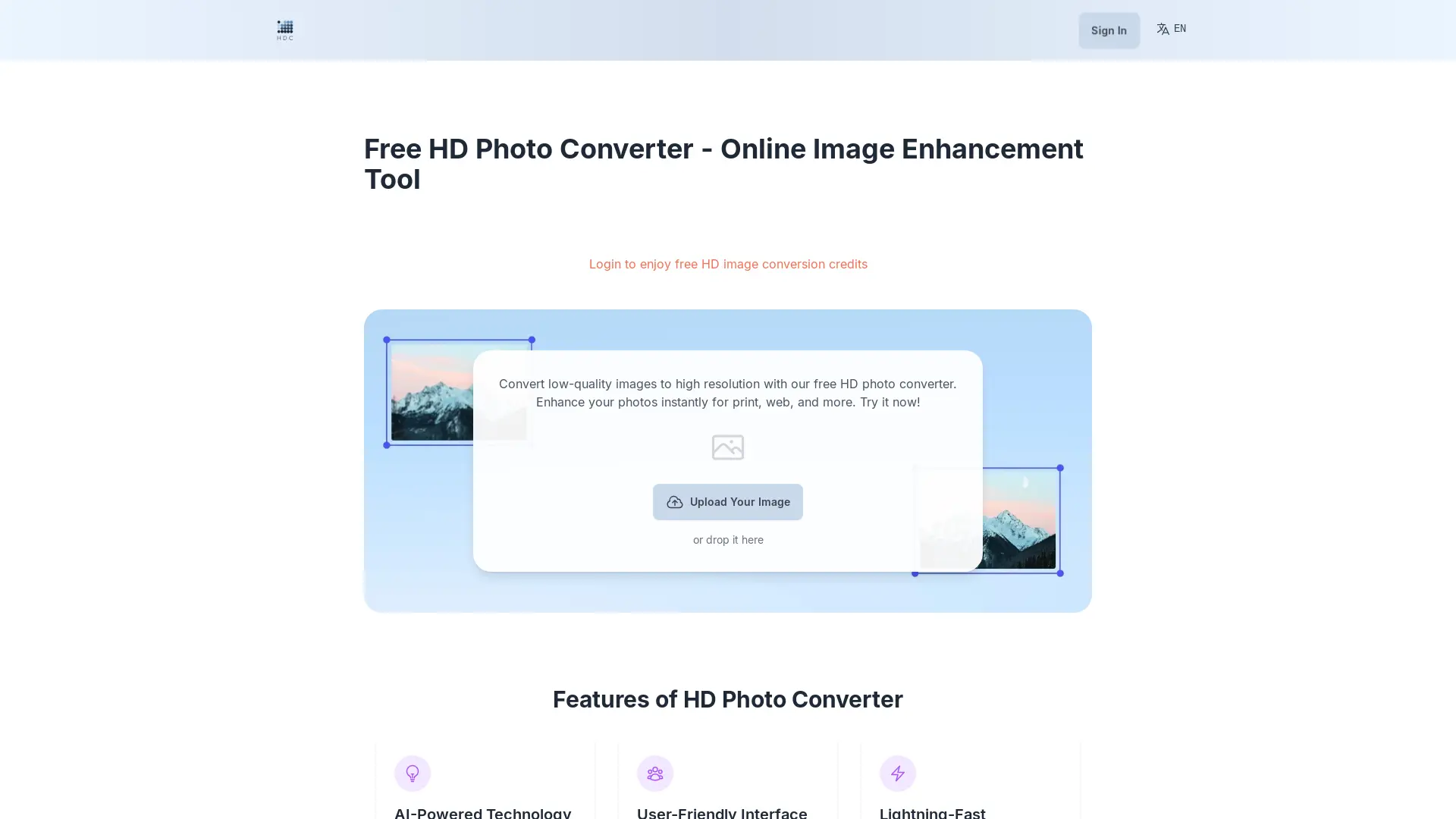
HD Photo Converter is a free online tool that enhances the resolution and quality of your images. It utilizes advanced AI technology to transform low-resolution or standard-definition photos into high-definition (HD) versions, making your images look better than ever before. Whether you want to revive old memories, boost your e-commerce business, or elevate your marketing materials, HD Photo Converter can help you achieve stunning visual results.
How does HD Photo Converter work
The HD Photo Converter is a free online image enhancement tool utilizing AI-powered technology to upscale image resolution. Users upload images—supporting common formats like JPEG, PNG, and TIFF—via drag-and-drop or upload button. The AI algorithm analyzes the image and increases resolution up to 4x, enhancing sharpness and detail. The processed, high-resolution image, in PNG format, is then downloadable. This online HD photo converter offers a user-friendly interface, fast processing times, and is suitable for various applications, including e-commerce and marketing materials, while addressing the need for a free, no watermark HD photo converter. The service currently allows one image conversion at a time, with a 10MB file size limit for free users.
Benefits of HD Photo Converter
Enhance your images with the HD Photo Converter, a free online tool using AI-powered technology for high-resolution conversion. This user-friendly HD photo converter online offers lightning-fast processing, perfect for personal photos, e-commerce, and marketing materials. Easily upload images (up to 10MB) and download them in PNG format, with resolution increased up to 4x. Enjoy a no-watermark, free HD photo converter experience, ideal for print or web. Our AI photo enhancer offers 5 free credits with premium options for unlimited use, ensuring your images are always sharp and clear.
Pros and Cons of HD Photo Converter
Pros
- AI-powered enhancement.
- User-friendly interface.
- Fast processing speed.
- Free basic service.
- Supports various formats.
Cons
- Single image conversion.
- 10MB file size limit.
- Free credits limited.
- Only PNG download.
- No refunds offered.
Core Features of HD Photo Converter
AI-Powered Technology
HD Photo Converter leverages sophisticated AI algorithms to analyze your image and intelligently add pixels, enhancing details and sharpness. This technology ensures top-notch image enhancement with minimal effort.
User-Friendly Interface
Designed with user-friendliness in mind, HD Photo Converter requires no technical skills. Its intuitive interface makes it easy for beginners and professionals alike to achieve high-quality results.
Lightning-Fast Processing
HD Photo Converter's processing speed is impressive. It can deliver high-resolution results in seconds, saving you valuable time and effort.
Versatile Applications
HD Photo Converter caters to a wide range of needs, making it ideal for personal photos, e-commerce, marketing, and more. You can enhance product images, create stunning visuals for marketing campaigns, and prepare your images for high-quality printing.
Use Cases of HD Photo Converter
- E-commerce Businesses: Enhance product image resolution using the AI-powered HD photo converter for improved online sales.
- Graphic Designers: Improve image quality for print projects with the free online HD photo converter, eliminating watermarks.
- Photographers: Increase the resolution of low-resolution photos using this free AI-powered HD photo converter app.
- Social Media Managers: Create high-resolution images for social media posts using the HD photo converter online tool.
- Students: Restore old, blurry photos for projects using the HD photo converter without a watermark.
FAQs of HD Photo Converter
What is an HD photo converter?
An HD photo converter is a tool that enhances the resolution and quality of images, transforming low-resolution or standard-definition photos into high-definition (HD) versions. Our online HD photo converter uses advanced AI technology to increase image resolution while maintaining or improving image quality.
How does the HD photo converter work?
Our HD photo converter uses sophisticated artificial intelligence algorithms to analyze your image and intelligently add pixels, enhancing details and sharpness. It effectively 'guesses' what additional pixels should look like based on the surrounding pixels, resulting in a higher resolution image without loss of quality.
Is the HD photo converter free to use
Yes, our basic HD photo converter service is completely free to use. We offer premium features for a fee, but you can convert your images to high resolution at no cost.
What types of images can I convert?
Our HD photo converter supports a wide range of image formats, including JPEG, PNG, BMP, and TIFF. You can convert photos, digital art, scanned documents, and more.
How long does it take to convert an image?
The time it takes to convert an image depends on the size and complexity of the image. For simple images, the conversion process is fast, typically taking only a few seconds. For more complex images, the process may take a few minutes.
What's the maximum file size I can upload?
Our free HD photo converter allows you to upload images up to 10 MB.
Can I convert multiple images at once?
No, the current version of our HD photo converter allows you to convert only one image at a time.
How much can you increase the resolution of my image?
Our HD photo converter can increase the resolution of your image up to 4 times (4x) its original size. For example, a 500x500 pixel image can be enlarged to 2000x2000 pixels.
Will converting my image to HD improve its quality?
In most cases, yes. Our AI-powered converter not only increases resolution but also enhances overall image quality, improving sharpness, reducing noise, and enhancing details.
Can this tool fix blurry or low-quality images?
While our HD photo converter can significantly improve image quality, it cannot perform miracles on extremely blurry or low-quality images. The quality of the output depends on the input image. However, you'll likely see noticeable improvements even with lower quality originals.
Will I lose any part of my image during the conversion?
No, our HD photo converter maintains the entire image. It increases resolution without cropping or altering the composition of your original image.
What image formats can I download after conversion?
After conversion, you can download your image in PNG formats. This format will be in high resolution.
Can I use the HD photo converter on mobile devices?
Yes, you can use our HD photo converter on mobile devices. Our website is optimized for mobile browsers, allowing you to convert images on your smartphone or tablet.
Is there a limit to how many images I can convert?
For our free service, we provide 5 free credits for image conversion. Premium users enjoy unlimited conversions.
Do you keep copies of the images I upload?
We do not store your original or converted images on our servers. Once you've downloaded your HD image, both the original and converted versions are deleted from our system to protect your privacy.
Is my data safe when using your service?
Yes, we take data security seriously. All uploads and downloads are encrypted, and we do not store your images after processing. Please refer to our privacy policy for more details.
Do I get a refund if I'm not satisfied with the result?
We do not offer refunds for image conversions. However, we are always happy to help you improve your image quality. If you have any specific requirements, please contact us, and we will do our best to assist you.
How to use HD Photo Converter
- Begin by uploading your image using the provided button or drag-and-drop functionality. Supported formats include JPEG, PNG, BMP, and TIFF.
- The AI-powered system automatically analyzes and enhances the image resolution, up to 4x the original.
- Once processing completes, download your high-resolution image; the HD photo converter outputs PNG format.
- For the free version, you have 5 free credits; premium users get unlimited high-resolution image conversions.
- Remember that while the HD photo converter enhances image quality, results depend on the original image quality. Extremely blurry images may have limited improvement.
HD Photo Converter Website Traffic Analysis
Latest traffic information
- Monthly Visits1.76K
- Bounce Rate38.27%
- Pages Per Visit1.05
- Visit Duration00:00:00
- Global Rank10.04M
- Country/Region Ranking3.82M
Visits Over Time
Top Keywords
| Keyword | Traffic | Volume | Cost Per Click |
|---|---|---|---|
| hd picture converter | 10 | 2.02K | $0.2 |
| hd photo converter | -- | 22.07K | $0.18 |
| hd image converter | -- | 19.94K | $0.19 |
| hd converter | -- | 7.49K | $0.2 |
| image hd converter | -- | 4.64K | $0.17 |
Top Regions
| Region | Percentage |
|---|---|
| United States | 69.93% |
| Malaysia | 17.07% |
| Indonesia | 13% |
