
HappyHorse AI FAQs
HappyHorse 1.0 is a browser-based AI video platform providing cinematic text-to-video, image-to-video creation with natural motion and flexible credits.

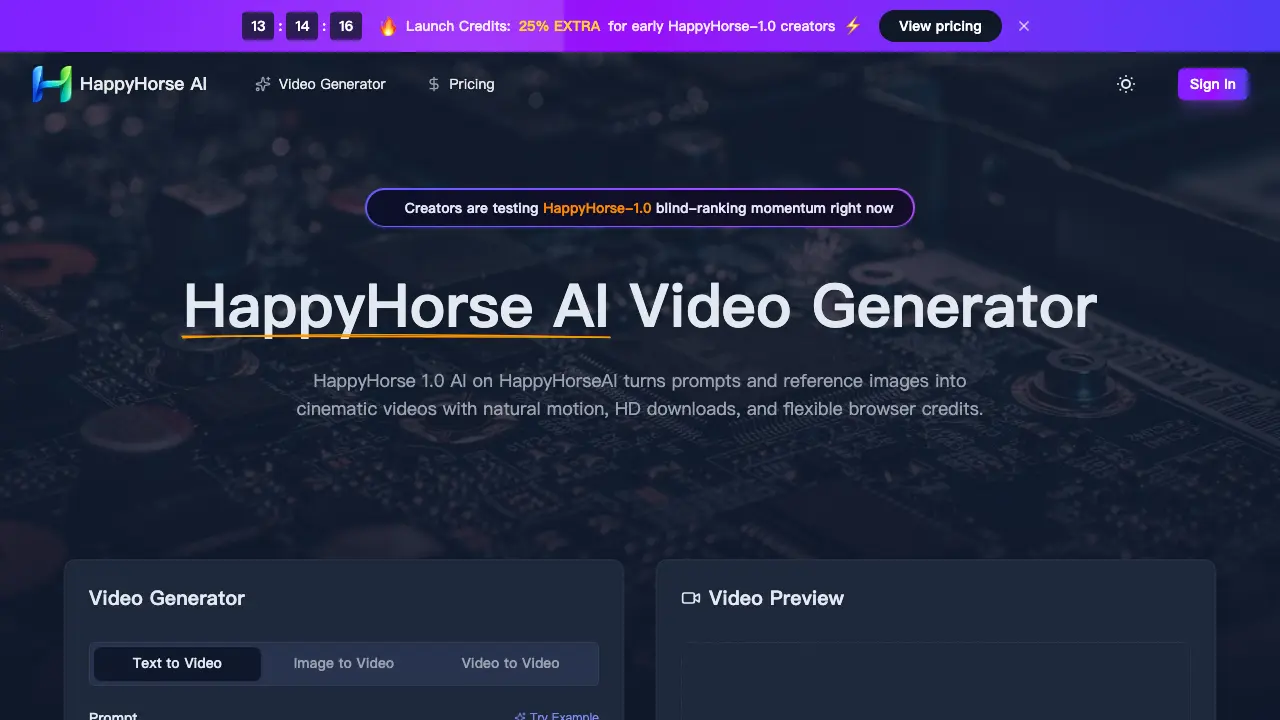
FAQs of HappyHorse AI
What is HappyHorse AI?
HappyHorse AI is a video generator that uses the HappyHorse 1.0 AI model to turn text and image prompts into cinematic videos with natural motion, HD downloads, and flexible browser-based credits.
How does HappyHorse 1.0 AI work?
HappyHorse 1.0 AI allows users to input text prompts and optionally upload reference images or videos. The AI then generates short cinematic videos with customizable settings like duration, aspect ratio, and resolution.
What makes HappyHorse-1.0 different from other AI video generators?
HappyHorse-1.0 is noted for its strong user preference in blind rankings, natural motion quality, and effective reference image following, making it stand out for cinematic and portrait animations compared to other tools.
Can I use HappyHorse-1.0 for commercial projects?
Yes, paid plans include commercial-use licenses, allowing businesses and creators to use the generated videos for ads, social campaigns, and client work, though users should ensure prompt and reference compliance.
How do credits work in HappyHorse AI?
Credits are consumed based on the generation mode and settings chosen. Users can select from monthly, yearly, or pay-as-you-go plans, with bulk yearly options offering better value per credit.
Is HappyHorse AI available on mobile devices?
Yes, since HappyHorseAI is browser-based, it is accessible on both desktop and mobile devices, allowing users to review prompts, previews, downloads, and manage credits from anywhere.
What video formats and quality can I export with HappyHorse-1.0?
HappyHorse 1.0 AI supports HD exports in various resolutions such as 480p, 720p, and 1080p, and aspect ratios including 16:9, 9:16, 1:1, 4:3, 3:4, and 21:9, catering to different social and cinematic needs.
What are the pricing tiers for HappyHorse plans?
HappyHorse offers Starter, Premium, and Advanced plans, ranging from $9.90/month (with 800 credits monthly) to $49.90/month (with 6,000 credits monthly), plus pay-as-you-go and yearly savings options.
Does HappyHorse-1.0 handle video-to-video generation?
Currently, the platform supports text-to-video and image-to-video workflows, allowing creators to animate static images or generate from prompts, but video-to-video is not highlighted as a primary feature.
Is this the official HappyHorse website?
No, this is a fan site dedicated to HappyHorse AI and is not the official platform. It provides information, showcases, and a third-party interface for exploring the model’s capabilities.
How to use HappyHorse AI
- Access HappyHorse AI at https://happyhorseai.net/ and sign in or create an account to begin.
- Select the "Text to Video" or "Image to Video" option for your desired video generation mode.
- Input a detailed prompt describing the video content you want HappyHorse 1.0 AI to create, up to 2,500 characters.
- Optionally upload a reference image or video to guide HappyHorse-1.0's composition and motion output.
- Choose video settings: duration (up to 5s), aspect ratio (16:9, 9:16, 1:1, 4:3, 3:4, or 21:9), and resolution (480p, 720p, or 1080p).
- Click "Generate" to start HappyHorse 1.0 AI processing your request; monitor credit balance if applicable.
- Preview the generated video, then download the HD clip once satisfied with the results.
- Review HappyHorse AI's pricing options and select a plan that matches your usage needs for future generations.
