
Ghibli AI FAQs
Ghibli AI generates Studio Ghibli style artwork from text, using AI to bring imaginative concepts to life with Ghibli aesthetics.

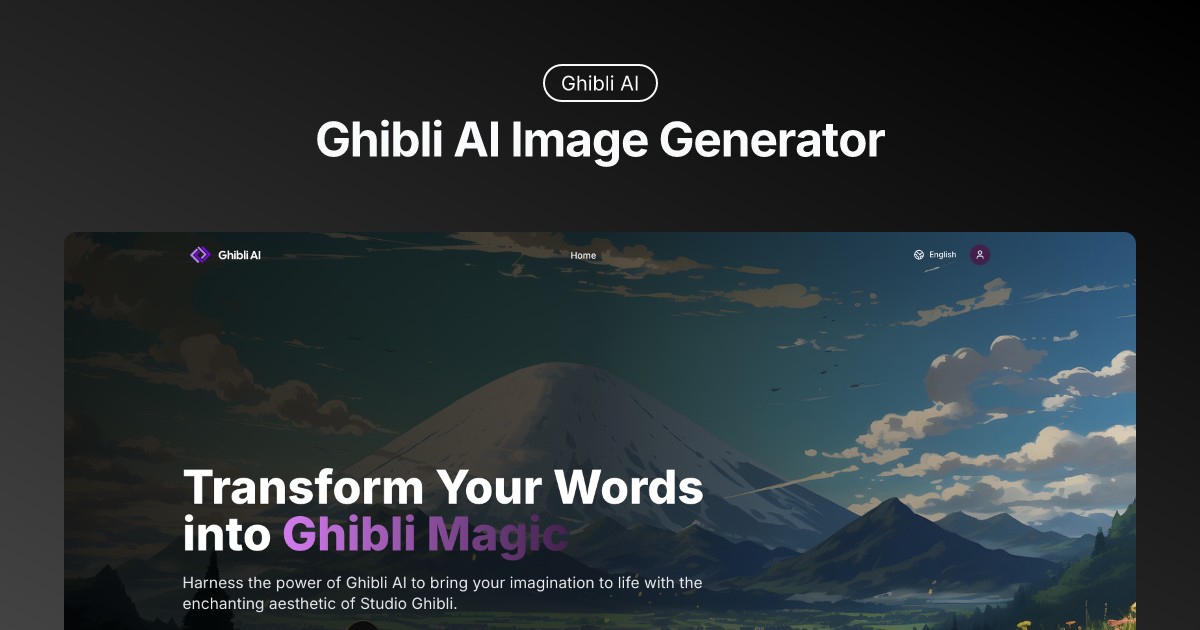
FAQs of Ghibli AI
What makes Ghibli AI unique?
Ghibli AI stands out by specializing in transforming text and images into the distinct and enchanting art style of Studio Ghibli. Its advanced AI algorithms are trained to understand and replicate the nuances of Ghibli's aesthetic, offering users a unique way to create artwork inspired by this iconic animation studio. The Ghibli AI image generator produces high-quality results, providing a specialized service not commonly found in general AI art platforms.
How do I start creating with Ghibli AI?
To begin creating with Ghibli AI, users can either input text descriptions to generate images or upload existing photos for style transfer. Simply navigate to the Ghibli AI image generator on the website and follow the prompts. Experiment with different descriptions or image uploads to explore the range of artistic possibilities offered by Ghibli AI.
Can I use Ghibli AI artwork commercially?
Please refer to Ghibli AI's Terms and Conditions or contact their support team at support@ghibliai.co to understand the specific licensing and usage rights associated with artwork generated using the Ghibli AI platform. Commercial use policies can vary, and it's essential to confirm the permitted uses for Ghibli AI generated images.
How does Ghibli AI ensure quality results?
Ghibli AI utilizes advanced AI technology trained on a vast dataset of Studio Ghibli artwork. This allows the AI to understand and replicate the studio's distinctive style, ensuring that generated images capture the authentic Ghibli essence. The platform also offers customization options, allowing users to fine-tune their creations and achieve desired results.
What image resolution does Ghibli AI support?
Ghibli AI offers high-resolution output capabilities, allowing users to generate professional-quality images suitable for printing and professional use. The specific resolution may vary, but the platform is designed to create artwork with exceptional detail.
Is there a limit to how many images I can generate?
The number of images a user can generate using Ghibli AI may depend on their subscription plan or usage tier. Check the pricing page or user account details for specific limitations on image generation. Some plans may offer unlimited generation, while others may have monthly limits.
How long does it take to generate an image?
The image generation time with Ghibli AI can vary depending on the complexity of the prompt or the size of the uploaded image and current server load. Generally, Ghibli AI strives to provide quick turnaround times, allowing users to see their Ghibli-style artwork within a reasonable timeframe.
What type of images work best with the Image Style Transfer feature?
The Image Style Transfer feature works best with clear, well-lit photos that have a defined subject. Images with good contrast and minimal background clutter tend to yield the most impressive results when transformed into the Ghibli art style.
What are some tips for writing effective text prompts for Ghibli AI?
For effective text prompts, be descriptive and specific about the scene, characters, and mood you want to create. Include details about the environment, lighting, and any specific elements reminiscent of Studio Ghibli films, such as Ghibli airship or Ghibli aircraft. Experimenting with different prompts can help refine your Ghibli AI art.
How to use Ghibli AI
Ghibli AI transforms text or images into Studio Ghibli-style artwork. It uses advanced AI to understand and replicate Ghibli's aesthetic, offering text-to-image generation and image style transfer. The tool supports high-resolution output and provides customization options.
- Begin by selecting either the Text-to-Image or Image-to-Ghibli option based on your desired input method.
- If using Text-to-Image, enter a detailed prompt describing the scene you envision in the Ghibli style. Consider using 'ghibli ai prompt' examples.
- For Image-to-Ghibli, upload the photo you wish to transform into Ghibli-style artwork; ensure it's a clear, high-quality image.
- Adjust customization options, such as color palettes and character styles, to refine your Ghibli AI-generated image.
- Initiate the image generation process; Ghibli AI will process your input and generate a Ghibli-inspired image.
- Review the generated image, and if needed, make further adjustments using the available controls.
- Download your high-resolution Ghibli AI art. Share your 'ghibli ai art' creation and explore the 'ghibli ai trend'.
- For more control, explore "Ghibli Style Prompts" to refine text descriptions and get better 'ghibli ai image generator' results.
- Consider the Pricing page for options concerning number of images and resolution limits for your Ghibli AI usage.
- Experiment with different styles; for example try specifying 'ghibli airplane', 'ghibli airship' or 'ghibli aircraft' within the prompt.
