
PPT to Word Core Features
GenPPT's free online PPTX to DOCX converter for professionals and students preserves PowerPoint formatting and provides an API for automation.

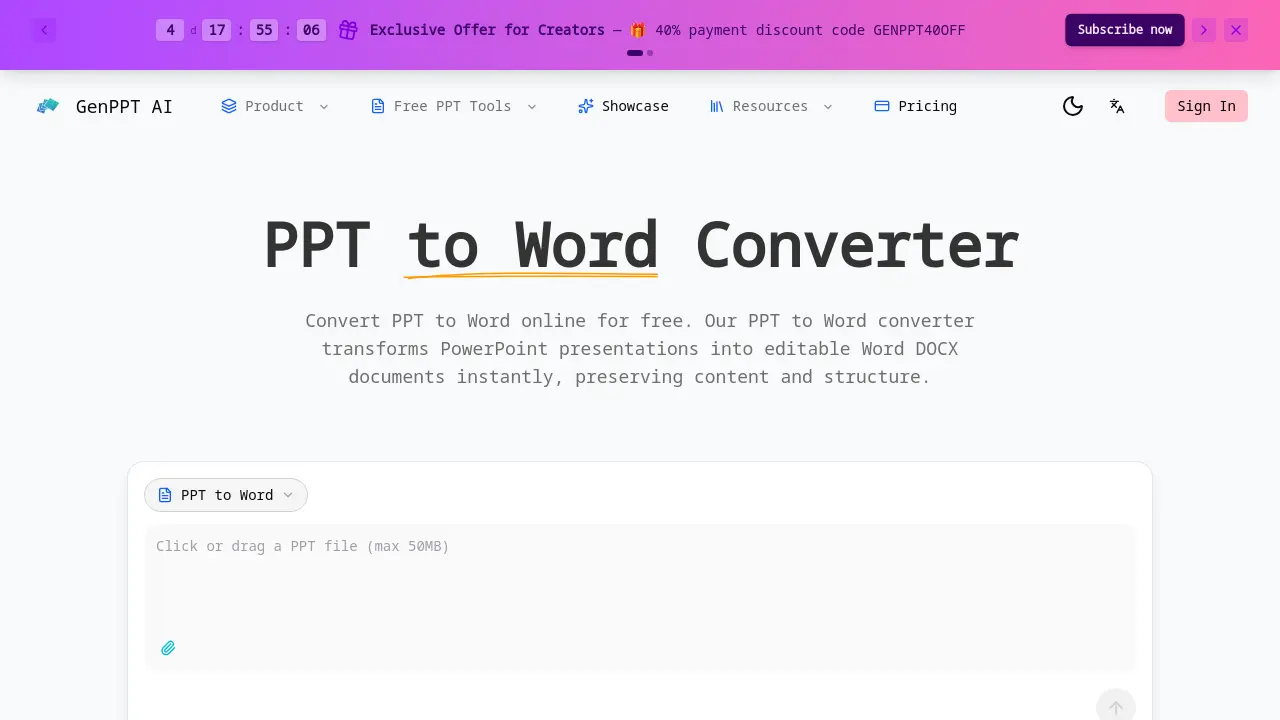
Core Features of PPT to Word
Accurate PPT to Word Conversion
Extracts text, tables, and formatting from PowerPoint files, preserving the original content structure for seamless editing in Word or Google Docs.
Fast & Free PPT to Word
Processes conversions in seconds at no cost for web use, supports files up to 50MB, and requires no registration for initial conversions.
PPT to Word Developer API
Provides a REST API for application integration, enabling automated bulk conversions with a per-call credit system for document processing pipelines.
Secure PPT to Word Processing
Processes files in an isolated sandbox environment, deletes them immediately after conversion, and does not store any user presentation content.
Use Cases of PPT to Word
- Business Professionals: Sales teams extract presentation content for editable client proposals and reports using PPT to Word conversion.
- Students & Educators: Students compile research from presentation slides into written assignments with preserved formatting.
- Developers & Teams: Development teams automate document processing pipelines by integrating the PPT to Word API for batch conversions.
- Content Creators: Writers transform presentation slides into editable blog content while maintaining text structure and formatting.
