
PPT to JPG Introduction
GenPPT's free online PPT to JPG converter provides high-resolution images for business, education, and development, with a developer API for automation.

What is PPT to JPG
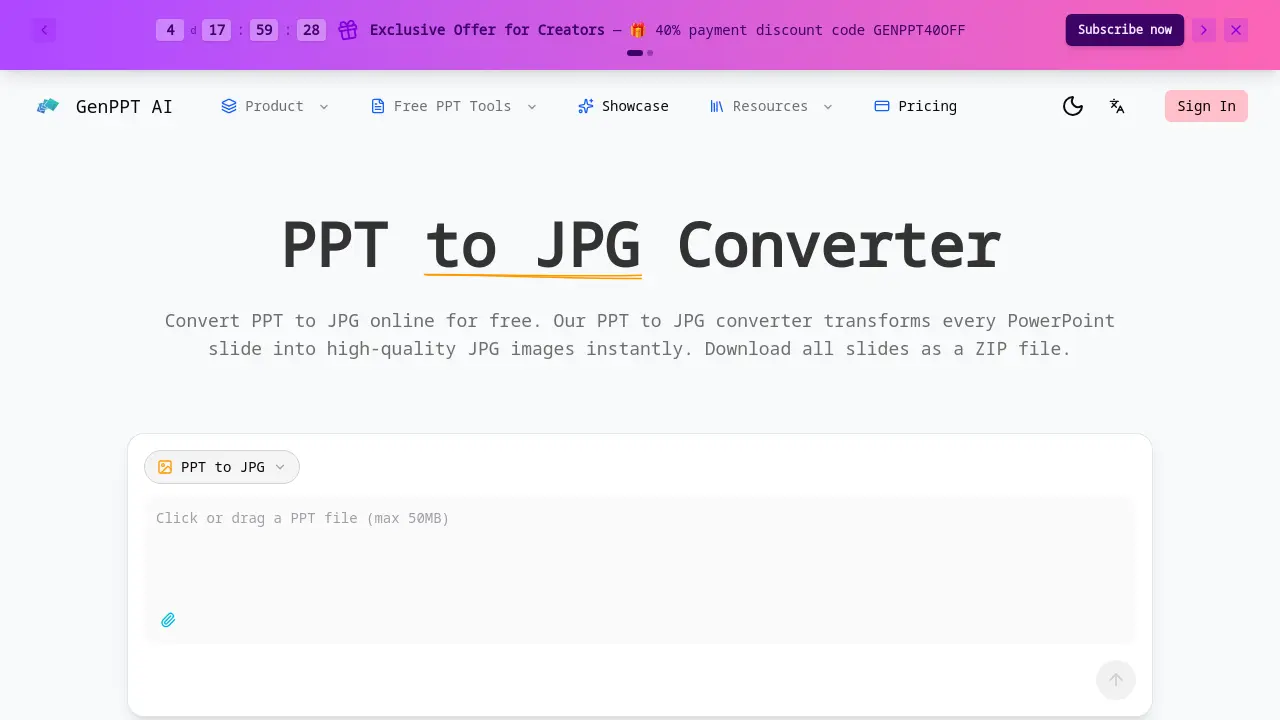
PPT to JPG Converter is an online tool designed for the high-fidelity transformation of PowerPoint presentations into individual JPG image files. The service processes PPT and PPTX files, rendering each slide at a crisp 1920-pixel width to ensure visual elements like charts and text are preserved with pixel-perfect accuracy. A key feature is the ability to convert all slides simultaneously and download them as a single, sequentially named ZIP archive for streamlined organization. The tool operates on a freemium model, offering instant web-based conversion without software installation. For technical integrations, a developer-friendly REST API is available, accepting PPTX files and returning base64-encoded JPG images per slide, enabling automated batch workflows. The primary value proposition is a fast, free, and secure method to extract presentation visuals for use in emails, web content, and design projects, eliminating dependence on desktop PowerPoint software.
How does PPT to JPG work
The GenPPT AI PPT to JPG converter operates as a cloud-based service that processes uploaded PowerPoint files (PPT or PPTX) by rendering each slide into a separate JPG image. The system employs rendering engines to capture slide content—including text, charts, and graphics—at a fixed width of 1920 pixels for high-resolution output. Conversion is performed server-side, with all resulting images packaged into a sequentially named ZIP file for bulk download. A RESTful API provides developers programmatic access, returning base64-encoded JPGs per slide. The tool functions entirely online, requiring no local software installation, and imposes a 50MB file size limit for free web conversions while offering API-based automation for larger or integrated workflows.
Benefits of PPT to JPG
GenPPT AI's PPT to JPG converter provides a free, online solution for transforming PowerPoint slides into high-resolution JPG images. Each slide renders at 1920px width for pixel-perfect accuracy, supporting files up to 50MB with instant processing. Users can download all slides as a sequentially named ZIP file for easy organization. The developer-friendly REST API enables bulk conversion, returning base64-encoded images for integration. Suitable for students, professionals, and developers, it requires no software installation and no registration for initial use, offering a convenient and efficient method for PPT to JPG conversion.
Pros and Cons of PPT to JPG
Pros
- High-resolution 1920px JPG output preserves visuals.
- Fast conversion processes slides instantly online.
- Free initial use without user registration required.
- Developer API enables automated PPT to JPG workflows.
- ZIP download organizes all slides sequentially.
Cons
- Online-only tool requires stable internet access.
- File upload limited to 50MB per presentation.
- User registration mandatory for repeated conversions.
- Output restricted to JPG format only.
