
PPT to JPG FAQs
GenPPT's free online PPT to JPG converter provides high-resolution images for business, education, and development, with a developer API for automation.

FAQs of PPT to JPG
How do I convert PPT to JPG?
To convert a PPT file, upload your presentation (PPT or PPTX format) to the GenPPT AI web converter. The tool processes each slide individually, rendering it as a high-quality JPG image at 1920 pixels width. Once conversion finishes, all JPG files are compiled into a single ZIP archive for immediate download. The entire process occurs online without requiring any software installation.
Is PPT to JPG conversion free?
Yes, basic PPT to JPG conversion is free for initial use with presentations up to 50MB in size. Users can convert files without registration or payment. For larger files, higher volume usage, or API access, GenPPT AI offers subscription plans that include credits and additional features. The free tier provides instant conversion for standard needs.
What resolution are the JPG images from PPT to JPG conversion?
The converter produces JPG images with a fixed width of 1920 pixels, ensuring high-resolution output suitable for both digital and print media. This resolution maintains the clarity of text, charts, and images from original slides. The standardized width balances visual quality with reasonable file sizes for easy sharing and storage.
Can I download all slides as a ZIP after converting PPT to JPG?
Yes, upon completion, all converted JPG images are packaged into a single ZIP file for download. Each slide is named sequentially (e.g., slide-01.jpg, slide-02.jpg) to reflect its order in the original presentation. This allows users to retrieve every slide image efficiently without individual downloads.
What file formats does the PPT to JPG converter support?
The converter accepts both PPT and PPTX file formats, which are the standard extensions for Microsoft PowerPoint presentations. Users can upload either format, and the tool converts every slide to a separate JPG image. Other presentation formats typically require saving as PPT or PPTX before conversion.
Is my data secure when I convert PPT to JPG?
GenPPT AI uses encrypted connections for file transfers. Uploaded files are processed on secure servers and automatically deleted after a short retention period. Detailed data handling practices are specified in the Privacy Policy. No personal information is required for the free online conversion service.
Can I use the PPT to JPG API for batch conversion?
Yes, the developer API supports batch conversion of entire PPTX presentations. Each API call processes one file and returns base64-encoded JPG images for all slides. This enables automation of large-scale conversion workflows, with each call consuming one credit from the user's subscription plan.
How long does PPT to JPG conversion take?
Conversion typically completes within seconds, regardless of slide count, due to optimized processing. The online tool handles presentations up to 50MB quickly, with results available immediately after upload. Processing time may vary slightly based on file size and server load, but the system is designed for speed.
Why convert PPT to JPG instead of keeping PowerPoint format?
Converting to JPG creates static image files that are universally viewable on any device without PowerPoint software. JPGs are ideal for embedding in websites, sharing on social media, or including in documents where original presentation software is unavailable. They provide a simple, portable snapshot of slide content.
Do I need to install software to convert PPT to JPG?
No, the PPT to JPG converter is a fully web-based tool. It operates directly in your browser without any downloads or installations. Users simply access the GenPPT AI website, upload their file, and receive converted images online, making it accessible from any device with internet connectivity.
What is the maximum file size for free PPT to JPG conversions?
The free online converter supports files up to 50 megabytes. Presentations exceeding this limit may require a subscription plan or the developer API, which accommodates larger files subject to plan-specific quotas. The 50MB threshold ensures reliable processing for most standard presentations while managing server resources.
How are slides named in the downloaded ZIP file?
Each JPG image in the ZIP archive follows a sequential naming pattern: slide-01.jpg, slide-02.jpg, etc. This naming convention corresponds directly to the original slide sequence in your PowerPoint file. It facilitates easy organization and reference after extraction, maintaining the intended order without manual sorting.
What are the costs for the PPT to JPG developer API?
The API uses a credit-based system where each conversion of one presentation costs one credit. Credits are included in GenPPT AI subscription plans, which are detailed on the pricing page. There are no additional per-megabyte or per-slide fees, allowing predictable budgeting for automated workflows.
Does the converter preserve animations and transitions?
No, converting a PPT to JPG generates static image snapshots of each slide. Animations, transitions, and multimedia elements such as audio or video are not included in the JPG output. The conversion captures only the visual layout as displayed on each slide, without interactive or dynamic components.
Are there slide count limits for a single conversion?
The online tool does not enforce a specific slide limit but is constrained by the 50MB file size cap. The number of slides that fit within 50MB depends on content complexity. For presentations with many slides or rich media, the developer API is recommended, as it supports bulk processing without slide count restrictions under active subscription plans.
How to use PPT to JPG
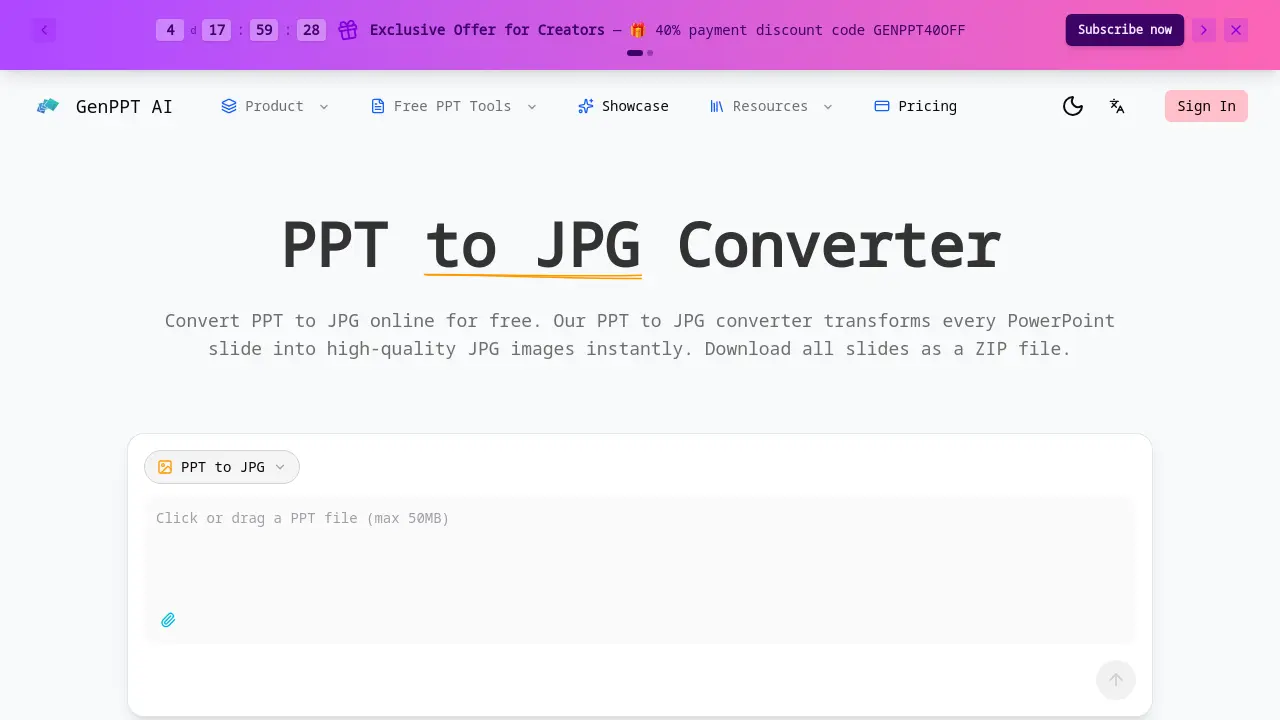
- Begin by navigating to the GenPPT.ai PPT to JPG converter webpage, an online tool that requires no software installation for PPT or PPTX files.
- Select a PowerPoint file from your device; the tool accepts presentations up to 50MB and does not require registration for initial use.
- The conversion process starts automatically, rendering each slide into a high-resolution 1920px JPG image while preserving original visual fidelity.
- After processing, download a single ZIP archive containing all converted slides, with each JPG file sequentially named for easy identification.
- Extract the ZIP file to access individual JPG images, which can be directly used for email attachments, web embedding, or social media sharing.
- Developers can utilize the RESTful API to automate PPT to JPG conversion, sending PPTX files and receiving base64-encoded JPG images per slide.
