
Markdown to PPT Introduction
Free AI tool converting Markdown (.md) files to professional PowerPoint presentations. Features include code syntax highlighting, heading-based slide structure, and fully editable PPTX output for developers and writers.

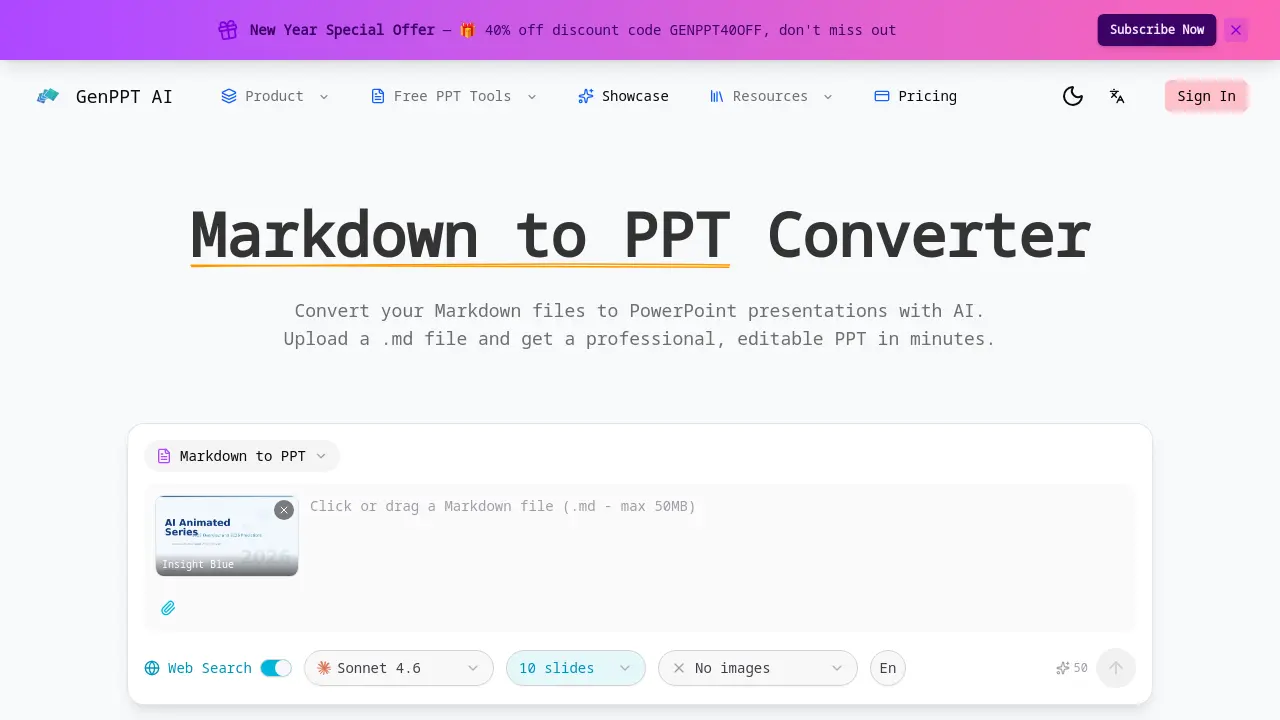
What is Markdown to PPT
Markdown to PPT Converter is an AI-powered tool designed to transform .md files into professional PowerPoint presentations. It parses Markdown syntax natively, converting headings into slide titles and hierarchy, formatting lists and tables, and preserving code blocks with syntax highlighting. The AI applies professional layouts and typography to generate visually structured slides from plain text.
The output is a fully editable .pptx file, allowing for post-conversion customization. This tool is particularly useful for developers, technical writers, and educators who regularly create presentations from documentation or notes. Key benefits include fast conversion without requiring sign-up, maintaining the integrity of technical content, and eliminating manual slide formatting. The service operates online, offering a straightforward solution for converting structured Markdown into presentation-ready decks efficiently.
How does Markdown to PPT work
GenPPT AI's Markdown to PPT converter automates presentation creation by parsing uploaded .md files. The tool uses AI to map Markdown syntax—headings establish slide hierarchy, lists form bullet points, and fenced code blocks retain syntax highlighting. Tables are structured into slides, and the system applies a selected template's professional layouts and typography. This native Markdown parsing, including direct .md file upload, distinguishes it from competitors requiring manual text input. The output is a fully editable PowerPoint file (.pptx), enabling customization after conversion for developers and technical writers.
Benefits of Markdown to PPT
GenPPT.AI's Markdown to PPT converter uses AI to transform .md files into professional, editable PowerPoint presentations. It natively interprets Markdown syntax—mapping headings to slide hierarchy, formatting lists and tables, and preserving code blocks with syntax highlighting for technical accuracy. The tool applies polished designs automatically while outputting fully customizable .pptx files. With fast, free conversion requiring no sign-up, it provides an efficient solution for developers, technical writers, and students to create structured slides from plain-text Markdown sources.
Pros and Cons of Markdown to PPT
Pros
- Native Markdown (.md) file upload supported.
- AI automatically parses Markdown syntax.
- Code blocks with syntax highlighting.
- Professional slide design from plain text.
- Fully editable PowerPoint (.pptx) output.
Cons
- Online-only tool access required.
- Markdown feature support still expanding.
