
Excel to PPT Introduction
GenPPT's AI converts Excel spreadsheets to PowerPoint presentations with automated data visualization and fully editable slides.

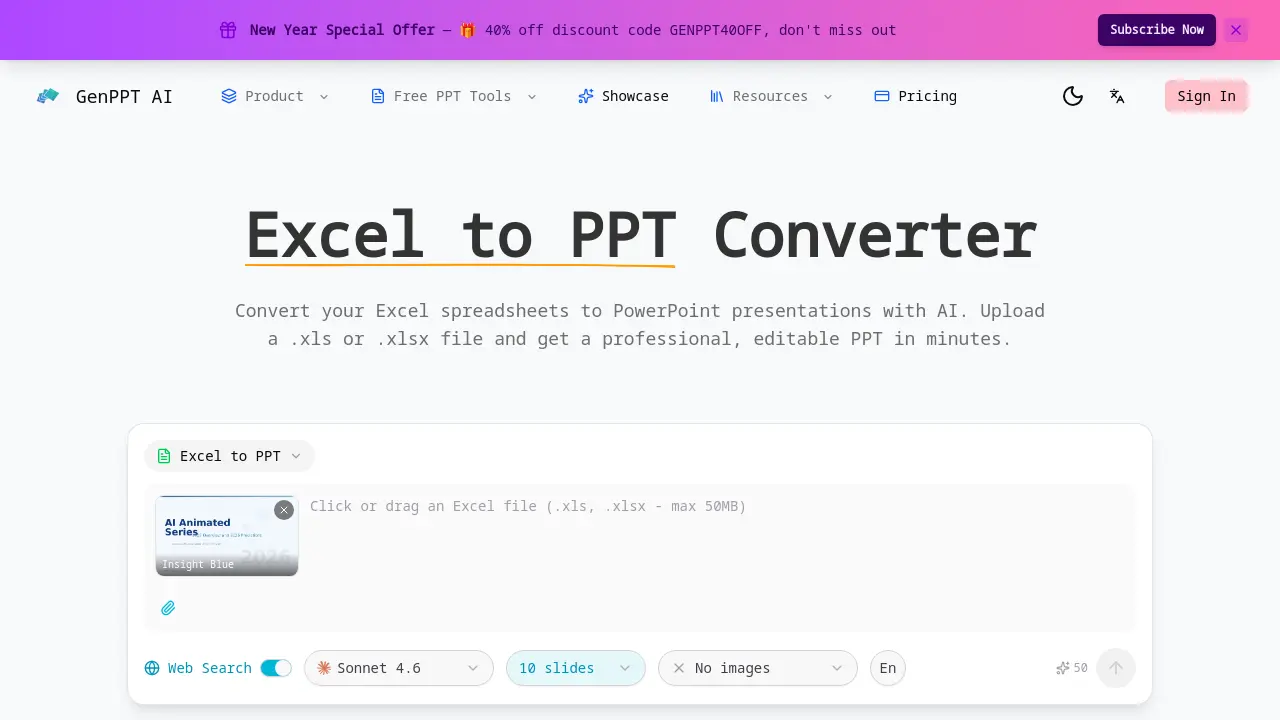
What is Excel to PPT
Excel to PPT is an AI-powered tool designed to convert Excel spreadsheets directly into professional PowerPoint presentations. Users upload .xls or .xlsx files, and the tool automatically analyzes the data, extracting tables, charts, and key metrics to generate well-structured, editable slides. The converter intelligently visualizes raw spreadsheet data into clear formats with proper headings and visual hierarchy, applying professional layouts, color schemes, and typography. It supports multiple sheets within a single workbook, distributing content across slides for clarity. A primary advantage is its native Excel file handling, which eliminates manual data entry—a common limitation in competing tools like Gamma or Canva. The process is fast, web-based, and free, requiring no sign-up. Outputs are fully customizable PowerPoint files, allowing further edits to data, layouts, or charts after conversion. This streamlines the creation of data-driven presentations for business, academic, or research contexts.
How does Excel to PPT work
GenPPT.AI's Excel to PPT converter uses artificial intelligence to automate the transformation of spreadsheet data into presentation slides. The process begins when a user uploads an .xls or .xlsx file. The AI then analyzes the document to extract tables, charts, formulas, and key metrics. This extracted data is organized into a logical slide structure with proper headings and visual hierarchy. The system applies professional design templates, including color schemes and typography, to enhance readability. It supports multi-sheet workbooks by distributing content across multiple slides. The final output is a fully editable PowerPoint file (PPTX), allowing for post-conversion modifications. This tool distinguishes itself through native Excel file support and automated data visualization, contrasting with competitors that often require manual data transfer.
Benefits of Excel to PPT
GenPPT.AI's Excel to PPT converter employs AI to automatically transform .xls or .xlsx files into professional, editable PowerPoint presentations. It intelligently extracts and analyzes spreadsheet data—including tables, charts, and formulas—organizing content across slides with appropriate visual hierarchy. The tool applies consistent design schemes and typography for polished outputs, while supporting multi-sheet workbooks and complex data structures. As a web-based service, it delivers fast conversion results without requiring user registration, streamlining the process of creating presentation-ready slides from raw Excel data.
Pros and Cons of Excel to PPT
Pros
- Native support for Excel file formats.
- AI automatically extracts spreadsheet data.
- Converts tables and charts into slides.
- Applies professional slide layouts.
- Output is fully editable PowerPoint.
Cons
- Requires cloud file upload for processing.
- Template selection is currently limited.
- Internet connection required for access.
