
GEMPIX2 FAQs
This community tool enables users to create AI-generated images with advanced prompts, exploring Nano Banana 2 capabilities, and is not affiliated with Google.

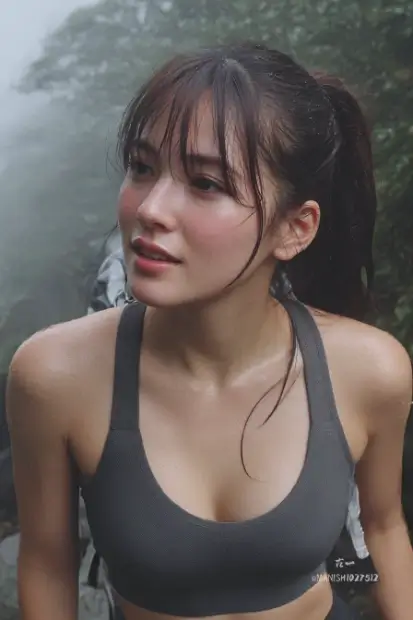
FAQs of GEMPIX2
What is GEMPIX2?
GEMPIX2 is an AI image generator that utilizes advanced Nano Banana 2 technology to create high-quality, stunning AI-generated images. It serves as an independent community tool for exploring AI image generation capabilities, offering a platform for users to create visual content rapidly.
What are the key features of GEMPIX2?
GEMPIX2 offers several key features including lightning-fast image generation, producing images in seconds. It is also 100% free, requiring no credit card for unlimited generations, and focuses on high-quality output by exploring Nano Banana 2 AI capabilities.
Is GEMPIX2 affiliated with Google?
No, GEMPIX2 is an independent community-driven platform and is explicitly not affiliated with, endorsed by, or connected to Google LLC or any of its products, services, or trademarks. It is a tool created by and for the community to explore AI image generation technologies.
How does GEMPIX2 ensure high-quality image generation?
GEMPIX2 focuses on high-quality image generation by continuously exploring and leveraging the capabilities of Nano Banana 2 AI technology. This commitment to advanced AI allows the platform to produce stunning and detailed images for its users.
What options are available for image sizing in GEMPIX2?
When generating images with GEMPIX2, users have several options for image sizing. These include "Auto" for automatic sizing, "Square (1:1)" for a balanced aspect ratio, "Landscape (16:9)" for wider images, and "Portrait (9:16)" for taller compositions.
How to use GEMPIX2
GEMPIX2 is an independent, community-driven platform for generating AI images utilizing advanced Nano Banana 2 technology, offering high-quality, free, and fast image creation.
- Navigate to the GEMPIX2 homepage to access the AI image generator interface.
- Enter your desired text prompt into the designated input field, describing the image you wish to create.
- Select your preferred image size from the available options: Auto, Square (1:1), Landscape (16:9), or Portrait (9:16).
- Initiate the image generation process by clicking the "Generate Image with GEMPIX2" button.
- Review the generated AI image, which will appear in seconds, showcasing the capabilities of Nano Banana 2.
- Explore the Prompt Market or use the Prompt Generator for inspiration and to refine your image generation techniques.
