
Formpost: Contact Form to Email API with AI Spam Filter
| Added on: | Aug 13, 2026 |
| Monthly Visits: | -- |
| Social & Email: | -- |

What is Formpost
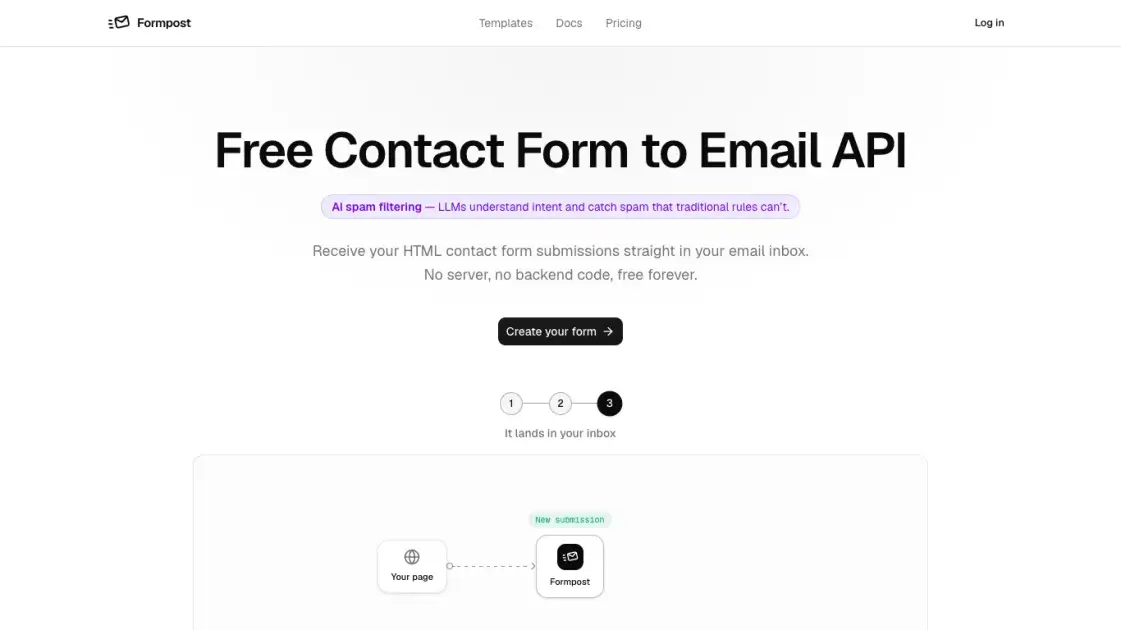
Formpost is a contact form to email API that turns a plain HTML form into an email pipeline without a backend. Point the form at one endpoint, and every submission lands straight in the inbox, with reply-to set to the sender so answering is one click. The service handles the parts that usually demand server work: AI spam filtering powered by LLMs, honeypot and captcha checks, encrypted HTTPS delivery, attachments stored on S3, webhooks to Slack, Discord and Telegram, and a searchable dashboard that keeps submissions for up to 30 days on the free plan. Setup is a three-step process: create a form, configure delivery and spam settings, paste the snippet. No server to deploy, no runtime to maintain, and a free tier that works forever for personal sites. Any stack, from plain HTML to React or Next.js, can use it.
How does Formpost work
Formpost works as a contact form to email API with no backend of your own. Signing in opens the new-form dialog, and each form gets its own endpoint URL. Next, configure it in the dashboard: choose where submissions land, set the subject line, and enable spam filtering, the autoresponder, and forwarding. Finally, paste the snippet into your page, checking that the action attribute points at your form's endpoint. A submission is a POST to that endpoint, which a small Go service stores first, then emails and forwards in the background, so a busy mail provider never makes the visitor wait.
Benefits of Formpost
Formpost's core benefit is eliminating backend work: a contact form endpoint means nothing to deploy, patch, or pay for while idle. Deliverability is handled seriously, with HTTPS encryption, submissions stored searchably in the dashboard so the inbox is never the only copy, and attachments kept on managed S3. Spam defense runs four layers deep, combining honeypot, captchas, keyword rules and domain locking. The trade-offs are clear too: the free plan caps at 250 submissions a month, and file uploads require a paid tier.
Pros and Cons of Formpost
Pros
- Free forever with no credit card required
- Works with any stack, no backend code
- AI spam filtering catches what rules miss
- Encrypted end to end on every submission
- Attachments stored on Amazon S3
Cons
- Free plan caps at 250 submissions per month
- Free plan stores submissions for only 30 days
- File uploads require a paid plan
- Free plan allows only one notification recipient
- Priority support requires a paid plan
Core Features of Formpost
AI spam filtering
Formpost uses AI to review submissions, since LLMs understand intent and catch spam that traditional rule-based filters miss. Blocked spam never counts toward a plan's monthly quota.
No backend code
Point an HTML form at one endpoint and every submission lands in your inbox. Nothing to deploy, nothing to patch, and no runtime to pay for while idle.
Spam, handled four ways
Honeypot, Turnstile, hCaptcha or reCAPTCHA, keyword rules, and domain locking work together. A form copied to another site stops working, and blocked spam never counts toward your quota.
Secure contact form storage
Every submission is emailed and kept in the dashboard, searchable and exportable. Retention runs 30 days on Free, a year on Pro, and indefinitely on Business.
Encrypted end to end
Submissions travel over HTTPS and stay encrypted at rest. An endpoint only delivers to the address its form was set up for, so a copied URL cannot be pointed elsewhere.
Attachments on Amazon S3
File uploads go straight into Amazon S3 and are served from there. Attachments ride along with the notification email and remain kept with the submission, on managed infrastructure.
Webhooks and chat
Every submission forwards as JSON to your endpoint, or straight into Slack, Discord and Telegram. Anything that accepts a POST can receive it, reaching people who never open email.
Submissions API
A read-only REST endpoint pulls contact form submissions into your own tools, dashboards or spreadsheets. Nothing you collect is stuck behind Formpost's interface.
Use Cases of Formpost
- Marketing sites: Point a name, email, and message form at one endpoint and enquiries land in the inbox the team already reads.
- Job application forms: Enable uploads so applicants attach a CV that rides along with the notification email and stays stored with the submission.
- Support and bug reports: Forward submissions into Slack or Discord so the whole team sees each report the moment it lands.
- Lead capture on landing pages: Capture leads on landing pages without a backend build step and pull every submission into a CRM later.
- Client sites for agencies: Give each client site its own form, delivering to that client's inbox with separate spam settings and quota.
FAQs of Formpost
Is the contact form service really free?
The free plan costs nothing and stays free, described on the site as "$0 forever" and covering everything a personal site needs. It includes 250 submissions per month, unlimited forms and domains, email notifications, honeypot and captcha spam filtering, custom redirects, and 30 days of submission history. Paid tiers exist for higher volume, but the free tier is not a limited trial.
What are the limits of the free plan?
The free tier allows 250 submissions per month, which suits a personal site but may run out on a busy one. Forms and domains are unlimited, so the cap applies to messages rather than form count. Notifications go to a single recipient per form, submission history is kept for 30 days, and file uploads are reserved for the Pro and Business plans. Spam filtering, keyword blocking, rate limiting, webhooks, and the submissions API remain available on the free plan.
How do I add a contact form to my site?
Three steps, none of them requiring a server. Sign in and create a form, which gives the form its own endpoint URL. Configure where submissions land, the subject line, spam filtering, and forwarding in the dashboard, then paste a plain HTML form with that endpoint into the page. The site documents the same flow for HTML, JavaScript, React, Next.js, Vue, and cURL.
Does the contact form work without JavaScript?
Yes. The documented setup is a plain HTML form with an action attribute pointing at the form's endpoint and method POST, so no JavaScript is required for submission. HTML and cURL are listed among the supported ways to call the endpoint, and the API is described as working with any stack. This also keeps the form usable in environments where scripts are disabled or stripped out.
Where do contact form submissions go?
Every submission is emailed to the address the form was configured for, with reply-to set to the sender so responding is a one-click action. Submissions are also stored in the dashboard, searchable and exportable, for 30 days on the free plan. Optionally they can be forwarded as JSON to a webhook or into Slack, Discord, and Telegram, and file uploads go to Amazon S3. The notification email arrives as a permanent record alongside the stored copy.
How do you keep spam out of my inbox?
Formpost combines several layers: a honeypot field, captcha options (Turnstile, hCaptcha, reCAPTCHA), keyword rules, domain locking, and rate limiting. On top of that, an AI review uses LLMs to judge intent and catch spam that rule-based filters miss. Blocked spam never counts toward the submission quota, so a bot cannot exhaust it on purpose. Strict filtering is available across all plans.
Is Formpost GDPR compliant?
Formpost addresses GDPR directly: the site publishes a dedicated GDPR page, a data processing agreement (DPA), a privacy policy, and terms. Submissions travel over HTTPS and are encrypted at rest, and the service is built around user-owned data, with no tracking pixels in the contact form flow and nothing sold or profiled. Users can export or delete submissions at any time, and deleting a form removes every submission attached to it.
How to use Formpost
1. Create your form
Sign in to Formpost and the new-form dialog opens right away. Each form gets its own endpoint, a unique URL that belongs only to it.
2. Configure it
Choose where submissions land and set the subject line, then turn on spam filtering, the autoresponder, and forwarding. Everything lives in the dashboard, so the markup never changes again.
3. Paste it into your page
Paste the HTML snippet from the dashboard into your page. It works with plain HTML, JavaScript, React, Next.js, Vue, and cURL. Check the action attribute points to your form's own endpoint.
4. Receive submissions
Every submission lands in the inbox you chose, with reply-to set to the sender for one-click replies. Submissions stay searchable and exportable in the dashboard.
Formpost Alternatives
SeedRouter puts image, video, language and audio models from OpenAI, Google and Anthropic behind one key, billing per request and never for failed calls.
Open-source AI coworker for Slack and Lark that runs Claude Code, Codex or Pi on your own machine with the plan or API key you already pay for.
AtAt runs Claude Code, Codex, or local models in the text field you are typing in, no app-switching. It adds TabTab autocomplete, screenshots, and clipboard history.
Play HT is a free AI voice generator that turns text into speech with 200+ public voices, streams previews in the browser, and exports MP3 files.

Jev is TypeSafe AI's System One model that returns typed decisions with calibrated confidence for automation. Fast, cheap, zero hallucinations.
Use GPT, Claude, Gemini and Grok through one OpenAI-compatible API. Compare model rates, create a key, and make your first request in minutes.
Git-native task management for AI coding agents: track intent, status, blockers, dependencies, history, and commit evidence in Git.
SJolt is an AI model API platform aggregating top image, video, and audio generation models behind one unified request flow for developers and teams.
Tokenhot is a unified LLM API gateway delivering OpenAI, Claude, Gemini and DeepSeek models through a single endpoint, cutting API costs by up to 90%.
DSH Hub catalogs verified DeepSeek Harness plugins and clients. Browse open-source repositories with source inspection before installation.
Always free browser that shares your logged-in Chrome state with AI agents like Claude Code and Codex, running browser automation up to 3.45x faster.
An independent community guide for previewing and installing custom Codex themes with wallpaper support and translucent panels.