

FAQs of Descript
What is Descript?
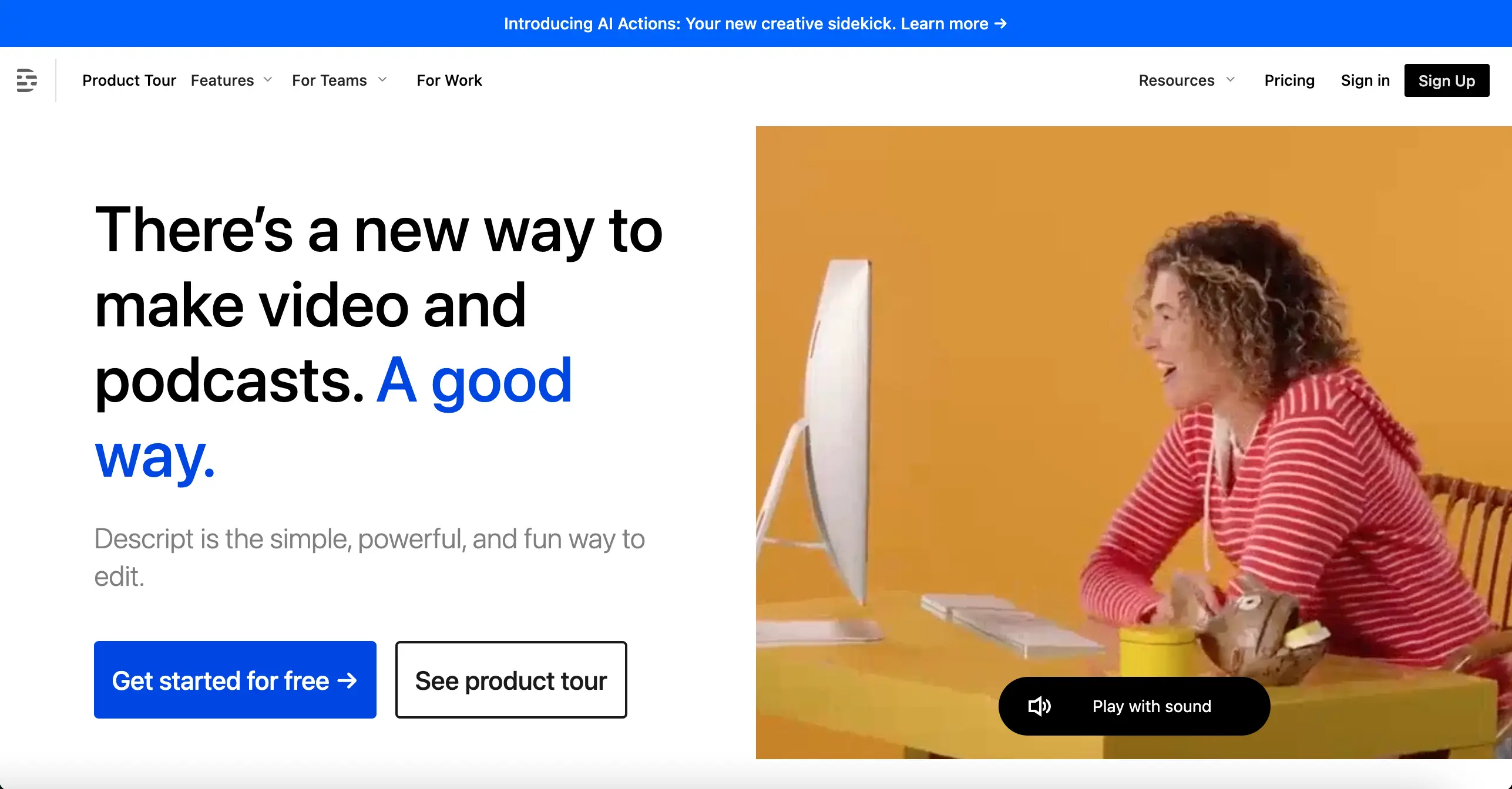
Descript is an AI-powered video and audio editing platform that allows you to edit your content just by typing. It's like a word processor for your videos and podcasts, making it easier to create, collaborate on, and share your content.
How does Descript work?
Descript transcribes your audio and video content, then lets you edit it directly within the transcript. You can easily change the text, and Descript will automatically update the corresponding audio or video. You can also use Descript's AI-powered tools to add effects, music, and other elements to your content.
What are the benefits of using Descript?
Descript can save you time and effort when editing your videos and podcasts. Its powerful AI tools make it easy to transcribe, edit, and enhance your content, whether you're a professional or just starting out.
What are some of the key features of Descript?
Descript offers a wide range of features, including:
- Transcription: Automatically transcribe your audio and video content.
- Editing: Edit your content directly within the transcript.
- Collaboration: Work with others on your projects in real-time.
- Overdub: Use AI to create a voiceover of your script with your own voice.
- Studio Sound: Automatically improve your audio quality with a variety of tools.
How is Descript different from other video and audio editing tools?
Descript is unique in its use of AI to make editing easier and faster. It's like having a personal assistant for your video and audio editing projects, which can save you a lot of time and effort.
Who is Descript for?
Descript is perfect for anyone who creates video or audio content, including:
- Podcasters
- Video creators
- Marketers
- Educators
- Journalists
- Anyone who wants to create professional-quality content without the hassle of traditional editing software.
Can I try Descript for free?
Yes, Descript offers a free trial so you can try it out before committing to a paid plan. You can also use Descript's free plan for basic editing features.
