
CusImage FAQs
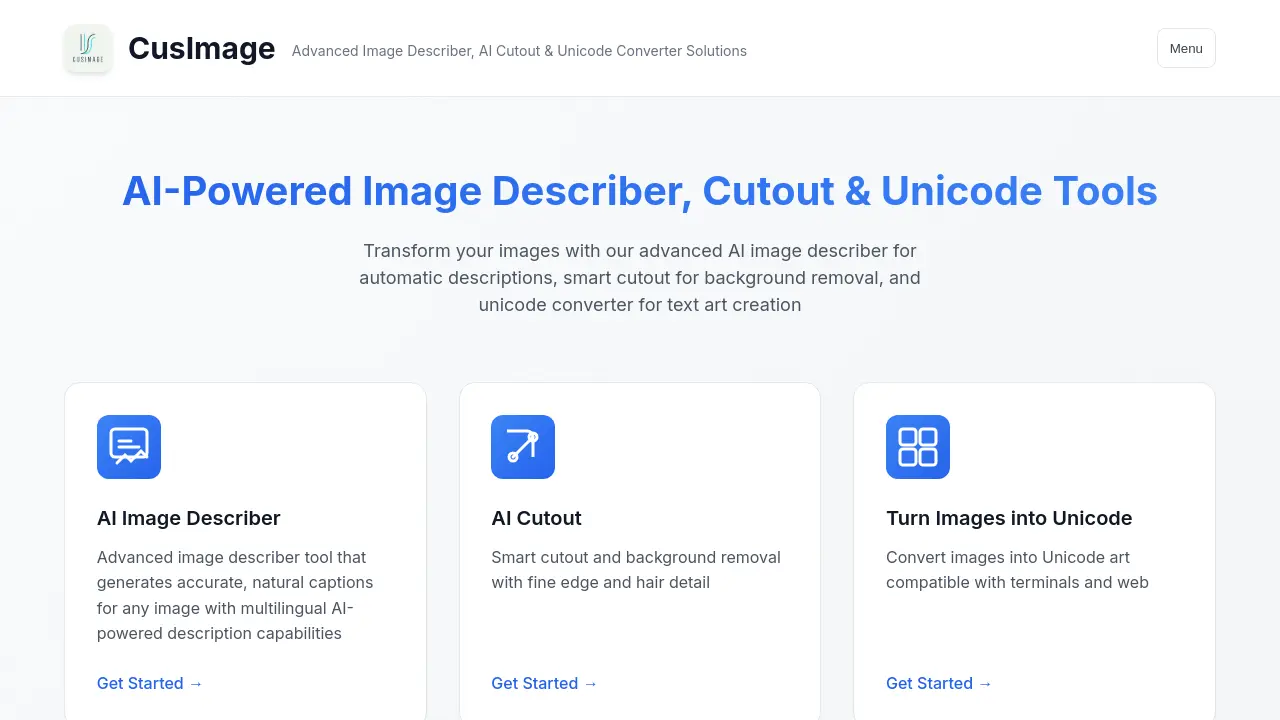
CusImage offers free AI-powered online image tools including an advanced describer for alt text, an AI cutout for background removal, and a Unicode converter.

FAQs of CusImage
What is CusImage?
CusImage offers a suite of AI-powered image tools, including an advanced image describer, smart AI cutout for background removal, and a unicode converter for creating text art from images. It also provides utilities for generating specific image types like Facebook covers and blank or black images, catering to various image manipulation needs.
What is the AI Image Describer feature?
The AI Image Describer is an advanced tool within CusImage that uses multilingual AI to generate accurate and natural language captions for any uploaded image. This feature, leveraging sophisticated cos image processing, provides descriptive text that can be beneficial for accessibility, SEO, or content creation.
How does the AI Cutout tool function?
The AI Cutout tool provides smart background removal capabilities, focusing on fine edge and hair detail. This feature, essential for clean cis images, allows users to accurately isolate subjects from their backgrounds, which is particularly useful for product photography, profile pictures, or graphic design.
What is the purpose of the "Turn Images into Unicode" tool?
The "Turn Images into Unicode" tool converts uploaded images into Unicode art. This unique feature enables the creation of text-based representations of images, which are compatible with various terminals and web platforms. It offers a creative way to display visual information in a character-based format.
Can CusImage generate specific image sizes or types?
Yes, CusImage offers tools for generating specific image assets. Users can create a 400x400 pure black image in PNG, JPG, or SVG formats, ideal for placeholders or specific design requirements. Additionally, the "Blank Image" tool allows for the creation of printable blank pages with custom grids, lines, templates, units, and DPI settings.
How to use CusImage
- Navigate to CusImage and select the desired image tool, such as the AI Image Describer, AI Cutout, or Unicode Converter.
- For the Image Describer, upload your image to receive automatically generated, multilingual descriptions of its content.
- To use AI Cutout, upload an image; the tool will precisely remove the background, preserving fine details.
- For Unicode conversion, upload an image to transform it into text-based art compatible with various platforms.
- Explore additional tools like Fb Covers for social media imagery or generate specific assets such as 400x400 black images and custom blank images.
- Download or utilize the output from the chosen CusImage tool to enhance your digital content or creative projects.
