
Create Music AI FAQs
Create Music AI is an online AI music generator that lets creators produce royalty‑free tracks, remove vocals, split stems, and edit MIDI with a commercial license.

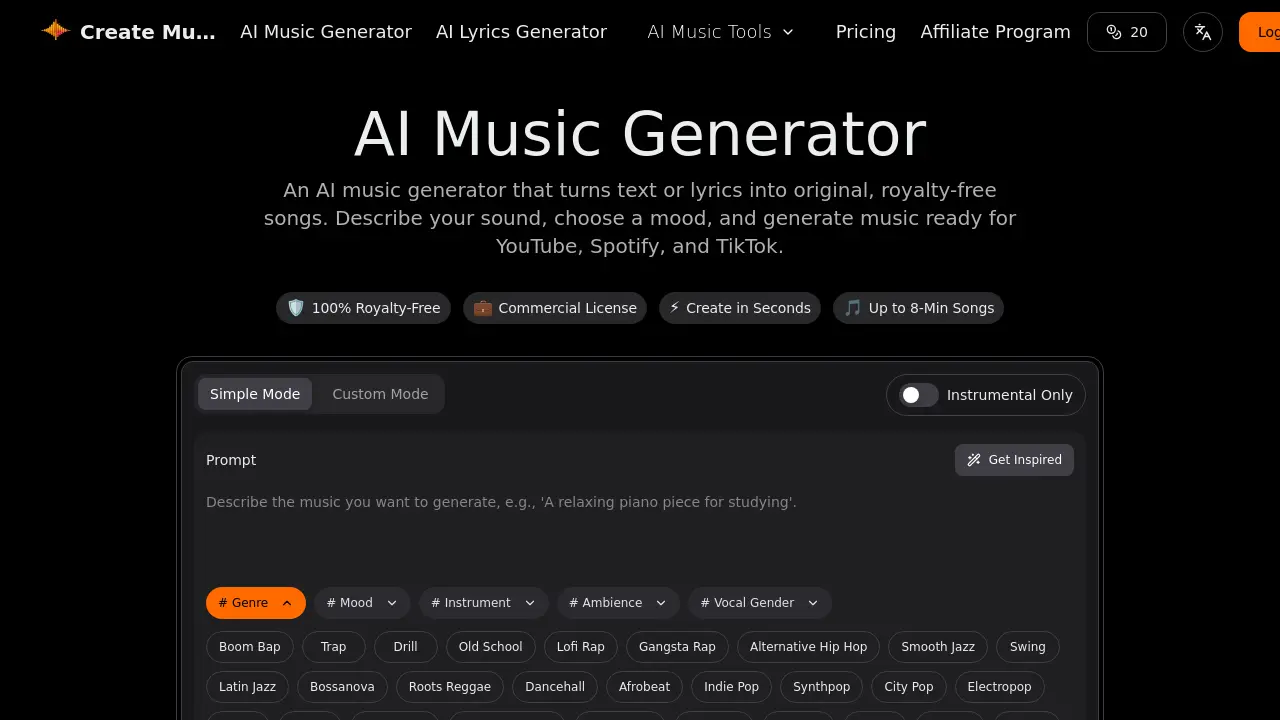
FAQs of Create Music AI
What are the differences between the free, Basic, Standard, and Premium plans?
Create Music AI offers a tiered pricing structure. The free plan allows 2 songs and 1 generation per month with basic tools and no email support. The Basic plan (≈$10.49/month) expands to 200 songs, 100 generations, 2 concurrent tasks, includes a commercial license, and provides email support. The Standard plan (≈$20.99/month) offers 500 songs, 250 generations, 5 concurrent tasks, unlimited downloads, 24/7 email support, and advanced analysis tools. The Premium plan (≈$34.99/month) delivers 1200 songs, 600 generations, 10 concurrent tasks, unlimited downloads, 24/7 email support, and the full suite of advanced features. All paid plans include a commercial license for YouTube, Spotify, TikTok, and other platforms.
Can I use the AI‑generated music for commercial advertising or marketing campaigns?
Yes. Every track generated by Create Music AI comes with a full commercial license, allowing use in advertisements, marketing videos, podcasts, films, games, and other paid media. The license covers distribution on YouTube, Spotify, TikTok, and other streaming services, and it includes a downloadable certificate for verification.
How do I obtain and use the license certificate for my generated tracks?
After downloading a track, a PDF license certificate appears in the same folder. The certificate lists the track ID, license type, and permitted uses. Keep the PDF for record‑keeping or to provide proof of rights when uploading to platforms or sharing with clients. The certificate is automatically attached to each download on all paid plans.
Is there an API or developer integration available for Create Music AI?
At present, Create Music AI does not offer a public API. Developers who need programmatic access can contact the support team to discuss custom solutions or future integration options. For now, the web interface and downloadable tools are the primary means of interaction.
Can I upload my own audio files for editing with the AI tools like vocal remover or stem splitter?
Yes. The platform allows users to upload existing audio files for processing. Once uploaded, you can apply the vocal remover, stem splitter, MIDI editor, or audio‑to‑MIDI converter. This feature is available on all paid plans and can be used to refine or remix pre‑existing tracks, making Create Music AI a versatile tool for background music creation and post‑production editing.
How to use Create Music AI
- Navigate to the AI Music Generator using the provided website link.
- Choose a creation mode (Simple, Custom, or Instrumental) to define the initial parameters.
- Enter a detailed text prompt describing your desired genre, mood, and instruments in the prompt box.
- Specify additional attributes using the hashtag selectors, such as vocal gender or ambience.
- Review the available example tracks if clarification is needed before generation.
- Initiate the process by selecting the "Generate AI Music Free" button.
- Wait for the platform to generate the song, a process that typically completes in under a minute.
- Preview the generated audio directly within the web interface.
- Download the final track as a WAV or MP3 file for personal use, which is royalty-free under the free plan.
- Upgrade to a paid plan if commercial licensing and higher generation volumes are required.
