
Banana Video AI
Banana Video AI creates video clips from text and images.

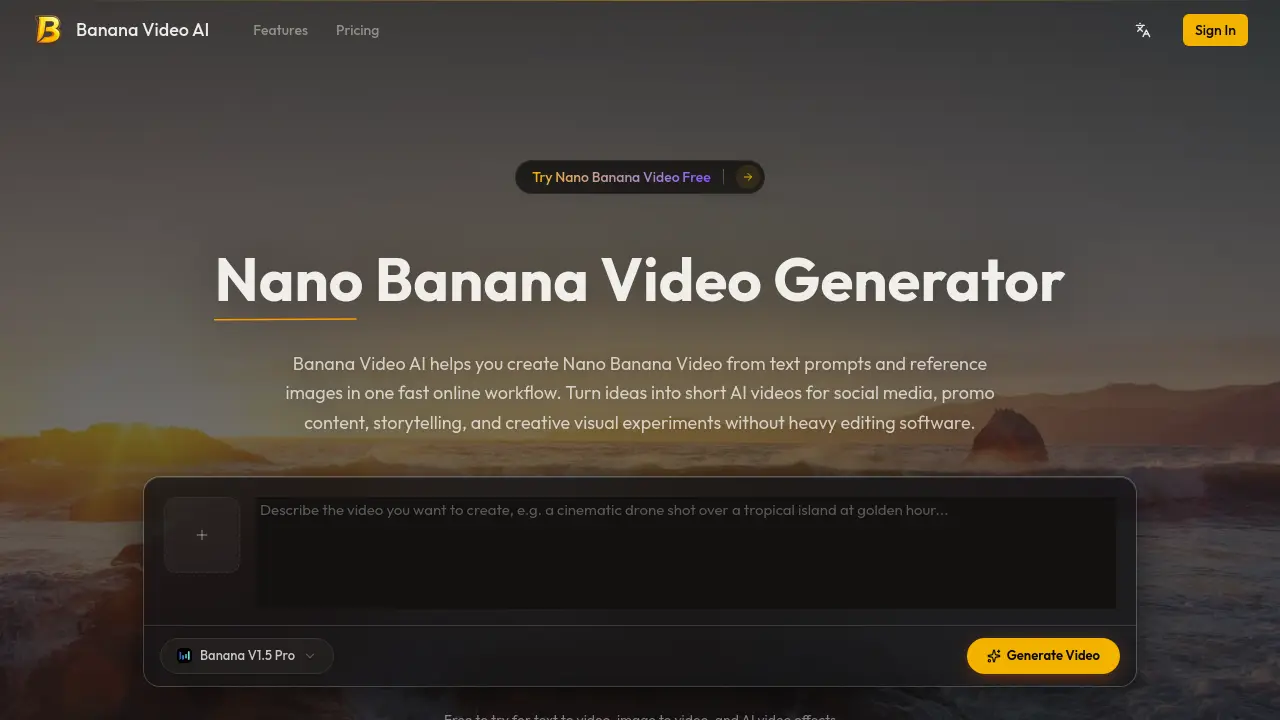
What is Banana Video AI
Banana Video AI operates as an online Nano Banana Video generator designed to transform text prompts and reference images into short AI video content. The platform streamlines production through a fast, browser-based workflow that eliminates the need for local rendering software or complex editing suites. Key functionalities include prompt-to-video generation, image-based motion synthesis, and adjustable camera dynamics. Users can control pacing, scene direction, and visual styling to produce outputs tailored for social media, marketing campaigns, and educational materials. The tool supports flexible aspect ratios and utilizes cloud-based rendering for consistent results across devices. By integrating straightforward workflows with accessible creation parameters, Banana Video AI reduces production friction and supports rapid content iteration. The platform includes a free trial tier, making it a practical resource for independent creators, educators, and marketing teams requiring efficient video asset generation.
How does Banana Video AI work
Banana Video AI functions as a cloud-based platform that converts text prompts and static images into short-form visual sequences. The system processes user inputs through an automated generation pipeline, applying algorithmic motion synthesis, camera path simulation, and scene transitions to render output videos directly within a web browser. By eliminating local software dependencies, the workflow supports prompt-to-video and image-to-video pathways while maintaining adjustable pacing and aspect ratios. This Nano Banana Video infrastructure enables iterative content development, allowing users to produce and export AI-driven materials efficiently across digital publishing channels.
Benefits of Banana Video AI
Banana Video AI provides a cloud-based generation platform that converts text prompts and reference images into short-form video content. Designed for an efficient online workflow, the tool eliminates the need for resource-heavy editing software or local hardware. Users benefit from direct prompt-to-video conversion, image-based motion synthesis, and adjustable camera pacing alongside flexible aspect ratios. The platform supports rapid content iteration for social media, promotional campaigns, educational materials, and e-commerce visuals. With browser accessibility and a free tier, Banana Video AI offers a structured solution for creators and marketing teams requiring streamlined video production.
Pros and Cons of Banana Video AI
Pros
- Text-to-video generation streamlines rapid content prototyping workflows.
- Cloud rendering removes local hardware dependencies completely.
- Browser execution works smoothly across multiple devices.
- Free tier access enables practical AI video testing.
Cons
- Output duration stays capped at short video formats.
- Continuous internet access remains mandatory for cloud rendering.
- Advanced motion controls require paid subscription upgrades.
- Visual consistency relies heavily on user input prompting.
Core Features of Banana Video AI
Text-to-Video Generation
Converts text prompts into short AI videos with integrated motion and atmospheric details, which reduces the time needed to transition from conceptual ideas to publishable media.
Image-Based Motion Conversion
Animates uploaded static images by applying directional movement and scene transitions, allowing users to repurpose existing assets for product marketing or digital storytelling projects.
Cinematic AI Effects Rendering
Applies stylized motion patterns and visual transitions to raw outputs, improving the overall production quality while eliminating the requirement for separate post-production editing software.
Motion and Camera Flow Adjustment
Provides configurable settings for scene pacing and camera trajectories, giving users technical control over spatial movement and visual continuity during the generation phase.
Cloud-Based Browser Operation
Executes all rendering processes through standard web browsers, removing hardware dependencies while supporting flexible device access for continuous iterative AI video development.
Use Cases of Banana Video AI
- Social media creators: Users leverage the AI video generation workflow to produce rapid short-form platform content.
- E-commerce managers: Teams implement image-to-video conversion to animate static product photography for digital marketing campaigns.
- Academic instructors: Educators apply browser-based rendering tools to develop concise visual explainers for digital learning modules.
FAQs of Banana Video AI
What is Banana Video AI?
Technical evaluation indicates that Banana Video AI is an online video generation platform that converts text inputs and reference images into short-form video assets. The system operates through a browser-based interface, eliminating the necessity for local processing hardware. Workflow optimization focuses on rapid iteration, making it suitable for digital content pipelines that prioritize speed and structural simplicity.
What is Nano Banana Video?
Nano Banana Video refers to the compact AI-generated video outputs produced by the platform. These files are engineered for quick distribution across social networks, promotional channels, and educational interfaces. The format maintains standardized compression and resolution metrics to ensure reliable playback across digital devices without requiring additional optimization steps by the end user.
Can the system process both text prompts and uploaded images?
Platform analysis confirms that dual input pathways are available. Users can input descriptive text prompts that define kinetic movement, environmental atmosphere, and directional framing. Alternatively, static visual files can be uploaded to initiate an image to video sequence. Both methods feed into the same generation model, producing coherent motion outputs aligned with the supplied parameters.
Is the interface accessible to users with minimal technical training?
Assessment of the user journey demonstrates a low-friction design methodology. The interface removes complex timeline editing, rendering layers, and codec management typically found in professional suites. Navigation relies on straightforward selection menus and prompt fields, allowing individuals to generate functional media without prior knowledge of nonlinear editing principles.
Does the architecture depend on local software installation?
Infrastructure review shows that all computational tasks are managed via cloud-based rendering. Consequently, users interact with the tool exclusively through standard web browsers. This configuration removes hardware dependencies, enabling consistent access across desktop, tablet, and mobile operating systems with only a stable internet connection required for continuous operation.
Which display aspect ratios are supported during generation?
Technical specifications outline compatibility with landscape, portrait, and square frame dimensions. This parameter flexibility allows generated files to match technical requirements for platforms such as YouTube, TikTok, Instagram, and embedded web players. Aspect ratio configuration occurs at the initialization stage of the generation pipeline.
How does the platform address commercial and educational content requirements?
Use case documentation highlights applicability across ecommerce product showcases, digital marketing campaigns, academic explainers, and narrative sequencing. The output quality and generation speed align with organizational workflows that demand scalable content volume. Team access features further facilitate collaborative project management and iterative review cycles.
What constitutes the standard generation workflow sequence?
Process mapping identifies four sequential operations. Initial configuration involves selecting the input modality. Subsequently, users define motion parameters or supply reference assets. The generation command is then executed through the browser interface, triggering cloud processing. Final outputs are delivered for immediate download and external distribution across designated channels.
Does the service include a pre-payment evaluation period?
Service tier analysis indicates the availability of an introductory access level. This tier permits exploration of core text to video and image to video capabilities prior to financial commitment. The evaluation phase provides sufficient data for users to verify output consistency, interface responsiveness, and integration suitability for existing production standards.
How does the system maintain visual consistency during scene transitions?
Algorithmic review shows that motion control parameters regulate pacing, camera trajectory, and transition dynamics. These variables stabilize frame interpolation and reduce temporal artifacts during movement sequences. The resulting output demonstrates improved structural coherence, minimizing the need for external post-production stabilization or color grading adjustments.
How to use Banana Video AI
The Banana Video AI platform functions as a specialized computational environment designed for automated short-form media synthesis. This Nano Banana Video generator processes textual narratives and static imagery through machine learning architectures to produce dynamic visual sequences. Primary capabilities encompass text to video transformation, image-based motion simulation, algorithmic camera flow adjustment, and cloud-based rendering pipelines. These features collectively eliminate dependencies on localized video editing suites while maintaining scalable output quality.
- Operators initiate the Banana Video AI workflow by accessing the interface and selecting either textual input, image references, or predefined visual effects.
- Users input descriptive parameters or static visuals to properly establish scene dynamics, lighting conditions, stylistic frameworks, and preferred camera movement trajectories.
- System processing activates upon command execution, directing cloud infrastructure to render the specified frame sequence while calculating motion vectors and transition pathways.
- Rendered files transfer to the digital workspace, enabling teams to evaluate output quality, verify aspect ratio compliance, and prepare assets for distribution.
Post-generation analysis requires systematic evaluation of interpolation accuracy and temporal consistency against initial creative directives. Analysts verify pacing alignment and visual fidelity to determine platform suitability before deployment. High-quality outputs integrate directly into digital marketing pipelines, supporting rapid iteration cycles for social media campaigns, educational modules, and e-commerce product showcases. The automated architecture reduces manual post-production overhead, allowing content strategists to reallocate technical resources toward audience engagement metrics and narrative optimization. Continuous data tracking and comparative testing refine future prompt engineering, ensuring sustained alignment with algorithmic distribution standards and viewer retention objectives.
