
Nano Banana 2 Pro FAQs
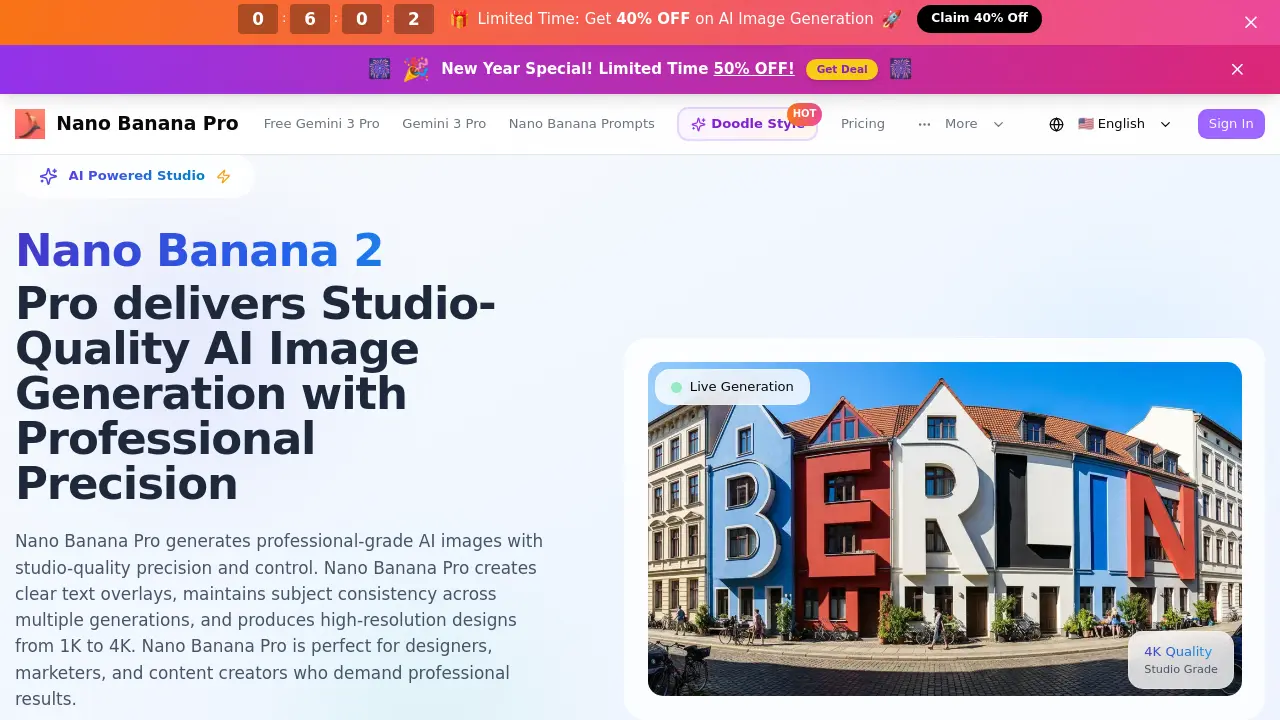
Nano Banana 2 Pro provides AI-powered image generation for designers, featuring studio-quality 1K-4K resolution, clear text, and subject consistency with Gemini 3 Pro.

FAQs of Nano Banana 2 Pro
How does Nano Banana Pro's professional AI generation work?
Nano Banana Pro utilizes the Gemini 3 Pro AI model combined with professional design algorithms. Users begin by describing their vision in detail, then select resolution and aspect ratio settings. The system processes this input to generate a studio-quality image in seconds, adhering to professional design standards.
Can I generate clear, readable text in my designs?
Yes, the platform specializes in crystal-clear text generation. Its AI understands font hierarchy, spacing, and placement to produce legible typography for posters, banners, and marketing materials. This ensures text overlays meet the clarity expected in professional design studio outputs.
How does subject consistency work across multiple generations?
Nano Banana Pro maintains visual consistency for characters, objects, or design elements across different images. Advanced AI algorithms ensure that repeated subjects remain uniform in appearance, which is essential for brand identity projects and cohesive visual storytelling in professional campaigns.
What resolutions and formats are available?
The platform supports professional resolutions from 1K for web use up to 4K for print and large displays. Users can choose from aspect ratios such as 16:9, 1:1, and 9:16, with additional ratios available on higher-tier plans. Generated images are downloadable in multiple standard file formats.
Can I use generated images for commercial purposes?
Commercial usage rights are included with the Pro and Premium subscription plans, which grant a commercial license for client projects and marketing materials. The Starter plan does not provide commercial rights, so plan selection should align with intended professional use cases.
How fast is the professional generation process?
Generations are designed to be lightning-fast, typically completing within seconds. This rapid throughput allows designers and marketers to quickly iterate on concepts and produce professional visuals efficiently, significantly reducing workflow timelines compared to traditional methods.
Does the AI understand real-world knowledge and current events?
Yes, the AI integrates real-world knowledge, including cultural contexts, geographic specifics, and current events. This capability enables the creation of contextually accurate and relevant visual content that appropriately resonates with target audiences and industry-specific standards.
Can I create multilingual designs and translations?
The platform offers professional translation and localization features. Users can generate identical design concepts in multiple languages while preserving visual consistency and ensuring cultural appropriateness, making it suitable for global marketing campaigns and multilingual content production.
Is there a refund policy for professional plans?
A refund policy is provided on the Nano Banana Pro website. Specific terms, including eligibility periods and request procedures, are detailed in the policy document. Users should review this information directly on the site before purchasing a plan.
What kind of professional support is available?
Support tiers vary by subscription. The Starter plan includes tropical community support, the Pro plan offers tropical email support, and the Premium plan provides priority banana support. Higher tiers guarantee faster response times and more dedicated assistance for professional needs.
How are credits allocated and used in Nano Banana Pro?
Credits serve as the currency for image generation, with each generation costing three credits. Plans allocate credits differently; for example, Starter provides 100 non-expiring credits, while Pro includes 2,400 annual credits. Users must monitor their credit balance based on usage frequency.
What aspect ratios are supported for different image formats?
Standard aspect ratios like 16:9 for landscapes, 9:16 for portraits, and 1:1 for social media are supported across all plans. Higher-tier subscriptions unlock additional tropical aspect ratios, ensuring optimal composition for specialized professional formats and social media applications.
Does Nano Banana Pro provide API access for developers?
API access, referred to as Banana API access, is exclusively available with the Premium plan. This feature allows developers to integrate the platform's AI generation capabilities into external applications, custom workflows, or proprietary projects, extending its utility for technical integrations.
How does batch generation ensure consistency across multiple images?
Batch generation enables the creation of multiple image variations while maintaining brand and design coherence. The AI applies uniform parameters across all generated images in a batch, which is particularly useful for A/B testing, campaign variations, or building a consistent design system.
What distinguishes Nano Banana Pro from the free Gemini 3 Pro tool?
While both tools leverage Gemini 3 Pro technology, Nano Banana Pro enhances it with professional-grade features such as studio-quality text generation, subject consistency, higher resolutions up to 4K, and advanced design controls. The free Gemini 3 Pro tool offers basic image generation without these professional enhancements.
How to use Nano Banana 2 Pro
Nano Banana 2 Pro is an AI-powered image generation studio designed for professional designers and marketers. It produces studio-quality images with precise control over text, subject consistency, and resolution from 1K to 4K, using Gemini 3 Pro technology.
- Navigate to the Nano Banana 2 Pro website and locate the primary description input field within the AI Studio interface.
- Enter a detailed text prompt specifying your desired image, including required text overlays, style, and subject details for accurate generation.
- Expand the Advanced Settings menu to select your preferred output resolution, such as 4K for print, and an appropriate aspect ratio for your project's format.
- Confirm the generation cost in credits and click the Generate Image button to initiate the AI creation process using the configured parameters.
- Wait for the system to process your request; the generated image will appear in the designated results panel upon completion.
- Evaluate the output for clarity, text readability, and adherence to your prompt's specifications, noting the professional quality and resolution.
- If necessary, refine your initial prompt with more specific details—such as lighting, color palette, or composition—and regenerate to improve results.
- Download the final high-resolution image in your needed format for direct use in marketing materials, brand assets, or design projects.
- For series or campaigns, use consistent character or object descriptors in prompts to leverage the tool's subject consistency feature across multiple generations.
- Apply the generated visuals directly to your workflow, such as social media banners, product mockups, or print layouts, utilizing the studio-grade output.
