
Audjust AI FAQs
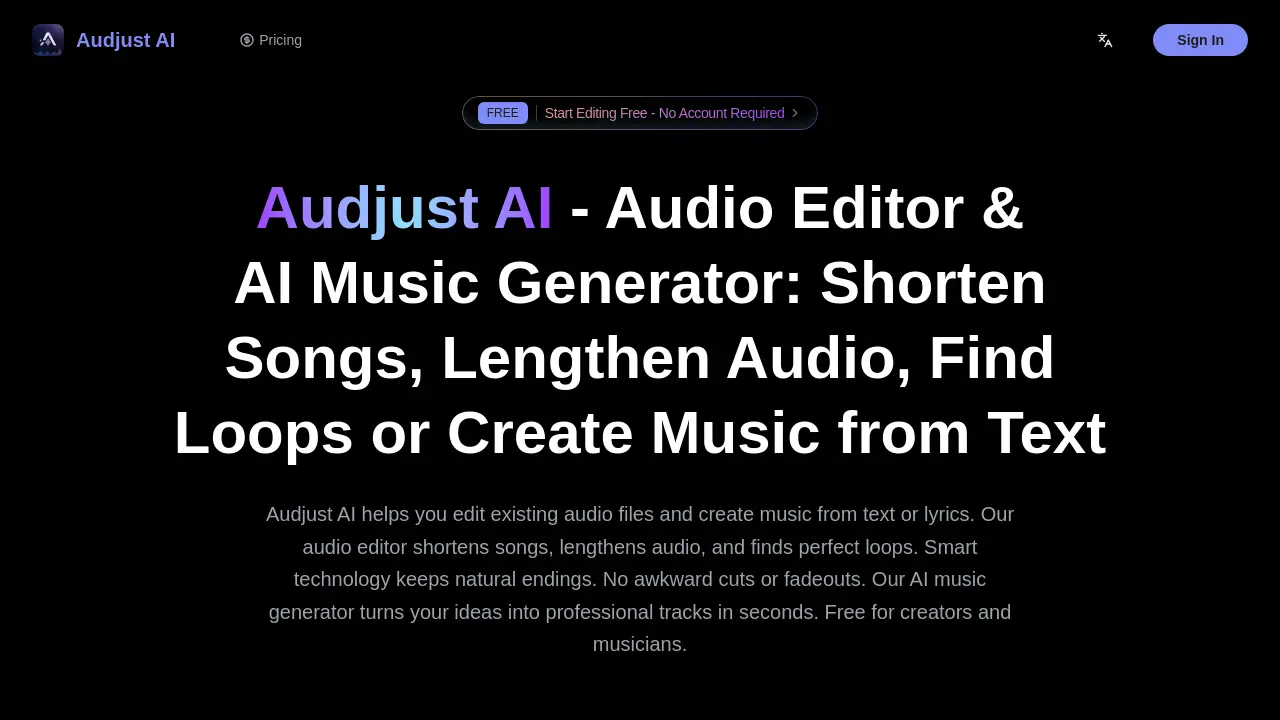
Audjust AI helps creators edit audio and generate music with AI by shortening songs, lengthening audio, finding loops, and creating tracks from text.

FAQs of Audjust AI
What is Audjust AI?
Audjust AI is an intelligent audio editor and AI music generator that allows users to shorten songs, lengthen audio, find seamless loops, and create music from text or images. It employs advanced algorithms to preserve musical structure and natural endings during edits, serving content creators, musicians, and producers for platforms like TikTok, Instagram Reels, and professional projects.
How does Audjust AI shorten songs?
Audjust AI shortens songs by analyzing audio to identify optimal edit points that maintain musical integrity. The AI preserves key sections like choruses and bridges while ensuring transitions sound intentional, avoiding abrupt cuts or fadeouts. This process delivers professionally edited tracks suitable for social media or other time-constrained applications.
Can Audjust AI lengthen audio files?
Yes, Audjust AI can lengthen audio by detecting natural loop points and musical patterns to extend tracks seamlessly. The technology adds length without creating noticeable repetition, making it ideal for extending background music, creating longer versions for videos, or developing extended mixes while retaining original flow.
How do I find loops with Audjust AI?
To find loops, users upload an audio file, and Audjust AI's algorithm scans the entire track to identify perfect loop points based on musical transitions and patterns. Detected loops are previewable, allowing producers, DJs, and creators to quickly find seamless segments for sampling, remixing, or content creation without manual searching.
What audio formats does Audjust AI support?
Audjust AI supports common audio formats including MP3, WAV, M4A, OGG, and FLAC. Users can upload any of these file types directly through the web-based interface for editing, loop detection, or AI music generation, ensuring compatibility with a wide range of audio sources from various devices and software.
Is Audjust AI really free?
Audjust AI offers core audio editing features—such as shortening, lengthening, and loop detection—completely free with no hidden costs, subscriptions, or account requirements. Users can access these tools indefinitely without a credit card, though premium plans with additional features like AI music generation credits are available for advanced needs.
Do I need to download software to use Audjust AI?
No, Audjust AI operates entirely within a web browser, requiring no downloads or installations. The online audio editor and music generator are accessible from any device with internet connectivity, providing immediate access to its tools without local software setup or system compatibility concerns.
Can I use Audjust AI for TikTok videos?
Yes, Audjust AI is optimized for TikTok audio editing. It efficiently shortens songs to fit TikTok's duration limits and finds seamless loops, helping creators produce engaging content with professional-sounding audio that aligns with platform specifications and trends.
Can I use Audjust AI for Instagram Reels?
Audjust AI effectively adapts audio for Instagram Reels by shortening tracks or extracting perfect loops to match Reel lengths. This ensures Reels have polished, natural-sounding audio without awkward edits, enhancing the overall quality and viewer experience for Instagram content.
How long does it take to edit audio with Audjust AI?
Audio edits with Audjust AI are typically processed within seconds due to AI-powered algorithms. Users upload a file, select an action like shorten or find loops, and receive results almost instantly, significantly reducing manual editing time while maintaining professional output quality.
Can I use Audjust AI for music production?
Professional producers utilize Audjust AI for tasks like discovering seamless loops for sampling, identifying edit points, and creating track variations. Its loop detection and AI editing tools integrate into production workflows with digital audio workstations such as FL Studio, Ableton, and Logic Pro, aiding beat-making and remixing.
Does Audjust AI work on mobile phones?
Yes, Audjust AI's web-based platform is mobile-friendly and functions on any device with a browser, including smartphones and tablets. This allows users to edit audio or generate music on the go without being restricted to desktop computers.
How does Audjust AI generate music from text or lyrics?
Audjust AI's music generator uses artificial intelligence to convert text prompts, lyrics, or images into complete musical tracks. The system analyzes input for genre, mood, and structure, then produces professional-quality audio with vocals, instruments, and full production. Users can customize elements like tempo and instrumentation, resulting in royalty-free music for diverse creative applications.
What are the differences between the Lite, Pro, and Premium plans?
The Lite plan ($14/month) provides essential audio editing tools with unlimited exports and commercial use. The Pro plan ($35/month) adds 600 monthly credits for AI music generation, advanced MIDI editing, and batch processing. The Premium plan ($79/month) includes unlimited AI music generation, API access, custom audio models, and master-quality exports, tailored for high-volume professional needs.
How does the credits system work for AI music generation?
Credits are consumed per AI music generation based on track length and complexity. Paid plans include monthly credits—600 for Pro and 3000 for Premium—with the option to purchase extra credit packs. All credits expire one year after acquisition, allowing flexible use across multiple projects without subscription pressure.
Is the music generated by Audjust AI royalty-free?
All music created via Audjust AI is 100% royalty-free, granting users full ownership and commercial rights. Generated tracks can be used in videos, podcasts, games, advertisements, and other projects without licensing fees or royalties, providing legal security for monetized content.
Can I convert existing audio to MIDI using Audjust AI?
Yes, the MIDI Editor in Audjust AI converts audio files to MIDI format by extracting melodies and chords. This facilitates remixing, precise tempo and key adjustments, and integration with digital audio workstations. The tool supports custom melody generation and harmony adjustments, enhancing production flexibility.
How to use Audjust AI
- Audjust AI functions as an AI audio editor and music generator, enabling users to modify song length, detect seamless loops, or create tracks from text, lyrics, or images.
- Users begin by uploading an audio file via drag-and-drop or URL input, with support for common formats like MP3, WAV, M4A, and FLAC.
- For editing, users select shorten or lengthen and specify a target duration, or activate loop detection for the AI to identify perfect segment boundaries.
- To generate music, users input lyrics or a descriptive text prompt, then choose genre, mood, instruments, and whether to include vocals.
- The AI processes the request, applying intelligent algorithms to edit audio while preserving structure or to compose a full, production-ready track.
- Users preview the results: edited files avoid awkward cuts by maintaining natural endings, while generated music includes complete instrumentation and vocals.
- Final audio is downloadable in high quality or shareable directly; all AI-generated music remains royalty-free for commercial and personal use.
